Can You Install A VPN Directly In Your Router?
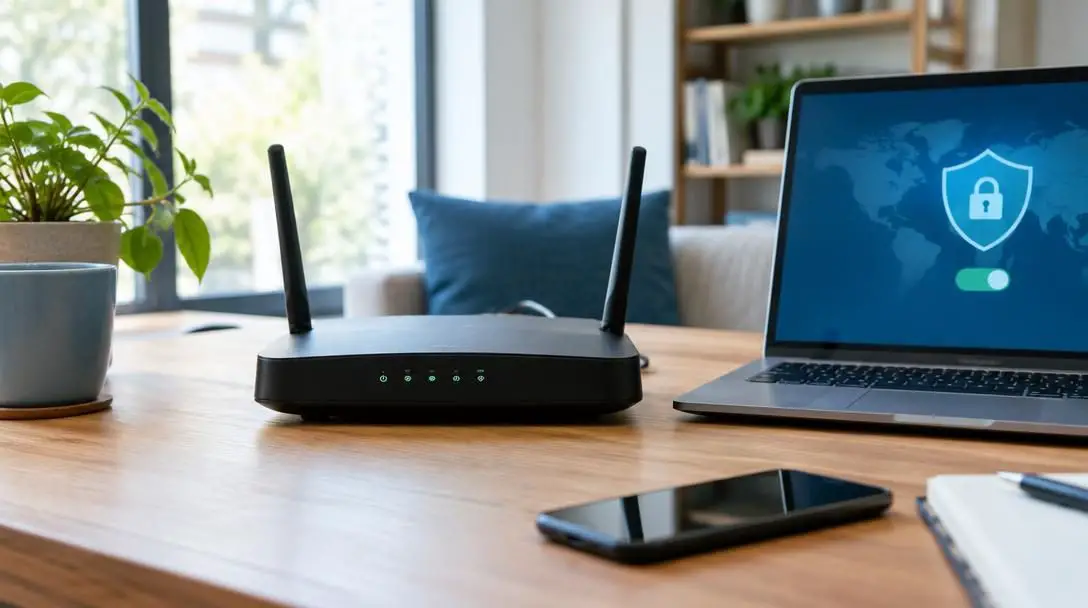
Installing a virtual private network (VPN) directly onto your home router is one of the most comprehensive ways to secure an entire household's internet traffic. Rather than setting up individual applications on every computer, tablet, and smartphone in your home, configuring the security tunnel at the gateway level redefines how every piece of hardware under your roof communicates with the wider web.
However, running a router-based VPN is not a universal fix for digital privacy. The process shifts the baseline behavior of your home local area network, introducing distinct operational trade-offs, configuration challenges, and hardware limitations. Understanding how a router VPN functions—and where its protection stops—is essential before overhauling your networking equipment.
Key takeaways
- A router-level VPN automatically encrypts all outgoing internet traffic for every device connected to your local network, including smart TVs and smart home hardware.
- Local wireless transmissions between your device and the router are not encrypted by the VPN tunnel itself, making strong Wi-Fi password protection vital.
- A home router VPN provides zero protection when you take laptops or smartphones outside the house onto public Wi-Fi networks.
- Running an individual VPN app on a phone while connected to a VPN-enabled router creates an overlapping connection that degrades internet speed and performance.
- Hardware supplied directly by internet service providers is generally locked down and incompatible with custom router VPN configurations.
How Virtual Private Networks and Routers Work Together
To evaluate whether a central deployment makes sense, it helps to review the core mechanics of standard private networks. In a typical setup, a VPN client establishes an encrypted channel between your device and an off-site server operated by the VPN provider. All outgoing data passes through this secured tunnel, preventing external observers and your internet service provider (ISP) from inspecting your browsing requests. When your data exits the remote server to access destination sites, those external websites see only the remote server's IP address and identity, masking your actual physical location.
In standard home configurations, routers serve as gatekeepers. The router routes data packets back and forth between internal hardware and the broader internet. When you install a VPN directly onto this gatekeeper, the gateway itself becomes the starting point of the encrypted tunnel. Instead of creating isolated tunnels from separate laptops and phones, the router packages and encrypts the combined stream of household data before releasing it to your ISP.
Placing the software layer directly onto the router redefines the gateway itself as the starting point of the secure tunnel, altering the baseline privacy of the entire household.
Key Advantages of a Router-Level VPN
Centralizing your encrypted connection at the network hub alters your household's day-to-day security profile in several significant ways.
Blanket Coverage for All Household Devices
In an ordinary environment, every piece of consumer hardware requires its own dedicated software installation. Many household devices, including smart home sensors, streaming consoles, smart appliances, and smart TVs, do not support native VPN applications. By moving the encryption client to the router, every connected gadget receives the benefits of an encrypted tunnel automatically. Devices simply route their traffic through the gateway as normal, and the router handles the encryption transparently.
Automatic Protection for Guests
When friends or family connect to your home Wi-Fi network, their data traffic is instantly directed through the router's active VPN tunnel. Visitors do not need to install specialized tools, configure custom profiles, or possess their own independent VPN subscriptions to browse through a protected connection while on your premises.
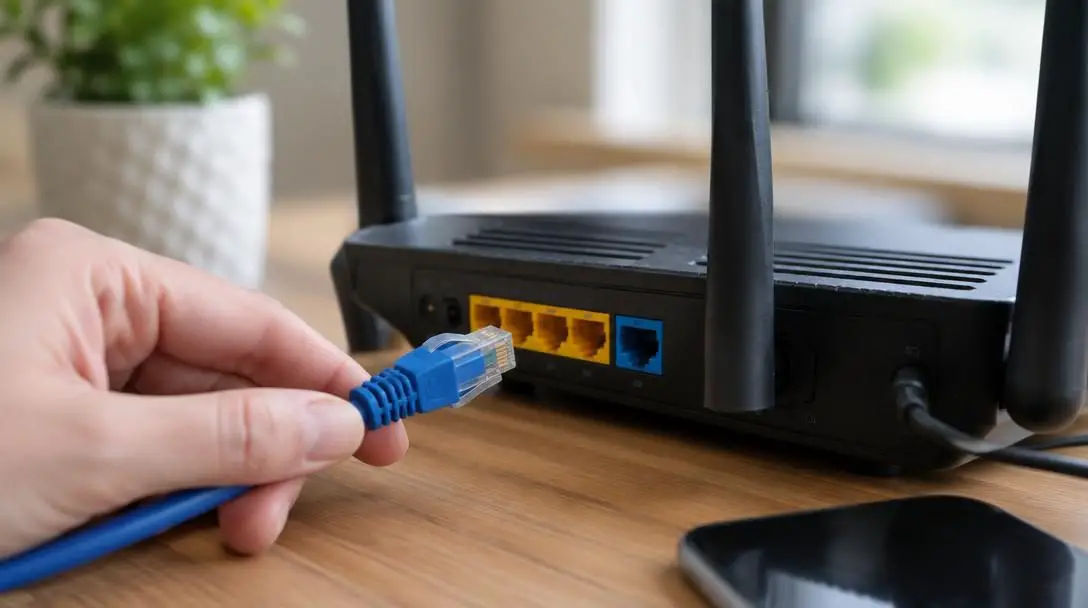
Always-On Gateway Security
Individual software clients are prone to human oversight. Users frequently forget to activate their applications, disable them during resource-heavy tasks, or encounter background software crashes that expose their unencrypted IP address. A router VPN operates continuously in the background, ensuring that no device reaches the open web in an unencrypted state while connected to your home network.
Trade-offs and Practical Limitations to Keep in Mind
While blanket protection sounds ideal, configuring a VPN on your central networking hub introduces notable constraints that make it impractical for some households.
The most critical limitation of a router-level deployment is the lack of portability. The encryption tunnel exists solely at your physical residence. When you take a smartphone or laptop to a coffee shop, hotel, or airport, that device connects to an external local network without any of your home router's protections. Because public Wi-Fi hotspots frequently feature lax security, leaving home without a dedicated mobile VPN application creates a serious privacy gap.
Management complexity is another major hurdle. Desktop and mobile VPN clients offer clean graphical dashboards with simple on/off switches and quick server selectors. In contrast, managing a router VPN often requires accessing administrative control panels or using advanced command-line tools like Windows PowerShell to modify scripts or enter text-based instructions. Switching server locations to bypass geo-restrictions can become a multi-step chore rather than a single click.
Finally, router hardware limitations can constrain your overall connection speed. Encryption algorithms require processing power. Consumer routers with modest internal processors may struggle to encrypt and decrypt high-speed network traffic continuously, resulting in noticeable latency or reduced throughput across your entire household.
Comparing Deployment Options: Device, Router, and Dual Router
Depending on your household's technical needs and equipment, you can implement VPN protection at the individual device level, across the primary router, or through a hybrid setup using two distinct routers.
| Deployment Method | Network Coverage | Public Wi-Fi Safety | Smart Home (IoT) Support | Management Complexity |
|---|---|---|---|---|
| Standalone Device VPN | Single device only | Full protection anywhere | None (apps unsupported) | Low (graphical app toggle) |
| Single Router VPN | Entire household network | None away from home | Full automatic protection | High (admin panels / CLI) |
| Dual-Router Setup | Selective by network | None away from home | Full on VPN router | Moderate to High (two subnets) |
Step-by-Step Guide to Installing a VPN on Your Router
Deploying a VPN on your networking hub requires systematic preparation. Because installation steps differ across manufacturers, follow these core steps to ensure a functional setup:
- Verify router hardware capabilities: Check your router's specifications to determine if it natively supports VPN client configurations. Some high-end networking hubs include preinstalled VPN functionality out of the box, whereas standard consumer models and hardware supplied by ISPs usually lack native software support for third-party VPN tunnels.
- Confirm VPN service compatibility: Search your VPN provider's technical documentation to verify that it supports your specific router make and model. Leading providers publish dedicated compatibility tables along with tailored firmware configuration profiles.
- Access the administrative interface: Open a web browser on a connected computer and enter your router's local gateway address to access the dashboard. For advanced routers requiring manual script configuration, you may need to establish an administrative session using command-line tools like Windows PowerShell.
- Enter network credentials and configuration files: Locate the VPN or client tunneling tab within the router settings. Upload the configuration files supplied by your provider, specify your preferred encryption protocol parameters, and enter your account credentials to initialize the outward connection.
- Configure standalone software for travel: Install dedicated standalone software on all mobile equipment, such as phones and laptops, ensuring they remain encrypted when traveling beyond your home network.
Managing Devices Outside the Home and Avoiding Double-VPN Issues
Because a router setup cannot travel with you, many users maintain independent VPN applications on their portable devices. While this ensures protection on public Wi-Fi, it creates a distinct operational conflict when returning home: the overlapping VPN problem.
If your laptop or smartphone has an active VPN app running while connecting to a home router that is also routing traffic through a VPN, your data gets encapsulated twice. This double-layer routing introduces heavy processing overhead, slows down connection speeds, increases latency, and can cause basic website requests to fail or time out entirely. To prevent performance loss, you must manually disconnect the individual device client whenever you rejoin your home Wi-Fi.
Common Mistakes When Setting Up a Router VPN
Configuring network-wide privacy involves several technical moving parts. Steer clear of these frequent pitfalls to maintain a fast, stable connection:
- Attempting configuration on ISP equipment: Modems and gateway units provided directly by internet service providers are almost always locked to proprietary firmware. Attempting to install third-party VPN tunnels on these units is generally impossible without bridging to a secondary, customer-owned router.
- Assuming away-from-home protection: Users often believe that securing the home router shields their mobile hardware everywhere. A router VPN only processes packets that pass through its local access point.
- Ignoring local Wi-Fi security: Because the VPN tunnel originates at the router, transmissions moving through the air between your laptop and your router are not shielded by the VPN. Failing to set a strong, modern WPA Wi-Fi password leaves local data open to nearby monitoring.
- Stacking encryption clients unintentionally: Forgetting to deactivate mobile VPN clients when returning home leads to sluggish performance, unexpected disconnects, and conflicting DNS requests.
- Overlooking protocol restrictions: Certain routers restrict which encryption protocols they can process. Forcing an incompatible protocol can crash router services or prevent the tunnel from establishing.
Frequently asked questions
Does a router VPN protect my phone when I am using public Wi-Fi?
No. A router VPN only protects traffic that physically or wirelessly passes through your home router. Once your phone disconnects from your home Wi-Fi and connects to an outside network, such as in a cafe or airport, you must run a dedicated mobile VPN application to remain encrypted.
Can I install a VPN directly onto the router provided by my ISP?
In almost all cases, no. Internet service providers use locked-down firmware on their standard rental equipment that does not support third-party VPN configurations. To use a router VPN, you typically need to connect a compatible, user-purchased router to the ISP unit.
Is local Wi-Fi traffic encrypted between my laptop and the router?
The VPN tunnel itself only encrypts data starting from the router out toward the remote VPN server. The wireless link between your device and the router relies strictly on your home Wi-Fi password security, making strong local network encryption essential.
What causes slow speeds when using an individual VPN app at home?
If your router has an active VPN and you also activate a standalone VPN app on your phone or laptop, your data is encrypted twice. This overlapping VPN creates substantial network overhead, resulting in noticeable speed drops and potential connectivity failures.
Why would someone use a dual-router configuration?
A dual-router setup allows you to run one router with an active VPN for devices that cannot run apps (like smart TVs and IoT hardware) while keeping a second router unencrypted for gaming, devices running standalone VPN clients, or activities requiring maximum speed.
The bottom line
Installing a VPN directly on your router provides an effective way to secure every gadget in your home under a single encrypted umbrella. It simplifies coverage for smart TVs, connected home appliances, and visiting guests without requiring software downloads on each individual screen. However, this convenience comes with technical compromises: you lose mobile security outside the home, face more complex management interfaces, and risk speed degradation if devices run overlapping software tunnels.
For households with extensive smart device ecosystems, a router-level deployment or dual-router configuration provides robust, centralized protection. For users primarily seeking privacy on laptops and phones while commuting or traveling, standard standalone VPN applications remain the simpler, more versatile solution.