Gear Up Your Home Office to Aid Productivity
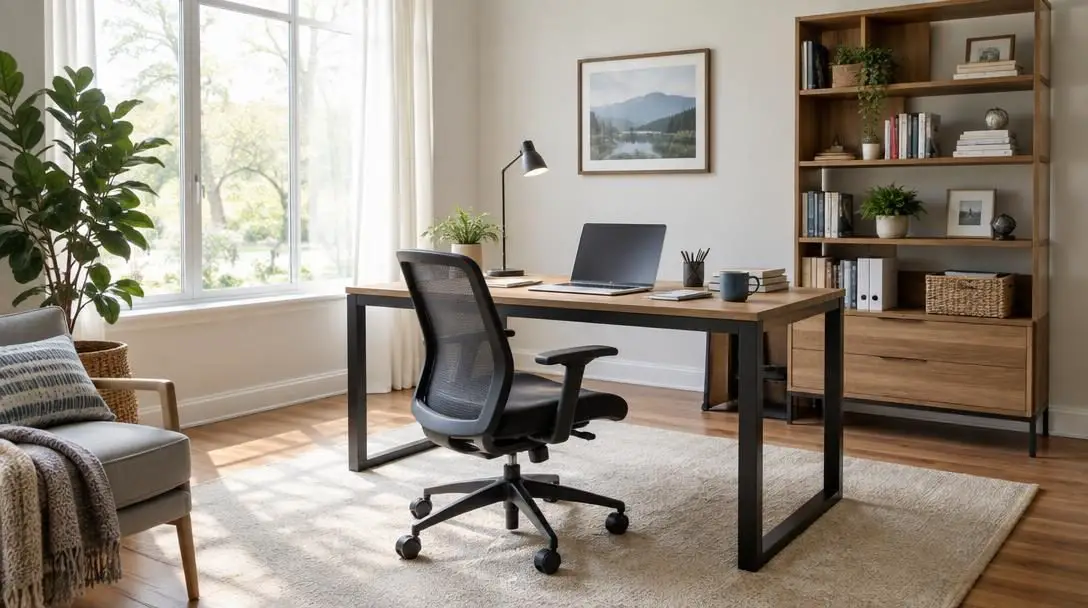
Working remotely has rapidly transformed from an occasional employment perk into a standard operating model for millions of professionals. According to a 2021 Gallup poll, 45% of full-time workers in the United States work remotely either all or part of the time. While bypassing a congested daily commute and working within a familiar domestic setting provides extraordinary flexibility, the reality of home-based work brings distinct hurdles that can quickly erode personal motivation and professional efficiency.
In conventional commercial environments, corporate facilities are designed intentionally around human labor and operational demands. Workstations accommodate specialized computer peripherals, ergonomic seating cushions long hours of seated focus, and acoustic buffers keep ambient distractions contained. At home, however, many professionals attempt to tackle rigorous workloads from makeshift headquarters, drafting kitchen tables, living room couches, and corner bedrooms into service. Over time, trying to maintain high output in spaces not built for continuous office labor takes a serious toll on physical well-being, visual stamina, and cognitive focus.
Key takeaways
- According to a 2021 Gallup poll, 45% of full-time United States employees perform their duties from home at least part of the time.
- Impromptu home setups cause physical discomfort and sensory fatigue that divert vital mental energy away from core work tasks.
- Upgrading to an adjustable ergonomic chair or a versatile standing desk provides the spinal alignment necessary to prevent chronic neck and back aches.
- Managing acoustic disruptions with noise-canceling headphones or white noise recordings boosts creative problem-solving and relieves daily work stress.
- Balancing natural sunlight with adjustable shades and shadow-free desk lamps prevents severe eye strain and preserves daytime alertness.
The Hidden Cognitive Cost of Makeshift Workspaces
To design an effective home workspace, you must first recognize the deep link between your physical working environment and your mental stamina. The brain and body operate as a unified system throughout the workday. When your workstation forces your frame into unnatural postures, exposes your ears to erratic household noises, or subjects your eyes to dim light or blinding glare, your neurological bandwidth suffers. Instead of dedicating your full cognitive reserves to complex projects, creative problem-solving, and critical thinking, your brain constantly burns energy managing baseline physical tension and sensory fatigue.
Standard household furniture is designed for brief interludes of relaxation, socializing, or eating, not for the physical demands of an eight-hour professional day. A dining chair lacks the lumbar curve and customizable adjustments required to stabilize the spine, meaning the structural muscles across your lower back, neck, and shoulder blades must stay constantly engaged just to keep your body upright. This low-grade, persistent muscle contraction generates stiffness, fatigue, and persistent aches that subtly pull your focus away from your professional duties.
Environmental conditions within the home exert an equally powerful influence over your daily productivity. Unlike corporate office buildings equipped with acoustic ceiling baffles and regulated fluorescent arrays, domestic environments present erratic soundscapes and unpredictable lighting shifts. Barking family pets, active children, and outdoor traffic regularly disrupt deep focus. Simultaneously, unshaded windows generate harsh screen reflections, and weak overhead light fixtures cause persistent eye fatigue. Transforming a home office from a source of friction into an engine of productivity requires deliberate equipment upgrades.
When your physical setup causes discomfort, sensory overload, or eye strain, your mental energy is redirected from completing professional tasks to managing irritation and fatigue.
Essential Equipment Upgrades for Comfort and Focus
Refining a remote workspace does not mean spending thousands of dollars on immediate architectural renovations. Instead, targeting high-impact gear categories allows you to eliminate physical strain, minimize auditory interruptions, and maintain peak visual comfort throughout long workdays.
| Workspace Gear | Core Operational Function | Primary Focus and Health Benefit | Accessible Low-Cost Alternative |
|---|---|---|---|
| Adjustable Ergonomic Chair | Customized spinal and pelvic support | Prevents lower back aches and neck stiffness | Supportive cushions with posture adjustments |
| Standing Desk | Dynamic seated-to-standing transitions | Interrupts prolonged sitting and boosts posture variation | Elevated tabletop risers or work surfaces |
| Ergonomic Keyboard | Neutral wrist and forearm alignment | Reduces tendon strain and risks of carpal tunnel syndrome | Scheduled rest breaks and posture awareness |
| Noise-Canceling Headphones | Active electronic sound dampening | Blocks erratic interruptions from family pets and kids | Standard earbuds with passive sound isolation |
| White Noise Machine | Continuous acoustic masking | Enhances deep focus, lowers stress, and sparks creativity | Free smartphone apps or online audio tracks |
| Window Shades and Blinds | Adjustable natural light filtration | Prevents screen glare while capturing daytime energy | Repositioning desk away from direct sunlight paths |
| Focused Task Lamp | Direct illumination of work materials | Eliminates shadows during writing, reading, and photo review | Repositionable secondary home lamps |
Ergonomic Office Chair
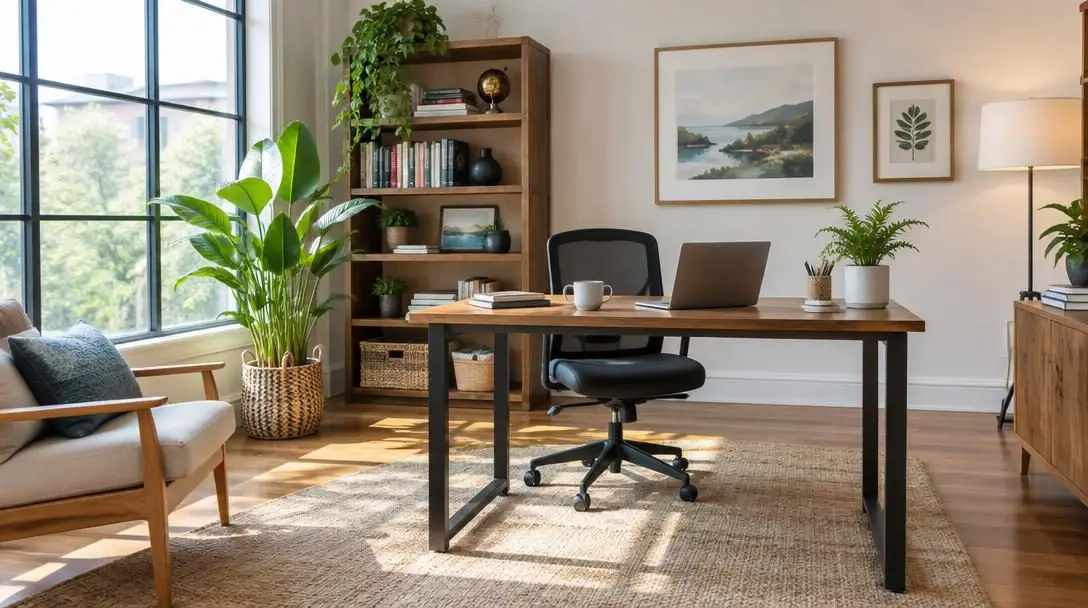
Your primary seat is the bedrock of your working comfort. An outdated or poorly engineered chair forces your body into unnatural compromises, encouraging slouching that compresses the lumbar spine and triggers continuous tension along your shoulders and neck. Investing in an office chair built with an ergonomic design delivers the structural foundation your body needs. Look for seating that offers a rich assortment of adjustable settings, including seat height, armrest positioning, and lumbar tension. These customizable controls allow you to fine-tune the chair to your unique proportions, keeping your feet planted and removing compressive stress from your thighs and spine.
Standing Desk
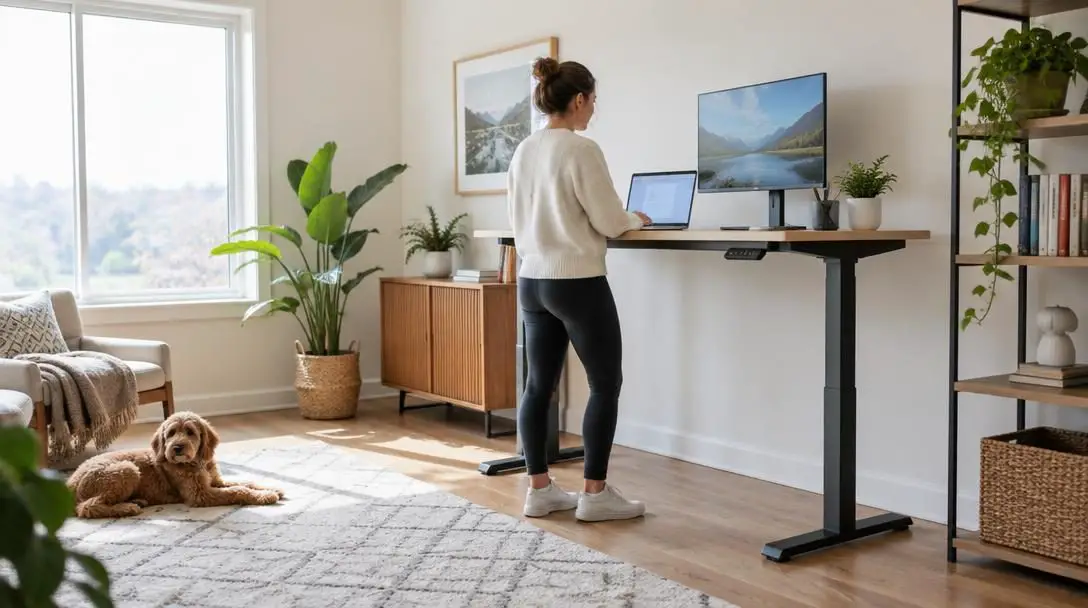
If you prefer an alternative to traditional sedentary seating, a standing desk serves as a transformative addition to a modern home office. Alternating between seated postures and standing periods disrupts the physical lethargy that often accompanies uninterrupted sitting. By bringing your work surface up to elbow level, a standing desk encourages active weight distribution, relieves pressure on your tailbone, and helps maintain active circulation throughout long research, writing, or administrative sessions.
Ergonomic Keyboard
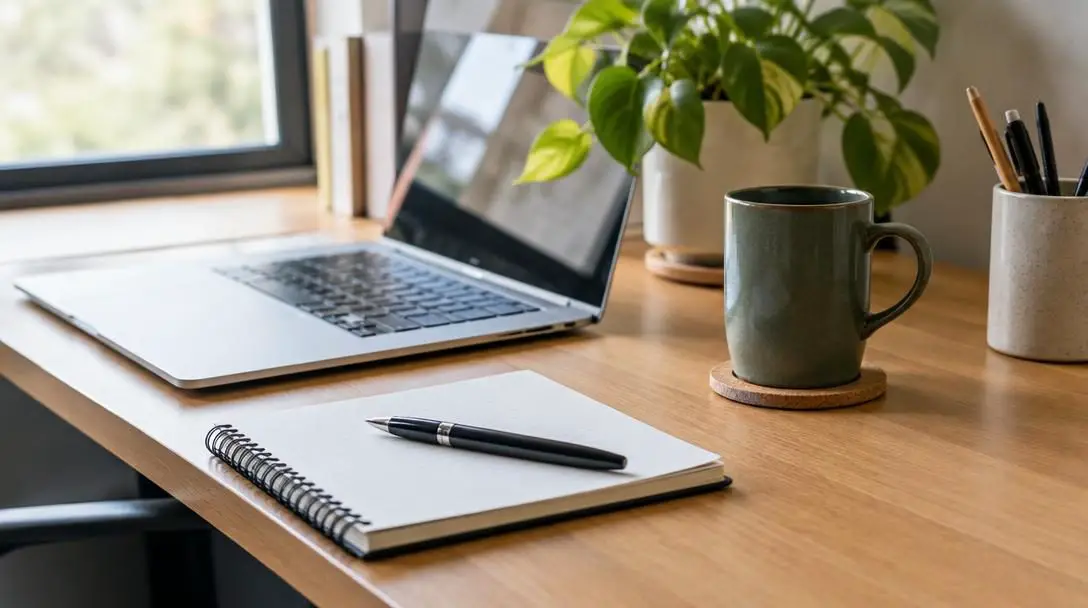
Input devices represent the single most frequent point of physical contact between remote workers and their digital tools. Standard flat keyboards force hands into unnatural, pronated angles, bending wrists sharply upward and outward. Over months and years of continuous typing, this awkward posture strains delicate wrist tendons and compresses surrounding nerves, increasing vulnerability to repetitive stress injuries like carpal tunnel syndrome. An ergonomically shaped keyboard cradles wrists in a neutral resting posture, allowing hands and forearms to align naturally. This physical support keeps strain at bay, enabling you to type quickly and comfortably without pain breaking your concentration.
Noise-Canceling Headphones
Auditory distractions are among the most persistent productivity killers in a residential setting. Domestic background chatter, neighborhood machinery, and barking pets instantly fragment deep concentration. A pair of premium noise-canceling headphones uses active electronic cancellation to neutralize low-frequency disruptions while physically muffling sudden, high-pitched noises. Wearing headphones also establishes a clear visual boundary for family members or housemates, signaling that you are engaged in focused professional output.
White Noise Machine
For individuals who find wearing headphones all day physically tiring, a dedicated white noise machine provides an outstanding auditory buffer. Generating a steady, uniform ambient sound profile smooths out the peaks and valleys of home noises, rendering sudden household sounds imperceptible. Beyond simply masking disruptive interruptions, consistent white noise has been shown to boost creativity, reduce workplace stress, and foster the sustained mental absorption required for technical or analytical work.
Window Blinds and Shades
Natural sunlight is an incredible physiological asset for remote workers, providing a noticeable daytime vitality boost and supporting mental alertness. However, unfiltered sunlight pouring through bare glass can produce blinding screen glare and intense thermal hot spots that make focused computer work impossible. Installing a high-quality set of adjustable window blinds or shades gives you granular control over incoming daylight, allowing you to harvest the mood-enhancing benefits of natural light while deflecting direct, harsh rays off your monitor.
Dedicated Task Desk Lamp
General room illumination is rarely adequate for detailed visual tasks such as studying hard-copy paperwork, reviewing high-resolution photographic proofs, or taking handwritten notes. A dedicated task desk lamp delivers targeted, directional light right where your eyes need it most. Choosing an adjustable model lets you position the beam to eliminate harsh cast shadows from your hands or monitor, drastically reducing ocular fatigue and headaches during demanding afternoon shifts.
Step-by-Step Guide to Configuring Your Workspace
Systematically optimizing your physical home office does not need to happen all at once. By addressing your primary physical support, typing peripherals, sound management, and illumination in a structured progression, you can build a high-performance workspace that protects your health and sharpens your mental focus.
- Calibrate your seating or standing station: Begin by adjusting your chair so your feet rest flat against the floor and your lower back receives complete lumbar support. Position your armrests so your shoulders rest loosely without shrugging, keeping your forearms parallel to your desktop. If you choose to adopt a standing desk, adjust its height until your elbows form a comfortable 90-degree angle when resting your hands upon the workspace.
- Position your keyboard to preserve wrist neutral alignment: Place your ergonomic keyboard directly in front of you so you can access all alphanumeric keys without overreaching or bending your wrists upward or outward. Align the height of your workspace so your palms rest naturally without digging into sharp desk edges, and set recurring timer alerts on your computer to enforce regular rest breaks away from the keyboard.
- Implement an acoustic distraction barrier: Assess your home sound environment and deploy noise-canceling headphones during high-priority focus blocks to neutralize domestic disruptions. Set up a dedicated white noise machine or launch a free ambient sound application on your smartphone or computer, playing soothing white noise tracks to mask erratic household sounds, ease mental stress, and support creative thinking.
- Balance ambient daylight with focused task lighting: Position your primary workstation near a window to capitalize on the invigorating qualities of natural sunlight, and install adjustable blinds or shades to deflect blinding midday glare. Finally, mount or place an adjustable task lamp on your desk surface, angling the light head carefully to brightly illuminate reading, writing, and photo-review tasks without casting obstructive shadows across your work.
Common Setup Mistakes to Avoid
When outfitting a home office, professionals frequently fall prey to flawed design assumptions that waste financial resources and compromise day-to-day focus. Steer clear of these widespread workstation missteps to safeguard your health and work output:
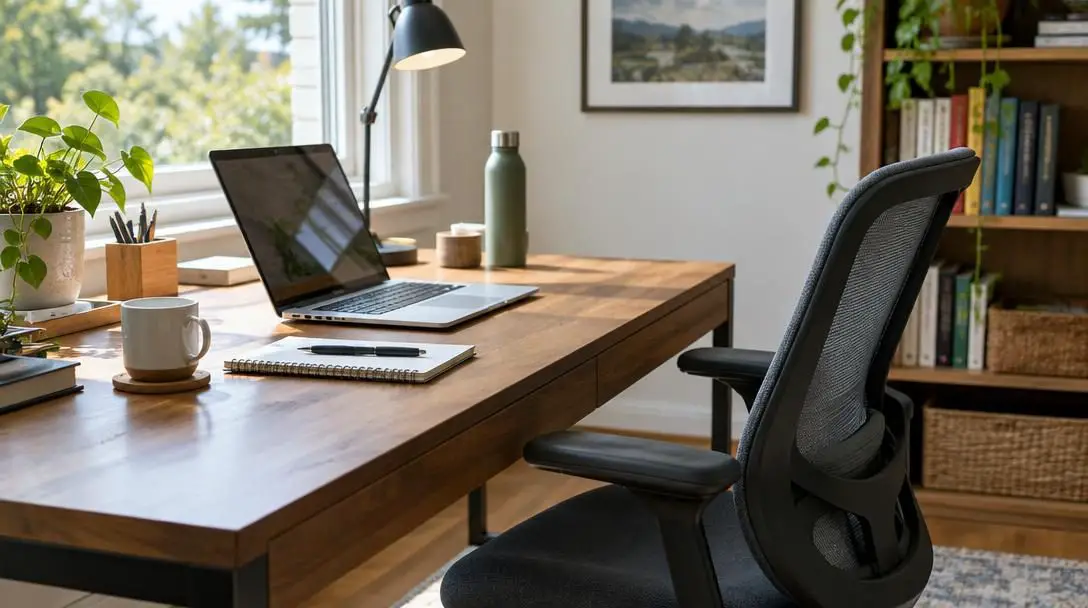
- Relying on standard household furniture: Working from rigid dining room chairs or soft living room sofas deprives your spine of essential ergonomic support, straining neck and back muscles and generating persistent physical fatigue.
- Treating keyboard design as an afterthought: Focusing exclusively on high-resolution monitors while using cheap, flat keyboards places severe strain on hand tendons and wrist nerves, significantly raising your long-term risk of carpal tunnel syndrome.
- Typing continuously without physical respites: Even the most advanced split ergonomic keyboard cannot compensate for relentless, non-stop typing; neglecting regular rest intervals inevitably leads to forearm stiffness and repetitive strain.
- Tolerating unmanaged household sound: Expecting family members, energetic children, or domestic pets to stay perpetually quiet is an unrealistic expectation that leaves your train of thought constantly exposed to jarring interruptions.
- Leaving windows completely unshaded: Placing a desk directly in front of or across from an untreated window invites brutal screen reflections and eye fatigue during bright afternoon hours, washing out your display.
- Positioning task lights improperly: Setting a desk lamp at an awkward angle casts dark shadows directly over your hands, papers, and writing instruments, causing visual irritation and headaches during close paperwork or proofing.
Long-Term Strategies to Maintain a Productive Environment
Creating an outstanding home workstation is not a one-time project; it is an ongoing practice of observation and refinement. As project requirements shift, seasons change, and your physical needs evolve, your workspace must adapt dynamically to sustain your peak professional output.
Begin by tracking how your physical frame feels at the end of every business week. Pay close attention to subtle physical signals such as tension across your shoulder blades, stiffness in your lower back, or numbness in your wrists and fingers. If discomfort begins to creep back in, pause to re-evaluate the height settings on your ergonomic chair, adjust the tilt of your keyboard, or increase the frequency of your typing respites. If you utilize a standing desk, continuously balance your standing intervals with comfortable seated periods to prevent foot soreness and leg exhaustion.
Next, evaluate the long-term effectiveness of your acoustic management setup. If you rely primarily on digital streaming sources, free white noise apps, or online video platforms, experiment with various sound profiles to discover which frequencies optimize your deep work. Some remote workers discover that deeper auditory tones provide superior stress relief during analytical tasks, whereas brighter white noise tracks stimulate creative ideation. Periodically verify that your noise-canceling headphones remain fully charged and prepared to deploy whenever household activity surges.
Finally, stay mindful of seasonal changes in your visual surroundings. The sun shifts its arc across the sky throughout the year, meaning a window that produces soft, pleasant morning light in mid-winter may cast harsh, blinding glare across your computer monitor during mid-summer. Regularly adjust your window shades or blinds to preserve comfortable ambient illumination, and shift the angle of your desk lamp whenever transitioning between typing, reviewing physical paperwork, or examining detailed graphics to keep distracting shadows entirely out of sight.
Frequently asked questions
How many people work remotely on a regular basis?
According to a 2021 Gallup poll, approximately 45% of full-time workers across the United States perform their professional duties from home either all or part of the working week, establishing remote employment as a widespread standard rather than a rare perk.
How does an unsupportive desk chair harm workplace productivity?
An unsupportive or non-adjustable chair fails to maintain proper spinal alignment, forcing the postural muscles in your neck, shoulders, and lower back to work continuously to keep you upright. This persistent physical exertion creates aches and tension that redirect your mental energy away from deep focus and professional tasks.
Why should remote workers switch to an ergonomic keyboard?
Conventional flat keyboards force your hands, wrists, and forearms into awkward, unnatural angles that place excessive strain on sensitive tendons and nerves. An ergonomic keyboard promotes natural wrist positioning and proper typing mechanics, protecting you from carpal tunnel syndrome and helping you sustain long typing sessions without pain.
What are the cognitive benefits of using white noise in a home office?
In addition to masking erratic household distractions like barking pets and playful children, using white noise has been shown to boost creative thinking, enhance concentration, and lower daily stress levels during high-pressure work assignments.
Can you get the benefits of white noise without buying a dedicated machine?
Yes. You do not need to purchase expensive audio hardware to reap acoustic masking benefits, as you can access countless free white noise mobile applications or stream continuous white noise recordings for free on platforms like YouTube through your phone or computer.
How does proper office lighting improve daily work performance?
Natural daylight provides an essential energy boost that elevates alertness, while focused task lighting from a desk lamp ensures you can examine documents, read fine print, or inspect photos with complete clarity and without distracting shadows.
The bottom line
Working from home offers undeniable flexibility, autonomy, and work-life balance, but succeeding in a remote environment demands deliberate attention to your physical workspace. Trying to maintain demanding professional standards while sitting on unsupportive furniture, battling relentless ambient noise, and squinting through poor lighting creates hidden cognitive friction that sabotages focus and drains energy.
By investing in key ergonomic fundamentals—such as an adjustable chair or standing desk, a wrist-supporting ergonomic keyboard, active noise-canceling headphones, and customizable lighting controls—you build an environment tailored for physical comfort and mental clarity. Treat your workspace as an indispensable professional instrument, and you will unlock the motivation, sustained stamina, and productivity needed to thrive in your remote career.