How to Choose Your Big-Screen TV
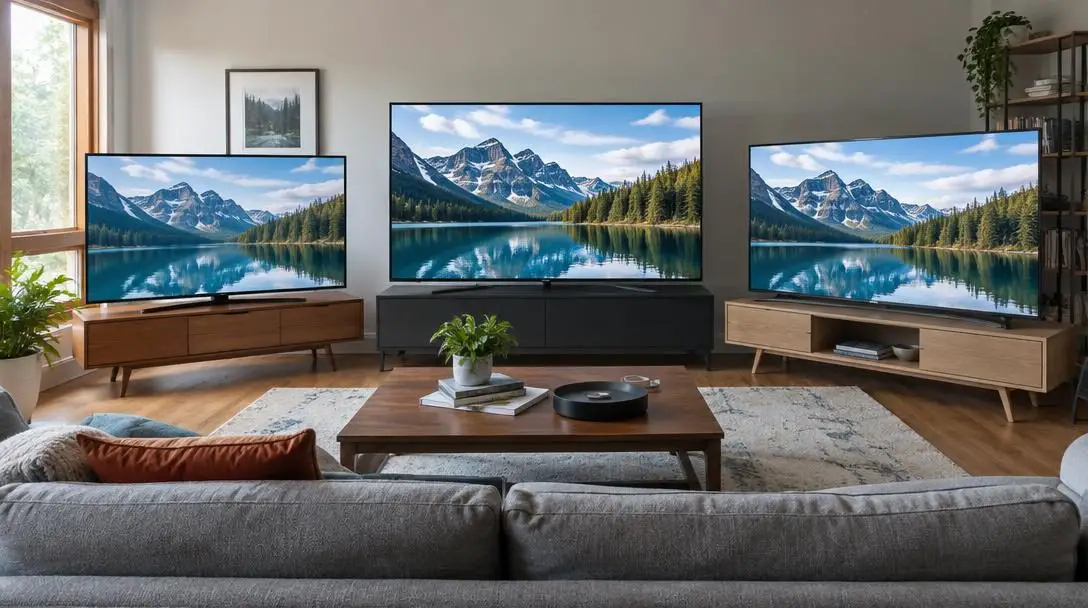
Television sets have undergone an extraordinary transformation over the past several decades, evolving from heavy, boxy appliances into architectural centerpieces. In the early days of home entertainment, standard cathode-ray tube sets featured deep cabinets, tremendous weight, and modest viewing areas that rarely approached what viewers expect today. As flat-panel engineering transitioned through plasma, liquid crystal displays, and light-emitting diode designs, the physical profile of televisions shrunk to thin frames while screen sizes broadened dramatically.
Today, industry standards classify any display measuring 55 inches or larger on the diagonal as a genuine big-screen television. Whether you are replacing an aging display or furnishing a new living area, investing in a 55-inch, 65-inch, 75-inch, or larger model requires careful evaluation. Because these expansive panels command significant physical space and represent a notable financial commitment, understanding core display technologies, smart operating platforms, and setup practicalities will ensure you bring home an entertainment system tailored to your household habits and budget.
Key takeaways
- A big-screen television is defined as any display measuring 55 inches or larger along the diagonal.
- The ideal screen size is calculated by measuring your viewing distance in inches and dividing that figure by 1.6.
- Selecting 4K Ultra HD resolution alongside High Dynamic Range preserves fine detail and expands contrast across large panel surfaces.
- Pairing a traditional television with external media adapters like a Roku or Amazon Firestick provides full streaming access without smart TV price markups.
- Purchasing through authorized dealers ensures authentic manufacturer warranties, round-the-clock service, and access to value-added perks like complimentary cables or installation.
The Evolution of the Big-Screen Television
The progression of home display technology has fundamentally altered how living spaces and home theaters are designed. The earliest consumer televisions relied on cathode-ray tubes, which imposed severe mechanical limits on size. As screens grew wider, the physical depth and weight of the glass tubes multiplied, making displays larger than 32 or 40 inches practically unmanageable for residential living rooms.
The transition toward modern flat-panel displays unlocked unprecedented manufacturing possibilities. The introduction of plasma panels, followed rapidly by liquid crystal displays (LCDs) and light-emitting diode (LED) backlighting architectures, removed the bulk behind the glass. Manufacturers could scale glass production upward while reducing frame thickness to fractions of an inch. As a result, screen sizes that were once reserved for specialized projection rooms—such as 65-inch and 75-inch screens—have become mainstream fixtures in contemporary family rooms.
Core Technologies: Geometry, Resolution, and Dynamic Range
Evaluating a big-screen television requires looking beyond raw screen size to understand how panel geometry, pixel density, and dynamic range interact. Human vision encompasses a specific field of view; placing an oversized display too close to the viewing position can cause neck discomfort and severe eye strain, while sitting too far from a modest display diminishes visual immersion. Calculating the viewing distance allows room dimensions to dictate the most balanced screen footprint.
When an image is magnified across a broad surface area, screen resolution becomes critical. Resolution represents the total count of pixels composing the image. Lower-resolution formats stretched across a 65-inch or 75-inch panel cause visible pixel grids, yielding a soft, fuzzy, or jagged image. Opting for a 4K Ultra HD (UHD) screen ensures that pixels remain imperceptible to the human eye, even at close seating distances.
A massive screen that lacks modern resolution will reveal every flaw in an image, magnifying imperfections across the room.
Complementing high resolution is High Dynamic Range (HDR), a standard that governs how a panel reproduces brightness and darkness. Standard displays operate within a constrained luminance range, frequently crushing dark shadows into muddy gray or blowing out bright highlights into flat white blocks. HDR significantly widens the contrast ratio, revealing intricate background details in dark scenes while delivering crisp, brilliant specular highlights during dynamic action movies and sports broadcasts.
Smart Television Platforms and Streaming Hardware
Modern displays process content through two primary approaches: integrated smart platforms and traditional displays linked to external adapters. An integrated smart TV houses its own internal processing hardware, operating software, and Wi-Fi networking cards, granting immediate access to streaming applications without peripheral accessories. However, smart televisions carry an initial price premium and tie your user interface directly to the television's internal computer.
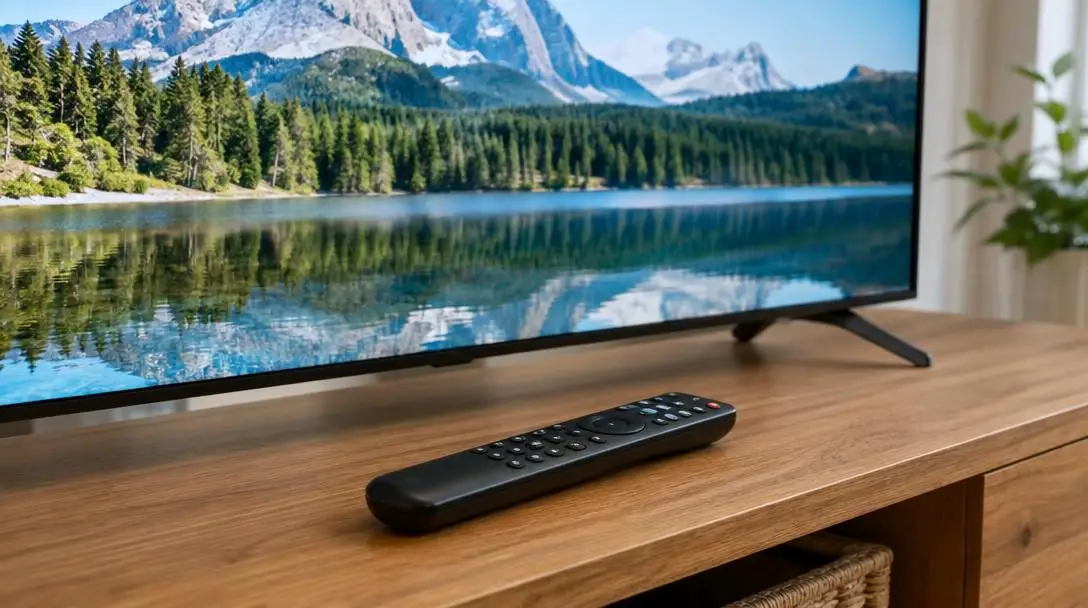
Conversely, a traditional display acts as a dedicated high-performance monitor. By utilizing external streaming media adapters plugged into standard input ports, viewers gain access to identical streaming catalogs and interactive interfaces. This modular approach lowers upfront television costs and provides long-term flexibility, as external adapters can be updated or swapped to another screen in the home whenever desired.
| Setup Strategy | Hardware Configuration | Streaming Interface Source | Cost Profile | Device Portability |
|---|---|---|---|---|
| Integrated Smart TV | All-in-one panel with internal processors | Built-in operating system | Higher initial television purchase price | Fixed to display panel |
| Traditional TV with Amazon Firestick | Standard display with external HDMI stick | External Firestick adapter | Economical display cost plus minor adapter expense | Easily transferable between home displays |
| Traditional TV with Roku Device | Standard display with external streaming module | External Roku streaming platform | Economical display cost plus minor adapter expense | Easily transferable between home displays |
Amazon Firestick
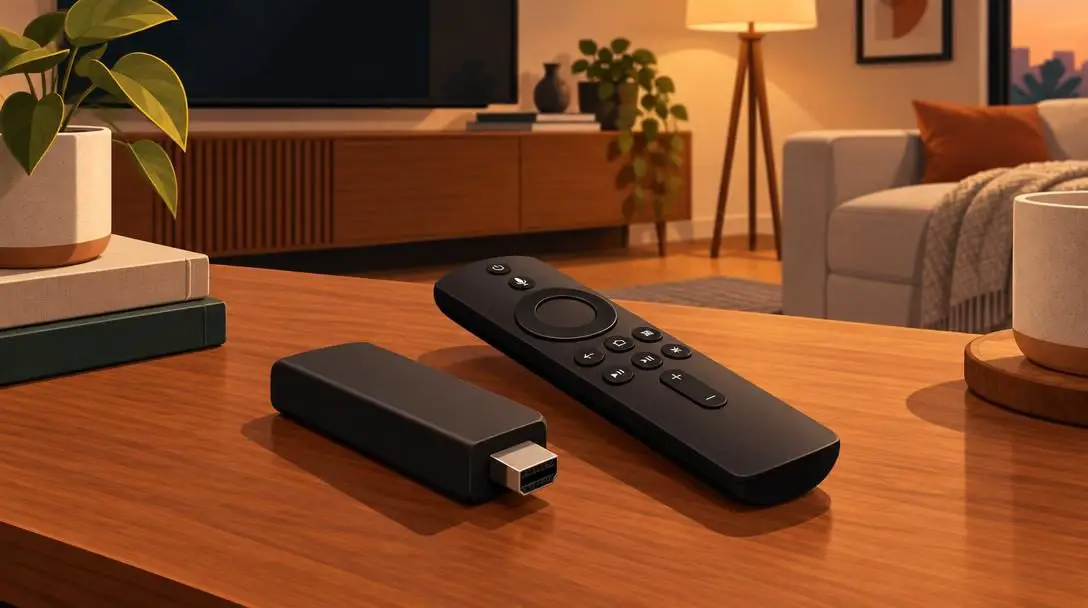
- Device Category: External streaming media adapter
- Display Compatibility: Plugs directly into standard television input ports
- Core Benefit: Adds full streaming capabilities without integrated smart TV markups
The Amazon Firestick serves as a compact external bridge for traditional displays. By handling network connectivity and application hosting externally, it allows consumers to bypass the higher purchase price of smart TVs while providing rapid, responsive navigation for digital entertainment libraries.
Roku
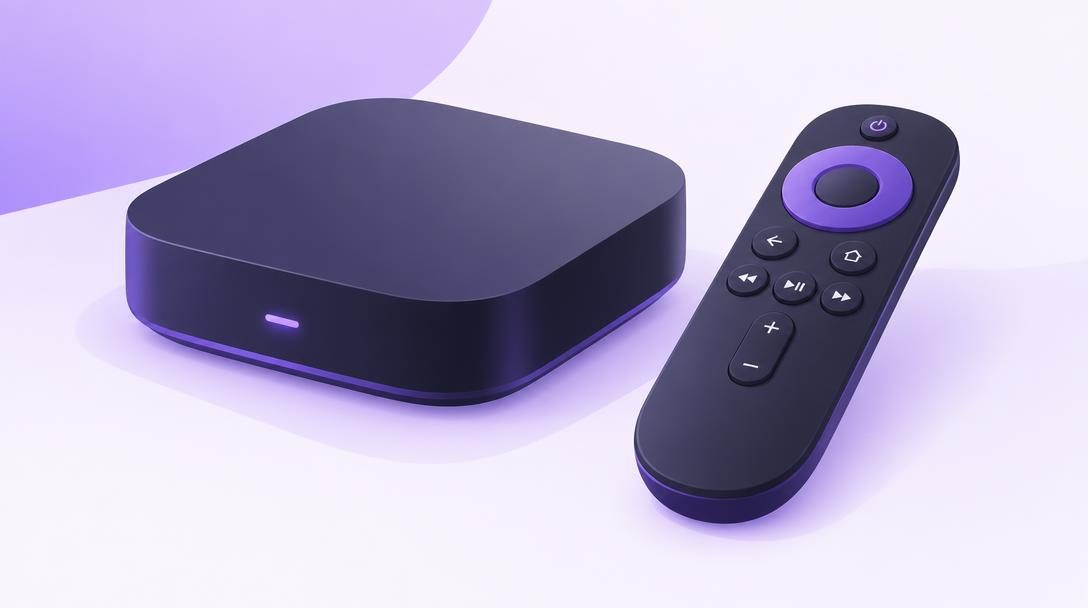
- Device Category: External streaming media player
- Display Compatibility: Connects to traditional televisions via standard input jacks
- Core Benefit: Portable media access transferable across different household screens
A Roku device offers a modular streaming solution that converts any standard monitor or traditional TV into an interactive media hub. Its independent form factor ensures viewers can easily detach the hardware and move their entire streaming profile to another television set within the home.
Established Television Manufacturers
Because large-format televisions represent long-term household investments, prioritizing established engineering ensures panel longevity, color fidelity, and reliable technical assistance. Tier-one manufacturers distinguish themselves through superior component quality, balanced factory acoustics, robust warranty programs, and dedicated customer support operations.
Sony
- Manufacturer Profile: Established brand recognized for reliable engineering
- Visual & Audio Focus: Premium picture quality and balanced acoustic output
- Support Services: Backed by official warranties and round-the-clock service
Sony maintains a longstanding reputation for meticulous manufacturing and balanced engineering. The brand pairs advanced image processing with reliable audio hardware and provides buyers with extensive warranty coverage backed by 24/7 technical customer support.
Samsung
- Manufacturer Profile: Established brand recognized for reliable engineering
- Visual & Audio Focus: Premium picture quality and balanced acoustic output
- Support Services: Backed by official warranties and round-the-clock service
Samsung produces large-format displays built around vibrant, high-output panel engineering and premium construction standards. Their models come backed by official manufacturer warranties and accessible round-the-clock technical service networks.
LG
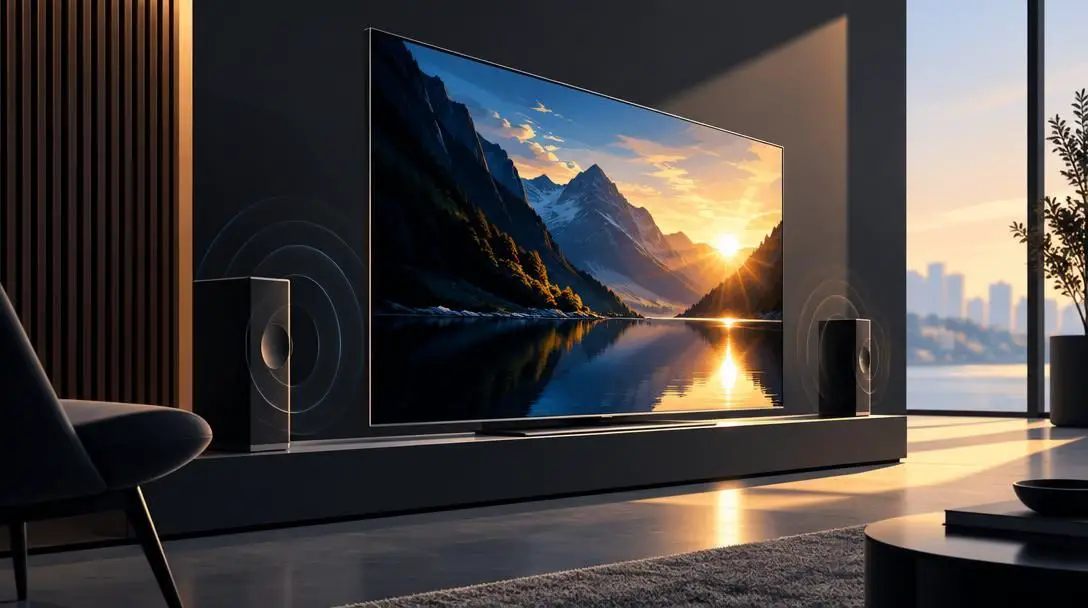
- Manufacturer Profile: Established brand recognized for reliable engineering
- Visual & Audio Focus: Premium picture quality and balanced acoustic output
- Support Services: Backed by official warranties and round-the-clock service
LG is widely recognized for robust engineering, high-contrast visual performance, and refined flat-panel design. Like other leading manufacturers, LG supports its big-screen lineup with comprehensive product warranties and 24/7 service infrastructure.
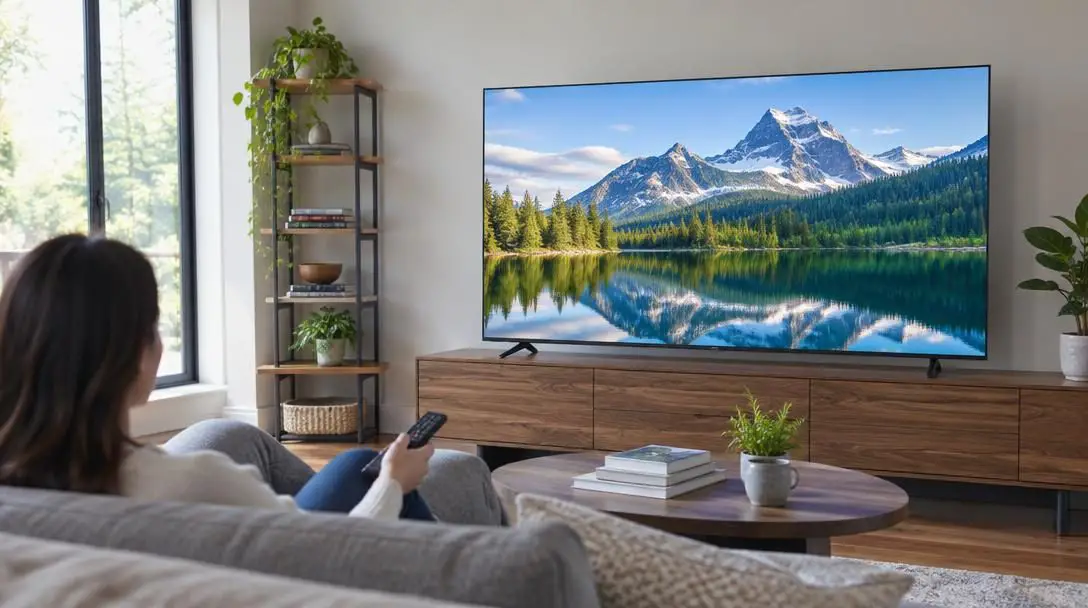
Step-by-Step Guide: How to Select Your Big-Screen TV
Navigating the television market requires a systematic methodology to ensure the hardware matches your physical living space and streaming preferences.
- Measure your viewing area: Pinpoint the exact location of your primary seating area relative to the planned display position. Use a tape measure to record the viewing distance from the couch or chair to the wall or entertainment center in inches.
- Calculate your target screen size: Take the viewing distance in inches and divide that number by 1.6. For example, if your sofa rests 8 feet away from the wall, multiply 8 by 12 to arrive at 96 inches. Dividing 96 by 1.6 yields 60, indicating that a 60-inch screen will deliver an immersive, well-proportioned view.
- Select your smart platform strategy: Decide between an integrated smart TV and a traditional television paired with an external device. If you wish to minimize costs, select a traditional television and pair it with an Amazon Firestick or Roku adapter.
- Verify resolution and dynamic range: Check the prospective model's specifications to ensure it features native 4K Ultra HD resolution and full HDR support for optimum contrast and clarity across sports, broadcast shows, and movies.
- Identify a reputable brand: Focus on established manufacturers like Sony, Samsung, or LG that back their hardware with reliable engineering, balanced internal audio, and 24/7 customer service.
- Shop through an authorized dealer: Purchase your screen directly from an authorized seller to protect your warranty, gain access to certified support, and take advantage of retail incentives such as free delivery, complimentary cables, or professional installation.
- Select high-quality connection cables: Ensure you have reputable, high-performance HDMI cables ready to link your streaming adapters, cable boxes, or gaming consoles directly to the display without signal disruption.
Common Mistakes to Avoid
Many consumers encounter frustration after bringing home a new television because they bypassed fundamental setup checks during the buying phase. Avoiding these standard missteps will protect your investment and optimize viewing comfort.
- Guessing room dimensions and viewing distance: Choosing a screen size based solely on retail showroom appearance often results in purchasing a display that is uncomfortably large for tight spaces or too small to provide an engaging image from across a large room.
- Assuming a smart TV is mandatory: Overspending on an integrated smart television when an affordable traditional monitor paired with an external Roku or Amazon Firestick achieves the exact same streaming capabilities.
- Compromising on resolution and dynamic range: Purchasing an entry-level big screen that lacks 4K Ultra HD or HDR support, which causes images to look washed out, blurry, and pixelated when magnified.
- Using cheap, unbranded HDMI cables: Attempting to transmit high-bandwidth 4K HDR video through substandard or aging cables, leading to intermittent blackouts, visual static, and audio delays.
- Purchasing through unauthorized sellers: Buying from gray-market third-party merchants to chase minor discounts, which often voids manufacturer warranties and leaves you without customer service support.
Practical Placement, Audio Upgrades, and Long-Term Setup
Once you have identified the right screen size, resolution, and manufacturer, planning the physical placement and acoustic configuration ensures a smooth installation in your living space. Big-screen televisions can either rest on an entertainment console using their supplied stand feet or mount directly to a structural wall.
When wall-mounting a large panel, always anchor the mounting bracket directly into structural wall studs capable of supporting the television's weight. Position the display so that the center of the screen aligns closely with eye level when seated in your primary viewing spot. If your authorized dealer includes installation or mounting as part of a purchase promotion, taking advantage of their certified installers ensures a secure, level placement without structural risk.
Acoustics represent another critical consideration. Modern big-screen panels feature ultra-thin chassis designs that leave minimal physical space for internal speaker drivers. While brands like LG, Samsung, and Sony engineer their internal speakers for clear vocal delivery, their physical limitations become noticeable during complex movie soundtracks and intense sporting events. Supplementing your display with a dedicated soundbar, an external speaker package, or a multi-channel audio receiver connected through an HDMI cable provides the expansive acoustic performance needed to match a large visual presentation.
Finally, examine your home networking infrastructure. Streaming 4K Ultra HD content requires consistent broadband bandwidth. Ensure your wireless router or hardwired ethernet connection provides adequate throughput to your display or external media player to avoid disruptive buffering. Keep all purchase receipts, dealer documentation, and warranty records in a secure location so you can swiftly contact manufacturer customer support if technical assistance is required.
Frequently asked questions
What diagonal measurement qualifies a display as a big-screen TV?
Current consumer electronics standards define a big-screen television as any display measuring 55 inches or larger along the diagonal. Screen sizes in the 55-inch, 65-inch, and 75-inch classes are standard modern choices.
How do I calculate the ideal screen size for my living room?
Measure the viewing distance from your primary seating position to the planned television location in inches, then divide that number by 1.6. For an eight-foot distance (96 inches), dividing by 1.6 yields a target screen size of approximately 60 inches.
Can a traditional TV stream movies and shows like a smart TV?
Yes. A traditional television functions as a dedicated display monitor. By plugging an external media adapter, such as an Amazon Firestick or Roku device, into the TV's input port, you gain full access to streaming applications without paying the price premium of a built-in smart TV.
Why is High Dynamic Range (HDR) important on a big screen?
HDR broadens the contrast ratio between the darkest blacks and brightest whites. On large panels, this prevents shadow details from becoming muddy and preserves clear, vivid highlights, resulting in a much more lifelike picture for sports, broadcast series, and cinematic movies.
Why should I buy a television through an authorized dealer?
Authorized dealers provide authentic manufacturer warranties, round-the-clock service access, and competitive pricing. They also frequently offer valuable promotional incentives, such as complimentary high-grade HDMI cables or free professional wall-mounting and installation.
The bottom line
Upgrading to a big-screen television can dramatically enhance your home entertainment experience when guided by careful measurement and balanced technical priorities. By calculating your viewing distance using the 1.6 formula, insisting on 4K Ultra HD resolution and HDR, and deciding between integrated smart software and flexible external adapters, you avoid common shopping pitfalls. Relying on reputable manufacturers like Sony, Samsung, and LG—and purchasing through authorized dealers—guarantees that your new large-format display delivers exceptional visual immersion, reliable audio, and protected performance for years to come.