The Easy Way to Learn to Code

Learning how to write computer software was once an intimidating pursuit reserved for students enrolled in specialized university computer science departments or dedicated autodidacts deciphering dense, abstract textbooks. In earlier computing eras, troubleshooting broken code meant searching through thick technical manuals or working in total isolation without interactive feedback or real-time error messages. Today, modern learners enter a vastly different ecosystem filled with interactive browser sandboxes, step-by-step video courses, smartphone practice apps, and immersive coding boot camps.
Despite this unprecedented accessibility, many prospective developers still find the very first step the most difficult part of the journey. Staring at a blank text editor and confronting cryptic programming jargon can create a sense of barrier to entry. Yet beneath the technical vocabulary, programming is an approachable and highly practical craft. The more frequently you write, test, and debug code, the more intuitive the process becomes, building a valuable skill set that substantially enhances your career marketability in modern industries.
Key takeaways
- Programming languages bridge human intent and machine execution by translating structured, logical rules into direct computer actions.
- Focusing deeply on a single universal language like Java, JavaScript, or Python prevents the cognitive overload of jumping between different syntaxes.
- Interactive browser platforms, subscription-based video libraries, and collaborative code repositories allow beginners to practice without complex local installations.
- Building a tangible portfolio of weekend projects on platforms like CodePen and GitHub provides proof of competence to prospective employers.
Understanding How Programming Works Under the Hood
At its foundational level, computer programming is the practice of composing unambiguous, sequential instructions that guide a machine through specific operations. While modern computers process calculations at staggering speeds, they possess no innate human intuition or contextual judgment. A machine cannot guess an intended goal or decipher a vague instruction; it requires explicit parameters covering every scenario, condition, and computational step.
Programming languages serve as an essential communication layer between human cognition and electronic circuitry. Rather than requiring developers to write complex binary signals of ones and zeros, these languages provide a human-readable vocabulary governed by strict grammar known as syntax. Through this syntax, a developer defines precise variables, arithmetic calculations, logical branches, and sequential loops. For instance, code may instruct a system to retrieve a user's name from a database, display an interactive button inside an application interface, evaluate whether an entered password matches stored criteria, or send data across network infrastructure to a remote web server.
When you run your program, intermediate translation systems—such as interpreters or compilers—break down human-authored text into underlying machine instructions that the hardware can execute. Because hardware executes directions completely literally, writing functional software requires methodical thinking, attention to detail, and a willingness to break complex problems into smaller, manageable operations.
Programming is a practical craft where true comprehension comes from writing, testing, and debugging your own code rather than passively reading theory.
Popular Starting Languages and What They Build
When entering the development world, novice programmers are often overwhelmed by the sheer variety of active languages. Attempting to study several languages simultaneously divides attention and slows down conceptual understanding. By dedicating effort to a single, established entry point, you can master fundamental computer logic—such as loops, arrays, and conditional branches—which easily transfer to other tools later.
| Language | Primary Application | Key Strength | Ideal Beginner Project |
|---|---|---|---|
| Java | Android apps, enterprise web applications | Robust, versatile architecture | Mobile utility apps, desktop business tools |
| JavaScript | Client-side web development | Powers interactive website behavior | Dynamic web forms, interactive browser widgets |
| Python | Data analysis, scientific computing | Clean syntax, heavy analytical usage | Automation scripts, numerical calculation models |
Java
- Popularity: Most popular programming language
- Primary Ecosystem: Android mobile applications and large-scale web systems
- Notable Implementation: Google Docs
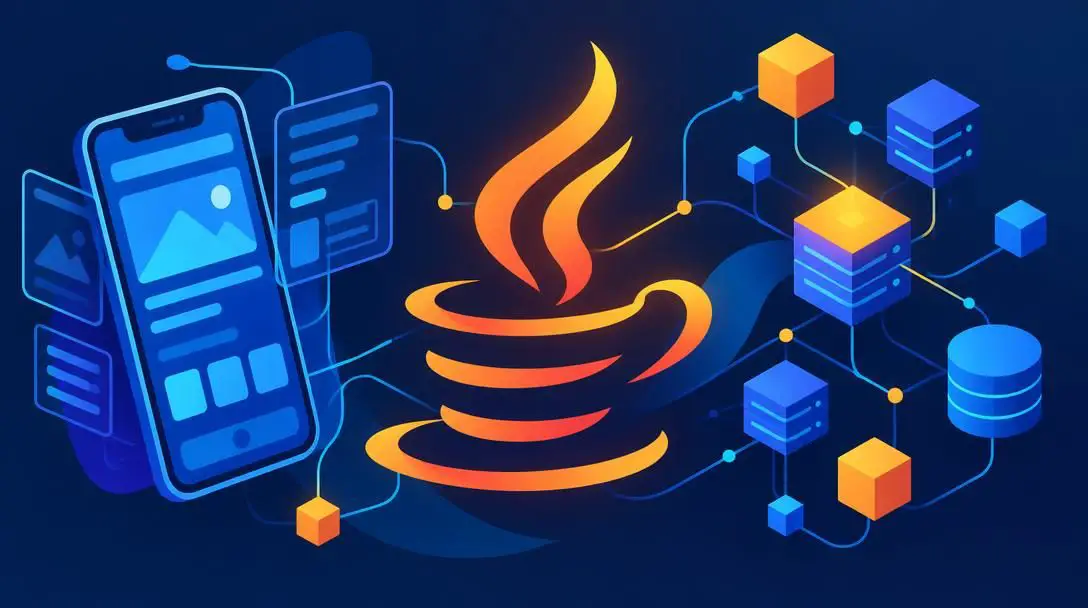
As the most popular programming language, Java maintains an expansive footprint across modern software infrastructure. It is an exceptionally robust, versatile language engineered to run consistently across diverse operating systems without modification. Java serves as the primary technical foundation for Android mobile applications and powers complex, mission-critical web applications such as Google Docs. Because it enforces strict architectural discipline, studying Java teaches beginners structural design principles that make learning subsequent languages much more straightforward.
JavaScript
- Primary Ecosystem: Front-end and interactive web development
- Core Strength: Essential language for modern web browsers
- Transferability: Universal standard across website engineering
If your ultimate ambition is to construct software specifically for the internet, JavaScript is the indispensable standard. While markup languages organize page text and visual layouts, JavaScript provides the interactive behaviors, reactive forms, and dynamic features that make modern websites feel like responsive desktop applications. Because web browsers execute JavaScript natively, you can begin writing, modifying, and testing interactive scripts immediately without configuring secondary execution software on your personal computer.

Python

- Primary Ecosystem: Scientific computing and data analysis
- Reputation: Immensely popular across academic and research fields
- Core Strength: Highly readable syntax and robust mathematical libraries
Recognized globally for its immense popularity, Python has become the premier choice for developers working in scientific computing, statistical modeling, and data analysis. Its syntax is designed to mirror natural human language patterns closely, reducing visual clutter and lowering the cognitive burden for beginners. If your programming interests lean heavily toward managing data sets, automating repetitive file manipulations, or exploring quantitative research, Python offers an efficient and widely supported ecosystem.
Platforms for Learning and Hands-On Practice
Selecting the right learning medium directly influences your pace of progress. Depending on whether you prefer guided interactive drills, expansive video lectures, or public source repositories, numerous well-established resources can help you gain fluency at your own budget and schedule.
Codecademy
- Platform Style: In-browser interactive coding drills
- Installation Required: None
- Skill Target: Absolute beginners mastering basic mechanics
For newcomers seeking an immediate, friction-free introduction, Codecademy provides interactive exercises that execute directly inside your standard internet browser. This setup eliminates the intimidating task of downloading terminal environments, setting system path variables, or configuring compilers on your local machine. By guiding you through basic syntax one exercise at a time with instant automated validation, it provides a safe, low-stress environment to grasp fundamental commands.
Code School
- Course Options: Free and paid educational paths
- Curriculum Depth: Intermediate transitions beyond the absolute basics
- Breadth: Diverse variety of languages and skill tiers
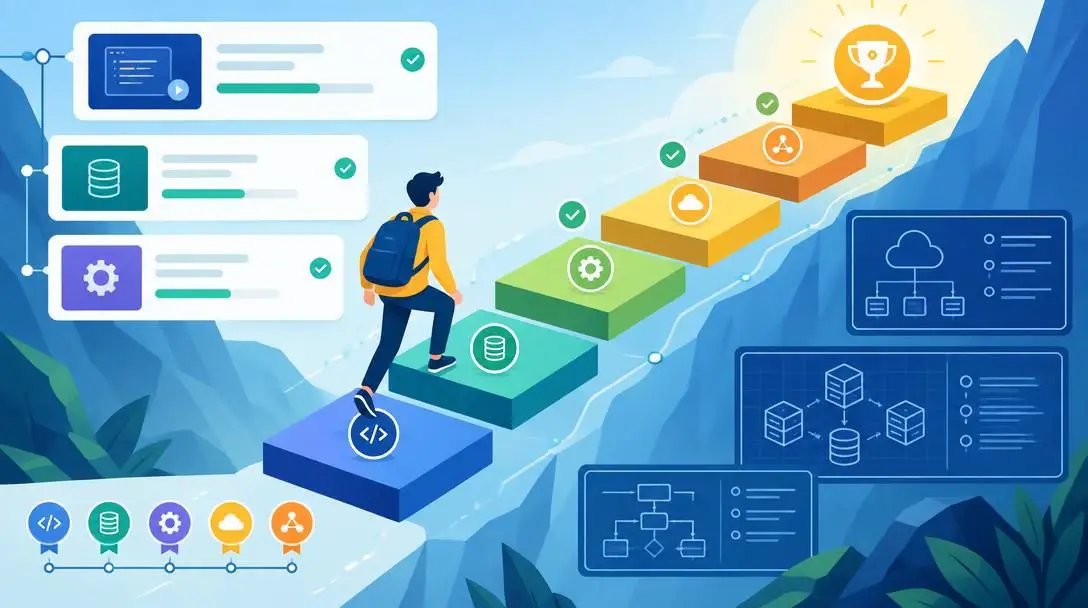
Once you are comfortable with basic variables and syntax loops, Code School serves as an effective next step. The platform provides a balanced mix of free and paid courses across a diverse array of languages and technical competencies. Its structured tracks help learners transition from simple mechanical repetition to higher-level architectural comprehension, explaining how individual scripts coordinate to build functional software systems.
Treehouse
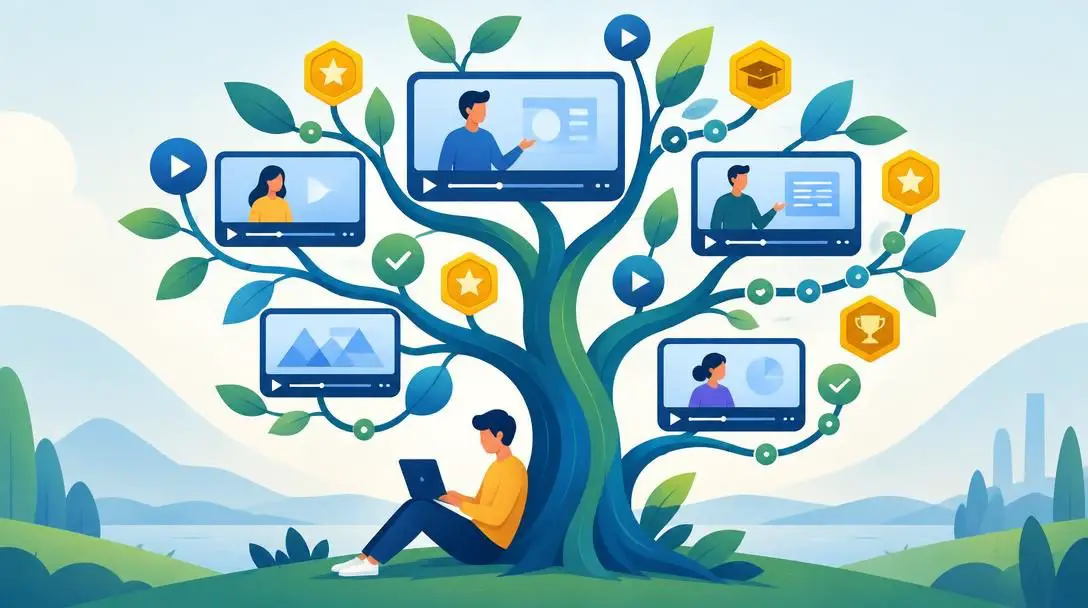
- Subscription Model: Monthly and annual recurring subscriptions
- Content Volume: Hundreds of hours of curated video instruction
- Pedagogy: Guided project tracks and structured curricula
For learners who thrive on visual demonstrations and structured, long-term roadmaps, Treehouse provides comprehensive educational tracks supported by monthly and annual subscription tiers. Subscribers receive access to hundreds of hours of professionally recorded video lessons, guided quizzes, and structured milestones. This continuous curriculum helps bridge the gap between classroom exercises and the end-to-end development workflows used by working professionals.
GitHub
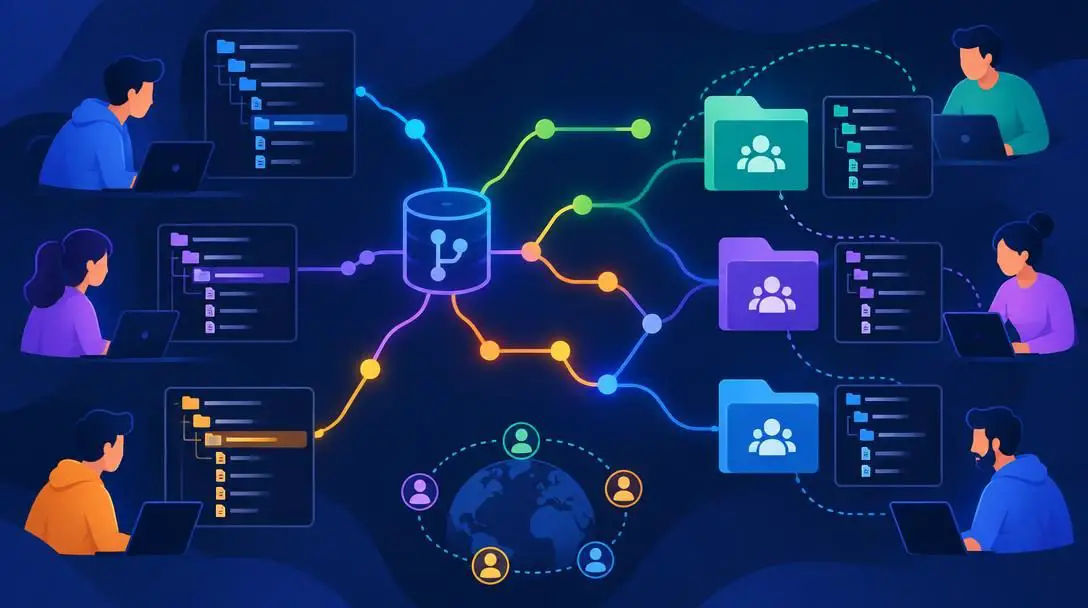
- Primary Role: Global code repository and open-source collaboration
- Learning Benefit: Real-world software architectures and open contribution
- Career Benefit: Serves as a public developer portfolio for employers
As the central meeting place for software developers around the globe, GitHub is an invaluable educational hub. Novices can explore what other programmers are building, read source code written by seasoned engineers, and study the directory structures of functional applications. Furthermore, GitHub allows you to discover open projects where you can contribute bug fixes, while simultaneously maintaining a public record of your personal projects to show prospective employers during job interviews.
CodePen

- Project Scope: Bite-sized, front-end visual coding sandboxes
- Completion Time: Ideal for single-afternoon or weekend experiments
- Community: Public showcases of creative interface builds
If committing to a large, multifaceted software build feels overwhelming, CodePen provides an accessible playground tailored for smaller, bite-sized tasks. The platform hosts thousands of public front-end experiments that you can inspect, adapt, or build from scratch in an afternoon or over a single weekend. It offers immediate visual feedback, making it an ideal platform for designing small interface components and assembling a creative visual portfolio.

Why Developer Communities Accelerate Progress
One of the most encouraging realities of the modern technology landscape is that nobody needs to master coding in total isolation. An immense, globally distributed community of developers actively collaborates through dedicated web forums, digital chatrooms, and regional in-person meetups. Tapping into these networks early in your learning process provides three critical advantages:
- Rapid Problem-Solving: When you hit a complex algorithmic hurdle or a persistent software bug that you cannot diagnose alone, asking questions in developer communities connects you with experienced programmers who can identify syntax errors, explain logic flaws, and point you toward correct documentation.
- Sustained Personal Motivation: Learning any technical discipline comes with moments of self-doubt and frustration. Connecting with other learners tackling the exact same concepts reassures you that confusion is a normal phase of technical growth, giving you the encouragement needed to persist.
- Professional Networking: Participating actively in local tech gatherings and digital discussion spaces allows you to build genuine professional relationships. Many career openings in software development are filled through organic community networking rather than traditional cold job applications.
Pitfalls to Avoid When Learning to Code
Novice programmers frequently encounter avoidable roadblocks that consume valuable time and produce unnecessary discouragement. Recognizing these behavioral traps will help you maintain steady, measurable momentum toward proficiency:
- Jumping between too many languages: Flitting from Java to JavaScript to Python before mastering basic principles prevents you from developing deep problem-solving skills. Stick with one language until you can build complete, functional programs independently.
- Remaining trapped in tutorial loops: Passively watching coding videos or copying guided answers verbatim produces an illusion of skill without genuine comprehension. You only begin learning when you step away from the instructor's solution and confront an empty text file on your own.
- Fearing broken code and error notices: Many beginners view error messages as evidence of failure. In reality, software engineering is inherently an iterative discipline of hypothesis, testing, and debugging; making syntax errors is an indispensable component of the learning cycle.
- Working in complete isolation: Refusing to seek clarification on community forums or avoiding developer meetups out of intimidation slows down your progress and cuts you off from helpful peer guidance.
- Halting education once the basics are understood: Technology moves quickly, with new frameworks, tools, and specifications arriving constantly. Ending your studies once you master rudimentary loops leaves you unprepared for modern development standards.
A Step-by-Step Blueprint for Daily Practice
Consistency outperforms sporadic, high-intensity cramming sessions every time. By establishing an organized, repeatable routine, you can steadily translate abstract concepts into reliable mechanical habits. Follow this structured methodology to guide your daily and weekly study blocks:
- Define your immediate development target: Determine whether your personal interests lie in Android software, web systems, or data analytics, and select either Java, JavaScript, or Python as your dedicated starting point.
- Establish dedicated practice sessions: Block out specific, non-negotiable windows throughout your weekly schedule devoted exclusively to writing code rather than merely reading about it.
- Complete introductory interactive exercises: Use accessible browser-based tools such as Codecademy to drill basic syntax and mechanics without spending time configuring local operating system tools.
- Transition toward structured instruction: Advance your theoretical understanding through intermediate courses on platforms like Code School or comprehensive video curriculums on Treehouse.
- Construct tangible portfolio projects: Assemble small, practical software builds using CodePen for quick weekend experiments and GitHub for broader project versioning and collaboration.
- Engage with the wider programming community: Join specialized forums, ask questions in technical chatrooms, and attend local coding meetups to build an active peer support network.
- Maintain ongoing industry awareness: Read digital publications such as Smashing Magazine, The Next Web, and Mashable to keep abreast of evolving web standards and technological changes.
Staying Current in an Evolving Tech Landscape
Because the technology sector evolves at a continuous pace, maintaining professional competence requires developing lifelong learning habits. New programming frameworks, updated language specifications, and alternative system designs emerge on an ongoing basis. Successful developers routinely allocate time to monitor these industry shifts through multiple media channels.
Regularly following respected technology publications is one of the easiest ways to monitor changing design paradigms and emerging best practices. Reading articles on Smashing Magazine provides direct insight into cutting-edge web design techniques, front-end architecture, and accessibility standards. Meanwhile, outlets such as The Next Web and Mashable cover broader industry trends, notable corporate software adoptions, and disruptive consumer technologies that influence the broader software engineering market.
Beyond digital publications, attending professional developer conferences and local programming meetups provides firsthand exposure to emerging tools. If travel constraints or ticket costs prevent you from attending major tech conferences in person, take advantage of the digital archives that organizers frequently publish online. Watching recorded keynote addresses and technical workshop live streams allows you to learn from world-class industry engineers from the comfort of your own desk.
Frequently asked questions
Do I need to pay for an expensive coding boot camp to learn programming?
No, you do not need to pay for a costly boot camp. While immersive paid programs and subscription platforms like Treehouse provide structured roadmaps, there are abundant free resources across the internet, including interactive exercises on Codecademy and open-source project repositories on GitHub, that require zero financial investment.
Which programming language should I choose if I am not sure what I want to build?
If you are completely undecided on a specific focus, begin with either Java or JavaScript. Both are universal, highly popular languages that teach transferable structural concepts, meaning the programming fundamentals you learn will make picking up subsequent languages significantly easier in the future.
How can I show employers my coding skills without a computer science degree?
You can prove your engineering competence by constructing a tangible portfolio of completed software projects. Using platforms like GitHub to store your source code and CodePen to demonstrate interactive front-end builds provides potential employers with direct, verifiable evidence of your practical programming abilities.
Why do beginners struggle so much with getting started in programming?
Most beginners struggle because facing an empty text editor and abstract technical jargon feels intimidating. Additionally, newcomers often fall into tutorial traps where they passively absorb video instruction without writing their own code, making the transition to independent problem-solving feel unusually difficult.
What is the best way to stay updated on new programming frameworks and industry trends?
You can stay informed by reading reputable industry publications such as Smashing Magazine, The Next Web, and Mashable. In addition, attending regional developer meetups and viewing live streams or recorded video archives from major technology conferences allows you to discover emerging languages and industry standards.
The bottom line
Learning to write code is no longer the exclusive domain of university research labs or specialized computer science departments. With free in-browser sandboxes, active global developer communities, and expansive video archives, the tools to build functional software are accessible to anyone willing to put in the time. By selecting an established language, committing to a consistent daily practice schedule, embracing trial and error, and showcasing tangible work on platforms like GitHub, you can transform what seems like an intimidating technical puzzle into an empowering and rewarding career path.