The Intersection of Art and Technology: Exploring the World of Digital Art
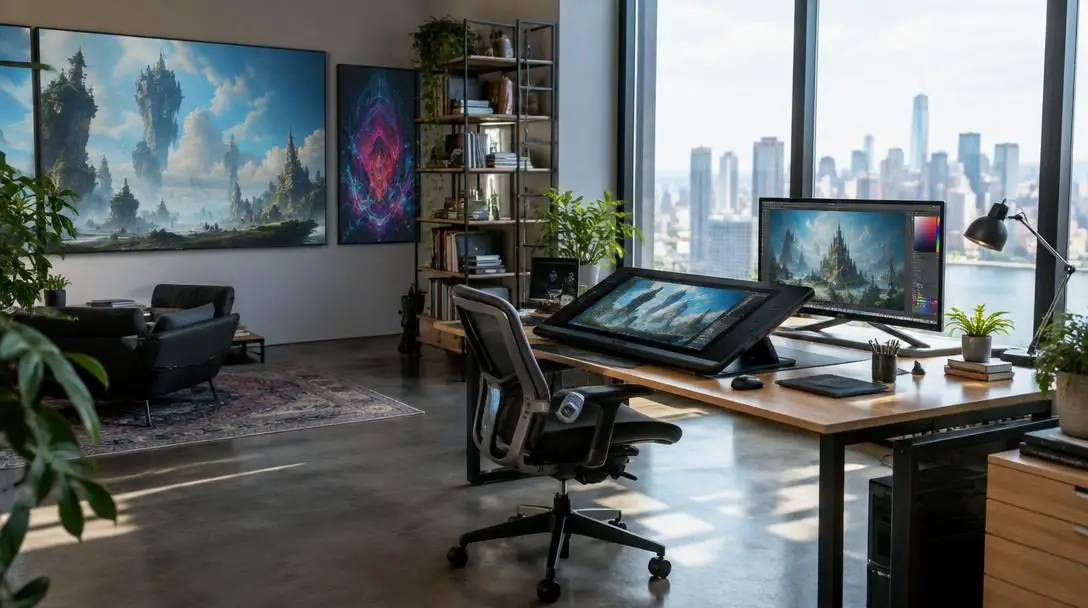
The boundary between traditional creative disciplines and modern computing has blurred dramatically over the past several decades. Rather than working solely with physical pigments, canvases, marble, or found objects, contemporary creators increasingly turn to electronic displays, algorithmic code, and specialized software to craft visual experiences. This convergence has redefined visual culture, enabling new methods to conceptualize, fabricate, and distribute creative work across the globe.
Today, digital art encompasses everything from hand-drawn vector illustrations and simulated oil paintings to complex three-dimensional environments and responsive architectural installations. Understanding this movement requires looking into its computational roots in the mid-twentieth century, examining the technical methods artists employ, and evaluating how digital tools continue to democratize access for creators and audiences alike.
Key takeaways
- Digital art originated in early 1960s research computing laboratories before entering contemporary galleries at the 1965 Howard Wise Gallery exhibition in New York City.
- Core digital disciplines span two-dimensional and three-dimensional modeling, digital painting, computer animation, and sensor-driven interactive installations.
- Personal computers and accessible creative software have decentralized the medium, allowing artists to bypass traditional gallery gatekeepers and share work globally.
- Pioneers such as Joshua Davis, Rafael Lozano-Hemmer, Camille Utterback, and Cory Arcangel have established code, physical interaction, and remix culture as fine art forms.
- Creating digital work follows a structured pipeline connecting hardware input tools, computational processing engines, discrete file storage, and specialized display outputs.
The evolution of computer-generated visual culture
The foundations of digital art date back to the early 1960s, a period when computer graphics first emerged within corporate facilities, university research departments, and scientific laboratories. Because computing machinery at the time consisted of massive, room-sized mainframes, access was strictly limited to scientists, mathematicians, and select researchers. Early experimenters began writing algorithms to manipulate output plotters, oscilloscopes, and cathode-ray tubes, investigating whether numerical calculation could yield aesthetic and formal value.
A landmark moment arrived in 1965, when the Howard Wise Gallery in New York City hosted the first dedicated digital art exhibition. The show introduced computational visuals to mainstream gallery visitors and sparked vigorous theoretical debates about whether algorithmic calculations and machine outputs could ever qualify as fine art. Over the following decades, the rapid development of consumer electronics brought computing out of institutional laboratories and directly into private studios and domestic workrooms.
The arrival of personal desktop computers in the 1980s and the subsequent rollout of commercial creative software, most notably Adobe Photoshop and Illustrator, revolutionized visual workflows. Artists no longer needed to write lines of specialized code just to render a curve or shade a geometric surface; graphical user interfaces allowed direct, intuitive manipulation of pixels and vector points. During the 1990s, the term digital art was officially coined as the creative community embraced 2D and 3D modeling, kinetic animation, and interactive electronic hardware on a global scale.
The shift from physical mainframes to desktop interfaces turned computational code into an expressive fine art medium.
Core techniques in the digital art workflow
Because digital tools run on microprocessors and graphic calculation engines, creators can choose between replicating real-world analog media and constructing entirely synthetic environments that have no physical counterpart. Artists select their pipelines based on intended aesthetics, computational requirements, and distribution channels.
| Technique | Primary Tools and Assets | Core Visual Mechanics | Common Practical Applications |
|---|---|---|---|
| 2D and 3D Modeling | Vector paths, polygon meshes, lighting shaders | Spatial geometry, wireframes, surface mapping | Video games, industrial design, CGI films |
| Digital Painting | Styluses, graphic tablets, digital brush engines | Virtual pigment blending, layered values, opacity | Concept art, editorial illustration, fine prints |
| Computer Animation | Timeline keyframes, tween engines, physics solvers | Procedural motion, spatial interpolation, kinetic timing | Feature movies, advertisements, game kinematics |
| Interactive Installations | Microcontrollers, motion sensors, projection gear | Real-time input loops, reactive audiovisual feedback | Public architecture, experiential exhibits, galleries |
2D and 3D modeling
In two-dimensional modeling, artists use vector coordinate systems to define clean curves, strokes, and shapes that retain visual fidelity at any scale. By contrast, three-dimensional modeling places geometric forms within simulated three-dimensional software space. Artists manipulate wireframe meshes consisting of vertices, edges, and polygonal faces. These virtual forms are subsequently textured with digital materials, lit with simulated lamps, and rigged with kinematic skeletons so they can be posed and manipulated for cinematic visual effects or interactive video game environments.
Digital painting
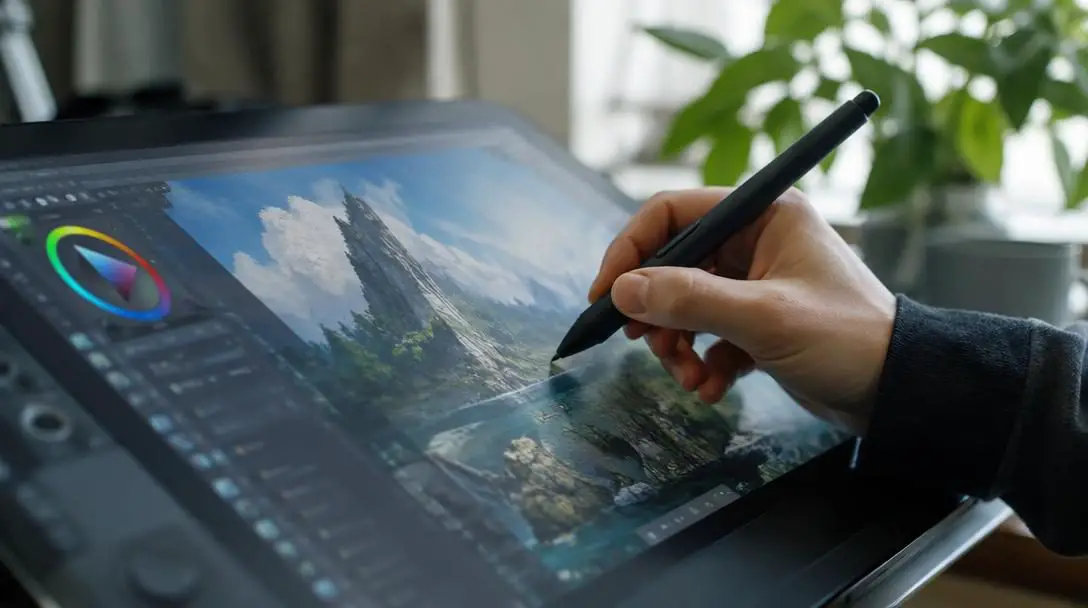
Digital painting uses software engines and pressure-sensitive input surfaces to simulate classic physical media, including oil paints, watercolor washes, gouache, and acrylics. When working with a responsive stylus, the software calculates pen pressure, tilt, and speed to regulate virtual paint deposition, brush width, and wet-edge blending. The medium provides significant flexibility compared to physical canvas work, as artists can organize compositions across non-destructive visual layers, undo accidental marks instantly, and adjust overall color harmonies without altering underlying sketches.
Computer-generated animation
Replacing traditional cel animation—which required hand-drawing thousands of individual transparent plastic sheets—digital animation relies on computational systems to calculate movement. Creators set primary keyframes that mark the start and end of an action, allowing software interpolation engines to generate the transitional motion frames, or tweens. Beyond keyframing, computational animation can simulate real-world physics, calculating natural cloth dynamics, particle drifts, fluid splash behaviors, and complex crowd migrations automatically.
Interactive installations
Breaking free from static viewing screens, interactive installations incorporate electronic sensors, depth cameras, and spatial audio to invite direct audience participation. These environments link computer code with the physical architecture of a room. Sensory hardware gathers data on human movements, ambient noise, physical touch, or lighting shifts, instantly feeding these variables into software systems that transform projections, adjust mechanical fixtures, or modulate sound in real time.
Societal and industry impacts of artistic technology
The transition toward software-based creation has systematically reorganized the creative economy, changing who can afford to make art, how pieces are experienced, and where cultural conversations happen.
- Broad accessibility: Physical disciplines often require well-ventilated studios, specialized kilns, expensive oil paints, or toxic solvents. Digital art requires an entry-level computing device and software, significantly lowering the economic barriers to entry for aspiring visual artists worldwide.
- Democratization of distribution: Historically, exhibiting visual work required securing representation through commercial art galleries, corporate agencies, or established museums. The rise of the internet has enabled creators to distribute high-resolution portfolios directly to global audiences, building independent followings without traditional intermediaries.
- New presentation formats: Digital artworks are not confined to framed wall hangings. They can be projected across historic building facades, displayed on ultra-high-definition LED architectural panels, or deployed across responsive video walls to envelop physical spaces.
- Global collaboration: Creative production has shifted toward decentralized, cross-border workflows. Multiple artists can share open-source asset repositories, exchange project packages asynchronously, or simultaneously develop interactive virtual environments across different time zones.
Pioneering figures in digital art
Several influential practitioners have played crucial roles in demonstrating that computer hardware, dynamic software code, and electronic interfaces can support nuanced conceptual ideas.
Joshua Davis
- Core medium: Generative code, Flash animation
- Artistic focus: Algorithmic compositions, procedural design
- Key innovation: Pioneered code-driven graphic design and software loops
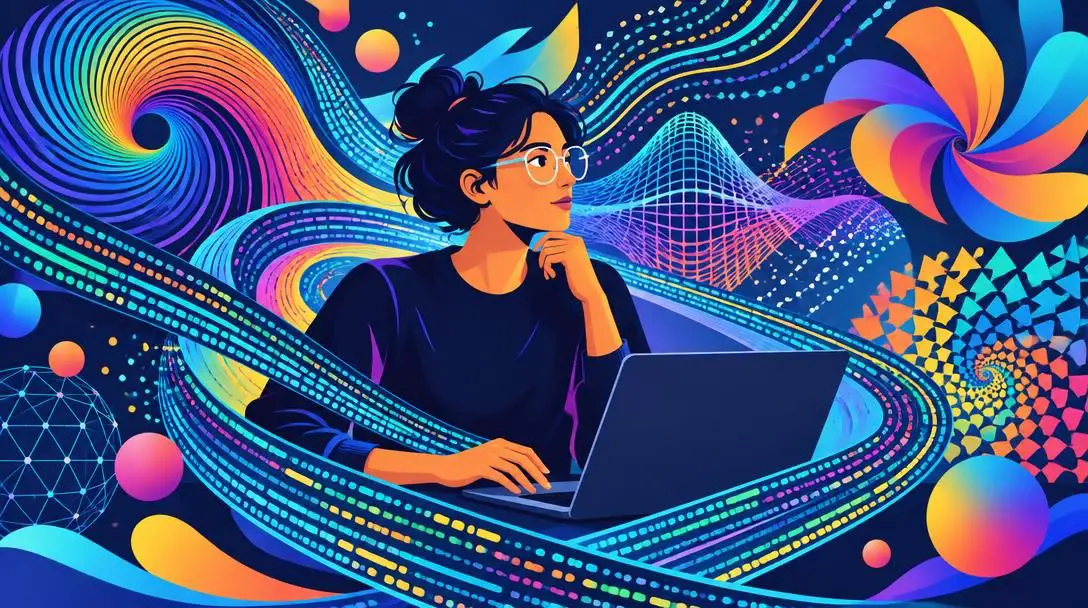
Joshua Davis is widely recognized for his groundbreaking work in generative design and early creative scripting using tools like Macromedia Flash. Rather than drawing static forms by hand, Davis writes software rules, mathematical calculations, and controlled randomizers that generate visual patterns and dynamic compositions. His work helped dissolve the barrier between computational programming, graphic design, and gallery-worthy digital art, demonstrating that algorithmic rules could produce emotionally resonant visual work.
Rafael Lozano-Hemmer
- Core medium: Large-scale interactive installations
- Artistic focus: Public architecture, collective memory, surveillance
- Key innovation: Sensor-driven participatory spaces using robotic lights and projections
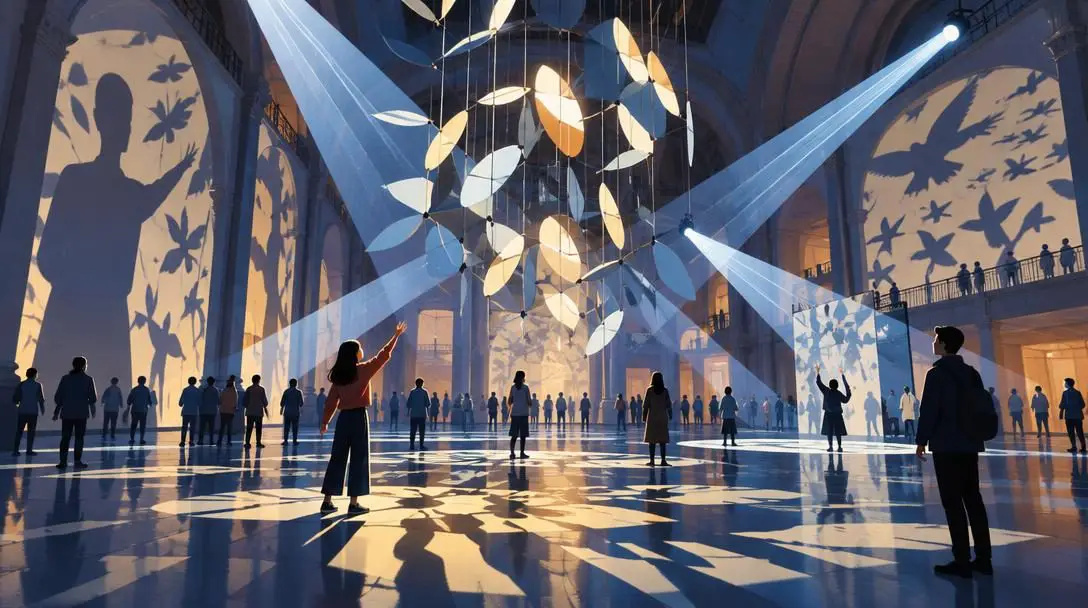
Working at the nexus of architecture and performance art, Rafael Lozano-Hemmer creates expansive interactive installations that react dynamically to the physical presence of participants. By incorporating industrial surveillance cameras, biometric scanners, automated robotic searchlights, and architectural projections, his public installations transform ordinary civic spaces into responsive platforms. Lozano-Hemmer prompts viewers to reflect on collective surveillance, community agency, and urban geography.
Camille Utterback
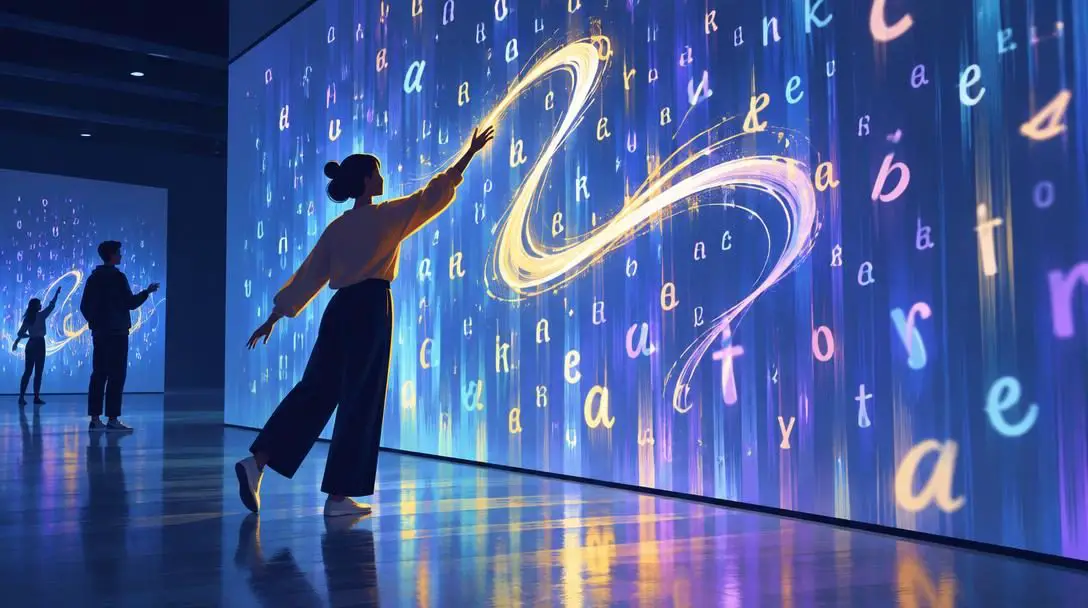
- Core medium: Interactive sensor installations, software code
- Artistic focus: Human movement, gestural calligraphy, bodily presence
- Key innovation: Real-time video tracking that turns physical motion into digital brushwork
Camille Utterback is an acclaimed digital artist whose interactive work investigates how physical bodies relate to synthetic virtual systems. Her seminal installations use custom software and overhead tracking cameras to monitor viewers moving across a gallery floor. As visitors walk, gesture, or interact, the software translates their physical trajectory into floating digital letterforms, dynamic calligraphy, and reactive abstract shapes, transforming human movement into visual poetry.
Cory Arcangel
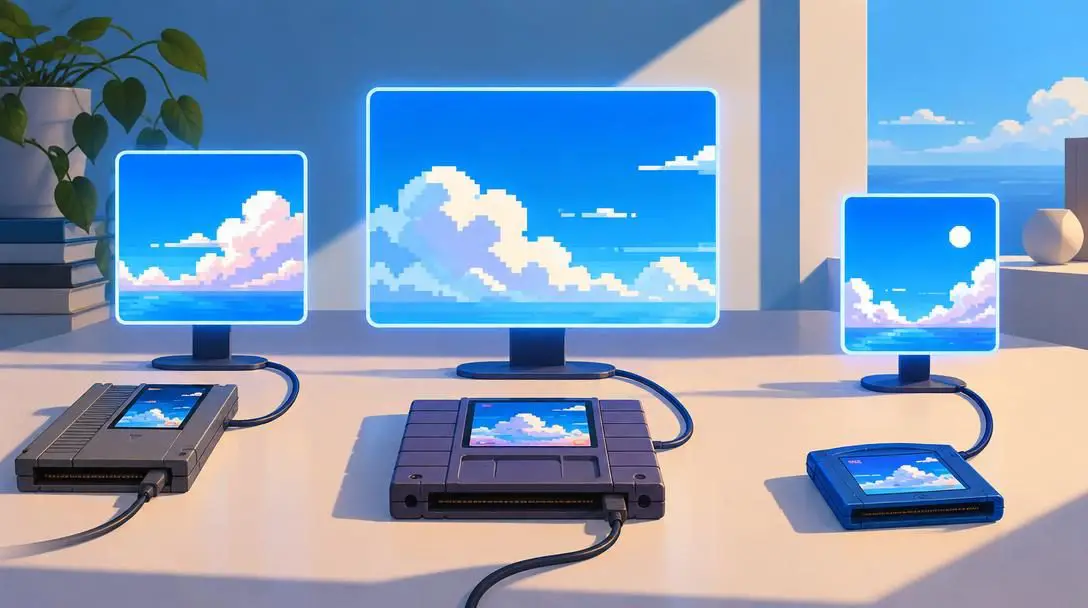
- Core medium: Software modifications, repurposed consumer hardware
- Artistic focus: Video game culture, planned obsolescence, internet remixing
- Key innovation: Hacking vintage game cartridges to create minimalist contemporary art
Cory Arcangel investigates the cultural significance of consumer computing and software lifecycles. Arcangel is famous for physically hacking vintage home video game cartridges, altering their internal code chips to remove all gameplay characters and sound effects, leaving only scrolling backgrounds such as serene blue skies and drifting pixel clouds. His work explores technological obsolescence, popular culture, and the rapid pace at which modern electronic tools transition from cutting-edge novelties to cultural artifacts.
How digital art works in technical practice
Although the conceptual scope of digital art is expansive, its production relies on a structured technological pipeline. This pipeline converts human intent and environmental data into electronic code, stores it safely, and projects it back out to the viewer.
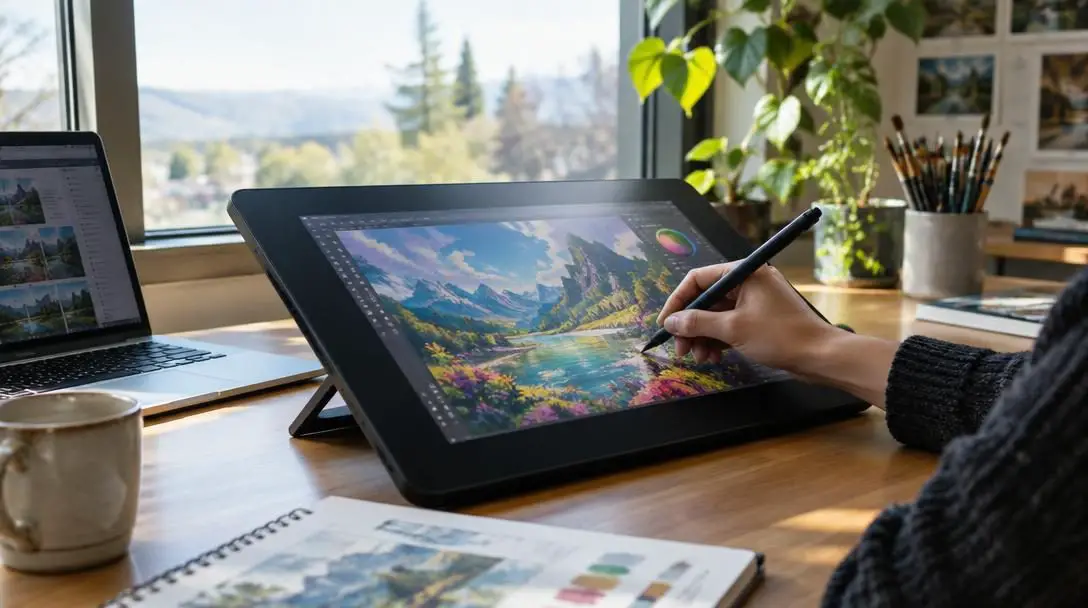
The creation process begins at the hardware input layer. Traditional mouse and keyboard inputs are augmented by graphic tablets featuring pressure-sensitive electromagnetic styluses, depth-sensing 3D scanners, and high-fidelity optical cameras. For interactive installations, the input layer incorporates specialized hardware such as ultrasonic proximity finders, infrared cameras, and ambient light sensors to capture environmental data.
Next, the computational processing layer translates those raw inputs into visual data. In painting software, the computational engine tracks brush velocity, edge anti-aliasing, and color mixing modes. In 3D rendering engines, graphic processing units calculate ray-traced lighting models, ambient occlusion, and surface refractions. For generative or interactive artworks, bespoke software loops analyze incoming sensor data in real time, calculating changes to the visual state frame by frame.
Once calculated, the work resides in the storage and formatting layer as discrete collections of digital code. Unlike a single physical canvas, digital art exists as raster pixel maps, vector mathematical formulas, 3D polygonal geometry databases, or compiled executable code builds. These assets can be preserved, duplicated, and archived without degradation across local hard drives, cloud servers, and physical storage media.
Finally, the work reaches the visual output layer, which presents the compiled digital information to human viewers. This step occurs via calibrated desktop monitors, high-lumen projection mapping onto outdoor facades, expansive LED video walls, or immersive virtual reality headsets. In hybrid kinetic installations, output systems may also actuate physical motors, mechanical mirrors, and directional sound fields.
How to begin creating digital art
Developing proficiency in digital art requires balancing creative fundamentals with software mastery. A methodical approach helps aspiring creators build skills without feeling overwhelmed by technical options.
- Select an initial discipline: Choose a specific area of focus—such as 2D digital painting, 3D character modeling, vector illustration, or creative coding—to avoid software fatigue.
- Acquire baseline hardware: Secure a personal computer with adequate graphic processing power and RAM. For digital drawing and painting, add a pressure-sensitive graphics tablet or pen display to capture natural hand gestures.
- Choose suitable software: Install applications appropriate for your chosen medium, exploring established programs like Photoshop or Illustrator, alongside free and open-source creative software suites.
- Master artistic fundamentals: Learn classical design principles, including perspective, value structures, light behavior, and color harmony, while simultaneously studying digital technicalities like pixel resolution, color spaces, and file export settings.
- Establish a non-destructive workflow: Organize creative files using labeled layers, adjustment masks, and iterative project saves, preserving source files while building final images.
- Export and present the project: Render final compositions into appropriate display formats, balancing image resolution and compression for digital portfolios, online networks, or physical gallery monitors.
Mistakes to avoid in digital art creation
Because software provides automated filters, infinite undo histories, and convenient presets, emerging artists frequently encounter distinct technical and workflow bottlenecks.
- Over-relying on software shortcuts: Relying too heavily on automatic blending modes, textured brush packs, or visual filters cannot hide an underlying weakness in anatomy, perspective, or composition.
- Ignoring color space profiles: Creating art in a web-oriented sRGB profile when intending to produce physical fine-art CMYK prints leads to muddy, unpredictable color shifts upon physical printing.
- Working on a single software layer: Painting an entire complex piece on a single background layer eliminates the flexibility of digital editing and makes minor adjustments difficult to execute.
- Neglecting proper backup redundancy: Failing to maintain secondary local backups and cloud storage copies exposes digital creators to total file loss from drive crashes or software corruption.
Frequently asked questions
What is the main difference between digital painting and traditional painting?
Digital painting uses software, computers, and pressure-sensitive tablets to simulate physical pigments and brush behaviors. Unlike traditional painting on physical canvas, digital painting allows artists to work in non-destructive layers, alter colors after application, undo mistakes instantly, and duplicate assets without damaging the underlying base.
When did digital art first gain formal recognition as fine art?
Digital art began gaining formal gallery recognition in the mid-1960s, notably through the pioneering 1965 exhibition at the Howard Wise Gallery in New York City. The medium gained broader cultural recognition and its official naming convention during the 1990s as personal computers, specialized creative software, and interactive digital installations became widely adopted.
Do you need to know how to code to create digital art?
No. While generative artists like Joshua Davis and installation creators like Camille Utterback write custom computer code, many digital disciplines—such as digital painting, 2D vector design, and 3D modeling—rely on visual software interfaces that allow creators to draw, paint, sculpt, and animate using graphic styluses, mice, and graphic controls.
What equipment do beginners need to start making digital art?
A beginner needs a reliable desktop or laptop computer, creative software suited to their target discipline, and a graphics tablet or pen display if they intend to draw or paint. Beginners exploring interactive or generative art may also utilize basic microcontrollers, webcams, and open-source coding libraries.
How do interactive digital art installations work?
Interactive installations use input devices like motion detectors, infrared sensors, microphones, or cameras to observe viewers in a physical space. Custom software processes this incoming sensory data in real time, immediately altering digital projections, dynamic audio, or mechanical components in response to audience actions.
The bottom line
Digital art represents a profound evolution in creative expression, integrating computational logic, interactive electronics, and classic visual traditions. From early experiments on room-sized institutional computers to contemporary responsive installations and global creative networks, digital technology has expanded what an artistic medium can achieve. By mastering core technical pipelines, respecting artistic fundamentals, and exploring emerging digital platforms, artists continue to demonstrate that the intersection of technology and human imagination holds limitless creative potential.