The Power of Font Pairing: How to Choose the Perfect Combination
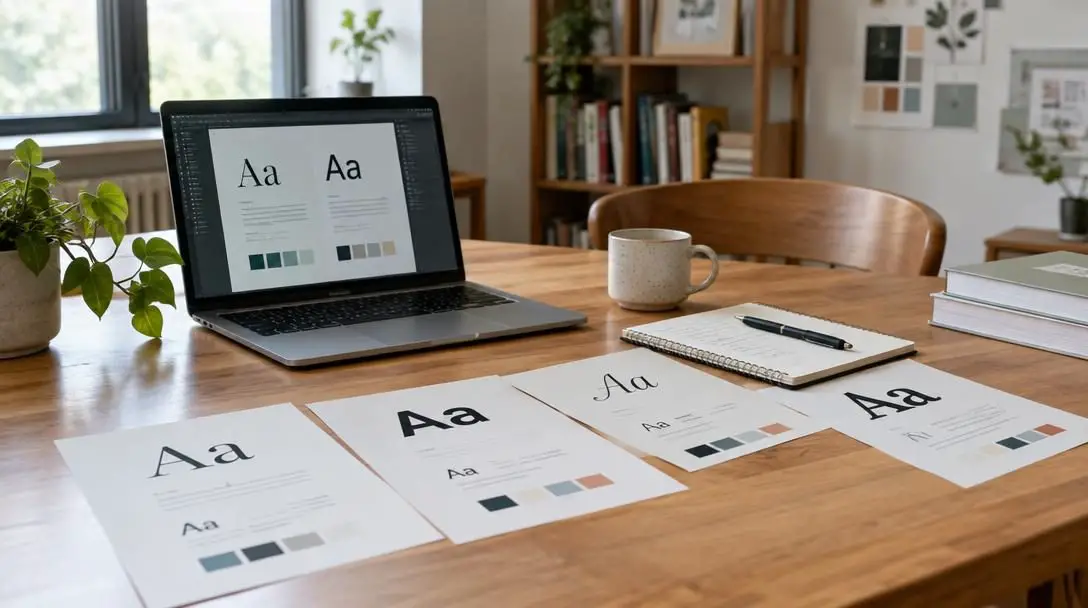
When designing a website, advertisement, or social media graphic, choosing the right font pairing can make all the difference. Typography quietly governs the entire user experience, sending subconscious cues to an audience before they read a single line of copy. While letterforms might seem minor compared to photography or color palettes, they establish the visual voice of any creative project.
Every typeface carries its own personality, historical context, and structural quirks. When two or more typefaces are combined strategically, they elevate an ordinary composition into a professional, cohesive, and compelling piece of visual communication. Conversely, mismatched fonts create discord, confuse the reader, and undermine the credibility of the underlying message.
Key takeaways
- Pairing contrasting styles, such as a serif heading with a sans-serif body, creates natural visual separation and effortless reading.
- Limiting your typographic palette to two or three fonts prevents cluttered, unprofessional compositions.
- Establishing a strict hierarchy through size, weight, and scale guides the reader's eye seamlessly through the material.
- Prioritizing timelessness and legibility over fleeting design trends ensures your work remains fresh and readable for years.
The Core Principles of Harmonious Font Pairing
Typography has evolved from traditional metal typesetting into a multifaceted digital discipline, yet its primary objectives remain unchanged: to make written language legible, readable, and visually engaging. In any design, typography operates on two levels simultaneously. Functionally, it delivers verbal information; artistically, it establishes mood and structure. Because a single typeface rarely handles every task in a complex layout—from commanding headlines to dense paragraphs—designers must select complementary partners.
The foundation of successful font pairing rests on a handful of proven design principles. When applied with intention, these rules transform typographic choices from arbitrary guesses into reliable design decisions.
Contrast is key when building typographic combinations. Pairing a serif font with a sans-serif font generates an appealing contrast that is easy on the eyes. For instance, placing an elegant serif on your headline immediately distinguishes it from clean sans-serif body copy below. This distinction signals to the brain where major sections begin and where continuous reading takes place. Contrast can also be achieved through variations in scale, weight, and structural proportions, preventing disparate text blocks from blending into a monotone wash.
Fonts are also a powerful mechanism to convey mood and tone. Different fonts evoke different emotional responses, and pairing the right styles reinforces the intended message. Consider a website designed for a law firm: selecting a classic serif font establishes trust, authority, and deep-rooted professionalism. Pairing that serif with a modern, crisp sans-serif font suggests innovation, progressiveness, and efficient contemporary practice. Working together, one typeface anchors the brand in stability, while the other communicates forward-thinking agility.
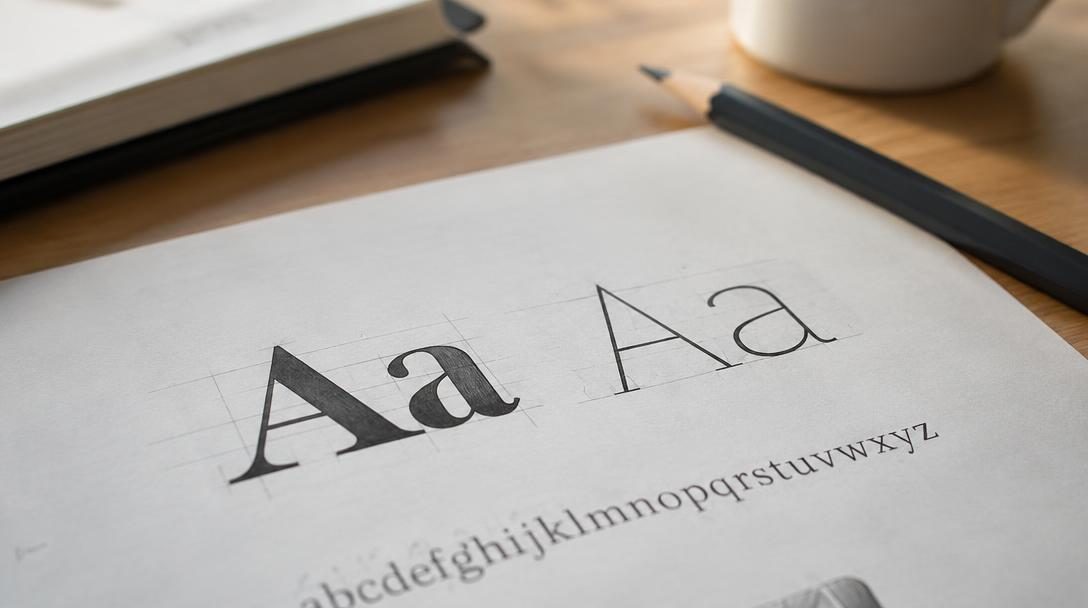
A thoughtful font combination balances harmony and distinction, ensuring that reading feels natural and effortless rather than tiring.
When assembling your palette, less is often more. Introducing too many fonts makes a layout look cluttered, chaotic, and unprofessional. As a general rule, stick to two or three fonts at most. The first font is designated for headlines, the second for continuous body text, and a third—used sparingly—can serve as an accent font for pull quotes, callouts, or metadata tags. Maintaining this discipline ensures your design feels unified rather than scattered.
| Font Role | Primary Function | Recommended Style | Core Objective |
|---|---|---|---|
| Headline Font | Capture immediate reader attention and organize page sections | Serif or distinct Sans-Serif | Visual impact and stylistic personality |
| Body Font | Deliver long narrative passages and continuous information | Clean Sans-Serif or legible Serif | Maximum legibility and reading comfort |
| Accent Font | Highlight pull quotes, short callouts, and secondary labels | Specialty, Italic, or Stylized font | Contextual emphasis used in moderation |
Readability must always take precedence over decorative flair. Some fonts excel at large display sizes in short headlines, but they rapidly become illegible when set as long paragraphs. Digital screens introduce specific challenges, such as variable resolutions and ambient glare, making clean letterforms essential. Sans-serif fonts are generally more readable on digital screens than serif fonts, although well-crafted serifs with open counters and generous spacing can also perform well. If an audience struggles to decipher individual characters, the core communication fails.
Finally, having a font hierarchy is essential for readability and visual appeal. Hierarchy establishes an intuitive path for the reader's eye, moving from the largest and boldest elements down to smaller body passages. Without deliberate typographic scale, content feels flat and disorienting.
Step-by-Step Guide to Choosing the Right Fonts
Rather than browsing thousands of type families without a plan, follow an orderly sequence to assemble a dependable typographic system tailored to your specific project.
- Audit existing brand materials. Begin by evaluating the established visual assets of the client or organization. If the company already maintains a distinct logo font or established brand guidelines, incorporate those elements into your scheme to maintain visual continuity.
- Determine the primary emotional tone. Identify the specific sentiment your project must evoke. Determine whether your audience expects authoritative tradition, creative elegance, playful accessibility, or technical efficiency before reviewing potential typefaces.
- Select a reliable body font first. Because extended blocks of text place the greatest demand on the reader, choose a highly legible body typeface before considering headline options. For digital projects, prioritize clean, neutral sans-serif families that retain clarity across small screen sizes.
- Choose a complementary heading font. Select a headline typeface that provides sharp visual contrast against your body font. If you chose a sans-serif for continuous reading, test classic or contemporary serifs for titles to produce clear visual separation.
- Determine if an accent font is strictly necessary. Assess whether the layout genuinely requires a third typeface for callout boxes, captions, or short citations. If the composition does not demand extra ornamentation, keep your palette strictly limited to your primary two selections.
- Construct a clear visual hierarchy. Define specific sizing ratios and font weights across your headings, subheadings, and body paragraphs. Ensure the primary heading is noticeably larger and heavier than secondary subheads, which in turn must remain distinct from running text.
- Evaluate timelessness and longevity. Critique your typographic choices against current fads. Passing trends fade quickly, leaving projects looking outdated within a few seasons; aim for timeless letterforms that will remain relevant for years to come.
- Test the combination across formats. Review your pairings across multiple physical and digital mediums. Verify that your layout retains clarity and visual impact on mobile screens, desktop monitors, printed materials, and social graphics.
Common Typographical Mistakes to Avoid
Even seasoned designers can run into problems when combining typefaces. Avoiding these common missteps will protect your project from looking amateurish or unreadable.

- Employing too many typefaces: Using four or five different fonts in a single design creates visual chaos, leaving the layout disorganized and cluttered.
- Pairing fonts with insufficient contrast: Selecting two fonts that look almost identical, such as two slightly different geometric sans-serifs, makes the combination appear like an accidental error rather than an intentional choice.
- Sacrificing readability for visual style: Applying an ornate, novelty, or delicate display typeface to long body paragraphs ruins legibility and fatigues the reader.
- Ignoring hierarchy and scale: Failing to establish noticeable differences in size and weight leaves content looking flat, preventing readers from skimming or finding key sections.
- Chasing fleeting trends: Relying on hyper-trendy font styles guarantees your design will age prematurely once that aesthetic falls out of favor.
- Disregarding established brand identity: Picking fonts that clash with an organization's pre-existing logo or corporate identity damages brand recognition.
Technical Refinements and Cross-Platform Testing
Once you have selected your typographic palette, technical execution determines how effectively those choices translate into real-world viewing environments. Operating systems, web browsers, and device displays render font smoothing and antialiasing differently. A delicate serif hairline that appears crisp on an ultra-high-definition desktop monitor may render unevenly or disappear entirely on an older low-resolution mobile screen.
To ensure resilience across platforms, establish explicit styling rules within your design system:
- Leverage font weights: Rather than introducing an additional typeface for variety, explore the full weight spectrum of your core family, using light, regular, semibold, and bold weights to build depth.
- Refine letter spacing: Slightly increase the tracking on uppercase headlines to improve legibility, while keeping body copy at its natural, proportional metrics.
- Calibrate line height: Ensure paragraphs have adequate breathing room; tight leading makes lines run together, while excessively loose leading fractures the narrative flow.
- Monitor contrast ratios: Verify that text color against the background meets accessibility standards, ensuring comfortable reading under varying ambient light conditions.
After your typographic rules are defined, observe how readers interact with the final asset. Solicit feedback regarding reading ease, scanability, and overall clarity, and remain willing to make subtle adjustments to sizes, weights, or spacing based on real-world usage.
Frequently asked questions
How many fonts should I use in a single design project?
As a general rule, stick to two or three fonts at most. Dedicate the first font to headlines, the second to body copy, and reserve an optional third font strictly for accents like pull quotes, callouts, or labels. Using more than three typefaces typically makes a design appear cluttered and chaotic.
Why is combining a serif font with a sans-serif font so effective?
Pairing a serif with a sans-serif creates natural, clear visual contrast. The structural differences between the decorative serifs and the clean, unadorned strokes of a sans-serif help the reader's brain instantly distinguish between prominent section headers and continuous body text.
Are sans-serif fonts always better for digital screens?
Sans-serif fonts are generally more readable on digital screens because their simplified shapes render cleanly across diverse display resolutions. However, modern high-density screens also display well-designed serif fonts effectively, provided the letterforms feature generous spacing and sturdy proportions.
How can I make two very different fonts look cohesive together?
Two distinct fonts can be unified by establishing a strict visual hierarchy, aligning their emotional tone, and ensuring they do not compete for attention. Let one font handle expressive duties in headings while the other quietly supports readability in paragraph text.
What should I do if my brand already has an established logo font?
Always audit existing brand materials before selecting new typography. Incorporate the existing logo font or your brand's defined secondary typefaces into your layout to preserve visual continuity and reinforce brand identity across all customer touchpoints.
The bottom line
Typography is far more than an aesthetic finishing touch; it is the structural backbone of visual communication. By focusing on fundamental principles like contrast, emotional tone, hierarchy, and legibility, you can combine typefaces with confidence and purpose. Remember that restraint is one of the most powerful tools in a designer's repertoire: keep your selections minimal, avoid short-lived trends, and test your work across multiple formats to create timeless, engaging designs that deliver your message with clarity.