5 Reasons To Consider Switching To Linux
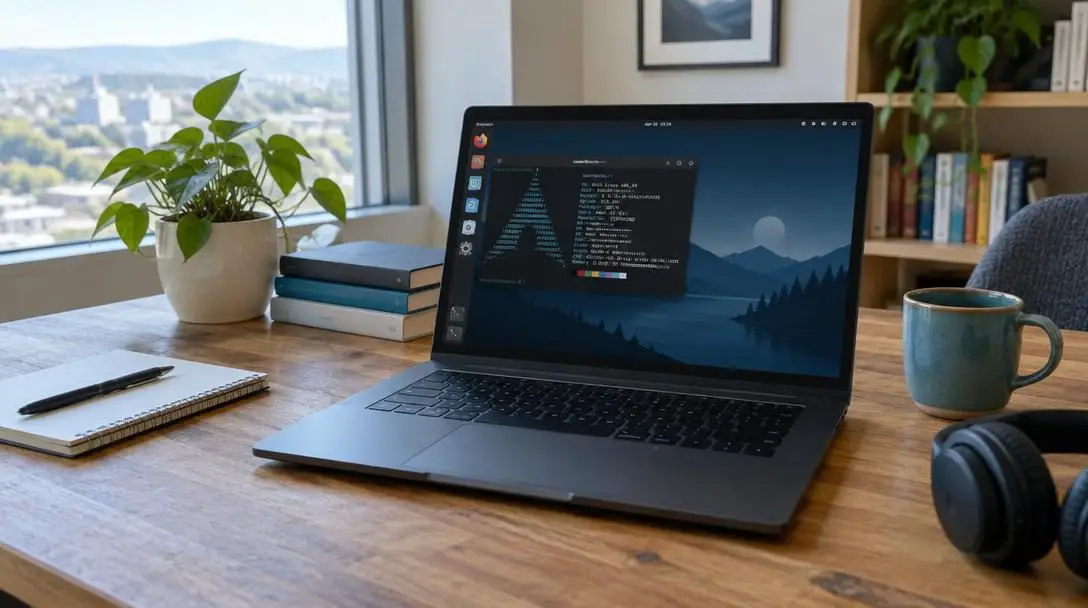
Every single one of the world's top 500 supercomputers runs on Linux, yet the vast majority of everyday desktop and laptop users remain tied to commercial giants like Microsoft Windows and Apple macOS. Because proprietary platforms come pre-installed on retail personal computers, millions of people never consider whether their operating system genuinely aligns with their computing needs, privacy expectations, or pocketbook.
An operating system serves as the foundational layer between your physical machine—its processor, memory, storage, and graphics—and the daily applications you depend on. While commercial platforms lock users into closed software environments characterized by invasive data telemetry, mandatory upgrades, and ongoing licensing fees, Linux champions an open, collaborative model designed to return complete digital control to the user.
Key takeaways
- Linux powers 100 percent of the world's 500 fastest supercomputers while offering everyday users a cost-free alternative to proprietary operating systems.
- Switching from commercial operating systems can save users roughly two hundred dollars per machine in operating system licensing costs alone.
- Transparent open-source codebases and low desktop market share combine to deliver exceptional digital security and prevent silent operating system telemetry.
- Modern Linux distributions install hardware drivers automatically and provide full user autonomy over system updates without forced restarts.
- Tools such as Steam Play have dismantled historic barriers to PC gaming by enabling smooth play across thousands of popular desktop titles.
Understanding the engine behind modern computing
To grasp why open-source software is so compelling, it helps to dissect how an operating system functions. At its most fundamental layer, an operating system manages raw hardware components, orchestrating how the central processing unit schedules tasks, how system memory allocates active processes, and how storage drives read and write data. When a vendor controls both the underlying operating system and the rules governing application execution behind closed doors, consumers surrender meaningful agency over their personal computing hardware.
Proprietary platforms treat users as passive consumers who license software under strict commercial constraints. These vendors can unilaterally alter user interfaces, mandate feature additions, collect usage statistics, or push mandatory system updates that disrupt your workflow. By contrast, Linux is founded on the principle of software transparency and digital autonomy. Instead of being engineered to lock you into a corporate ecosystem, it provides a stable, modular environment that you can inspect, modify, and tune to meet your exact workflow requirements.
Reclaiming control over your hardware starts with choosing an operating system that treats you as an owner rather than a consumer.
Five decisive reasons to make the switch to Linux
Deciding to move away from decades of familiarity with Windows or macOS is a major decision. However, the practical benefits of modern Linux distributions provide compelling justifications for making the leap.
1. It is an open source operating system
Unlike proprietary software kept under corporate lock and key, Linux is fully open source. Anyone has the legal and technical right to view, study, modify, and redistribute the underlying source code. Rather than remaining passive end users, computer owners have the power to examine how their software works and contribute improvements back to the broader computing world.
Because thousands of independent developers and global software organizations scrutinize the codebase daily, Linux exists in a state of continuous peer review and collaborative refinement. This transparent structure also produces an extraordinarily responsive community. When you hit a technical snag, you are not trapped navigating corporate phone trees or automated support chatbots. Instead, you can tap into vast global forums and community channels staffed by enthusiastic volunteers eager to troubleshoot problems and share knowledge.
2. You will not pay a dime
Upgrading commercial operating systems or outfitting a newly built desktop PC often demands substantial capital. A retail license for proprietary operating systems can quickly add up, and closed commercial ecosystems often tether software access to expensive proprietary hardware. Linux, by sharp contrast, is completely free to download, install, and use for both personal and commercial purposes.
By switching to Linux, computer users can easily save roughly two hundred dollars per machine in software licensing fees. For families managing multiple computers, small business owners equipping an office, or hobbyists building custom desktop rigs, those savings translate directly into higher-spec hardware upgrades or stay safely in your bank account.
3. It is extremely secure
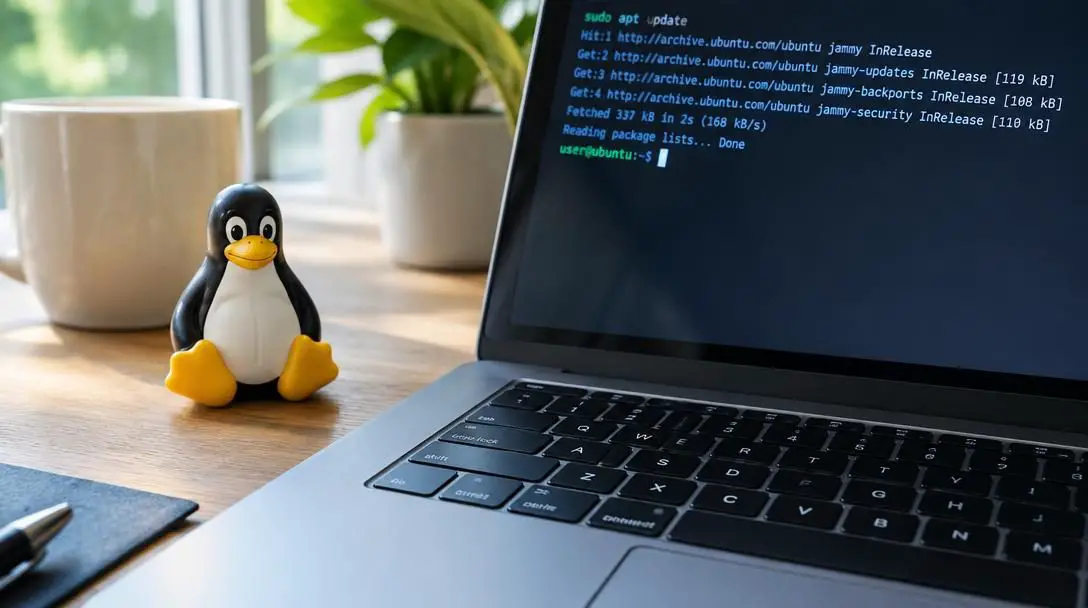
While no connected computer system can ever claim total immunity from security threats, Linux has earned an international reputation as one of the most resilient operating systems ever constructed. A substantial portion of this resilience stems from structural design choices: strict administrative permission models restrict software from executing unauthorized modifications to core system files.
Market dynamics also favor desktop Linux security. Because Windows dominates consumer retail hardware, malicious software developers focus the vast majority of their efforts on creating exploits for Microsoft platforms. On Linux, system security is so robust that most everyday users do not run dedicated antivirus software, instantly eliminating recurring annual software subscriptions. Furthermore, the public nature of the code means privacy-conscious users can verify that the system is not quietly gathering personal analytics in the background. If a vulnerability is uncovered, independent community developers can deploy a patch immediately without waiting for a corporate release calendar.
4. It is surprisingly user-friendly
A stubborn myth insists that Linux is exclusively built for software engineers, server administrators, and command-line purists. In reality, modern Linux distributions have transformed the user experience into an intuitive, polished desktop workflow. Today's mainstream distributions detect and configure graphic cards, wireless adapters, audio chipsets, and peripheral devices automatically during setup.
Linux also respects the user's time and workflow. Unlike platforms notorious for triggering disruptive, mandatory updates in the middle of urgent tasks, Linux gives you full control over when software patches are applied. Because these systems are clean and devoid of commercial bloatware, pre-installed sponsored trials, and unrequested background utilities, Linux operates at blistering speeds. This high efficiency gives Linux exceptional hardware longevity, allowing it to run fluidly on aging laptops while powering diverse Internet of Things (IoT) hardware that proprietary platforms abandon.
5. Yes, you can game with it
For decades, reliance on proprietary graphics frameworks made PC gaming the single greatest barrier preventing gamers from abandoning Windows. That historical wall has largely collapsed. Modern compatibility layers, accelerated by Valve's Steam Play ecosystem, translate graphics calls and game logic in real time, unlocking massive libraries of blockbuster titles natively on the Linux desktop.
While certain titles utilizing aggressive, kernel-level anti-cheat software may still present compatibility hurdles, the gaming landscape on Linux continues to improve on an almost daily basis. Thousands of top-tier desktop games run with performance rivaling—and sometimes exceeding—their performance on traditional commercial operating systems. As developers and platform maintainers continue investing in open compatibility frameworks, the argument that gaming requires Windows has rapidly become obsolete.
Comparing desktop operating systems at a glance
Evaluating an operating system requires weighing licensing policies, resource efficiency, user telemetry, and day-to-day usability. The following table illustrates how Linux measures up against its primary closed-source commercial alternatives.
| Feature | Linux | Microsoft Windows | Apple macOS |
|---|---|---|---|
| Licensing Cost | Completely free | Paid retail licenses | Included with proprietary hardware |
| Source Code Access | Fully open source | Closed source / proprietary | Closed source / proprietary |
| Hardware Compatibility | Vast, including older machines and IoT | Broad, but demands newer requirements | Restricted exclusively to Apple hardware |
| System Telemetry | None or strictly opt-in | Extensive commercial telemetry | Integrated ecosystem tracking |
| User Update Autonomy | Full user control over updates | Frequent forced restarts | System-managed update prompts |
The architecture of a Linux desktop
Gaining confidence with Linux requires a basic grasp of its architecture. Technically speaking, Linux is simply the operating system kernel—the low-level program responsible for managing communication between your computer's silicon hardware and its running software. A bare kernel, however, does not provide an interactive workspace.
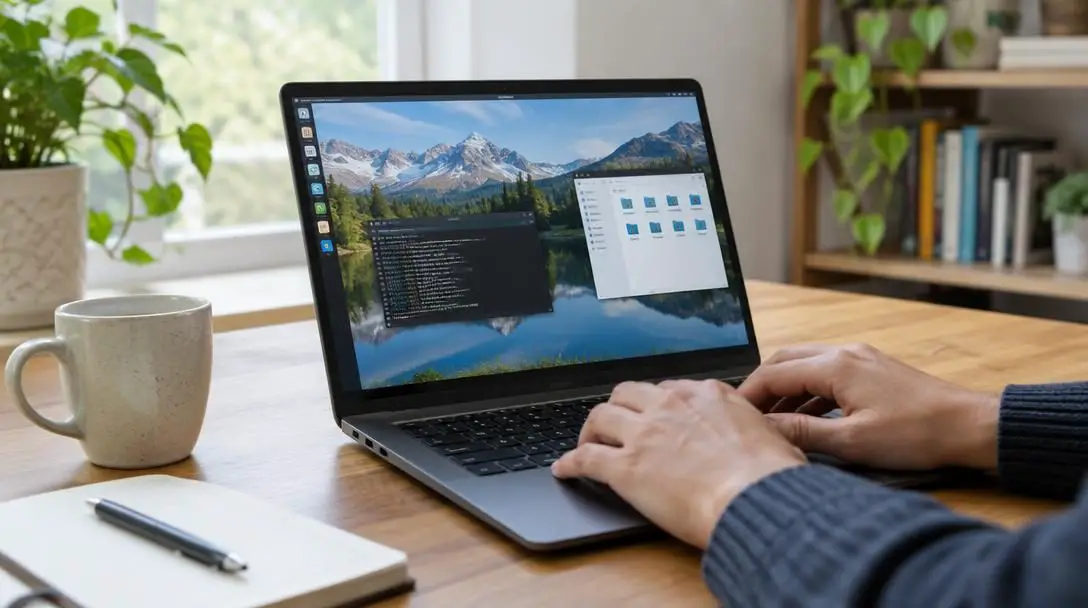
To create a complete desktop computer environment, the kernel is bundled with a suite of essential system tools, a software package manager, background services, and graphical interfaces. This comprehensive collection is called a distribution (or "distro"). Distribution maintainers curate and polish the components to target specific user groups, ranging from absolute computing newcomers to enterprise data scientists.
The visual layer of this stack is known as the desktop environment. It supplies your visual user interface: the application launcher, taskbar, system trays, desktop icons, windows manager, and system settings dialogs. Because the desktop environment is decoupled from the underlying operating system kernel, Linux grants you the freedom to choose your interface style, swap system themes, or install lightweight visual shells tailored for older hardware.
Step-by-step guide to migrating your computer
Transitioning to Linux does not mean you have to jump blindly into the deep end or wipe your existing computer clean on day one. You can methodically evaluate the operating system while protecting your files.
- Back up all personal files: Before adjusting storage drives or configuring operating systems, transfer all critical documents, media libraries, project files, and browser bookmarks to an external storage drive or remote backup repository.
- Select a beginner-friendly distribution: Pick a distribution that provides comprehensive driver detection, widespread community documentation, and an intuitive user interface right out of the box.
- Download the operating system file: Obtain the official ISO installation image directly from the distribution's authentic project website to ensure software integrity.
- Create a bootable USB drive: Use a reputable image-writing tool to flash the downloaded operating system image onto an empty USB flash drive, converting it into a live installer.
- Test the system in live mode: Insert the USB drive and reboot your machine into "live mode." This runs the complete operating system directly out of your computer's RAM, enabling you to test audio, Wi-Fi connections, display settings, and printer support without touching your hard drive.
- Install Linux alongside your existing OS or as a replacement: When you are confident in hardware performance, trigger the installer. Choose to replace your legacy system entirely or set up a dual-boot configuration to pick between systems at startup.
Common mistakes to avoid when switching
While the learning curve of modern Linux is shallower than ever, newcomers frequently run into unnecessary snags by carrying legacy operating system habits into an open environment. Steering clear of these routine missteps ensures a smooth transition:
- Expecting an identical clone of Windows or macOS: Linux is an independent operating system built around distinct software philosophies, file directory layouts, and configuration structures. Approaching it with an inquisitive mindset rather than demanding identical workflows prevents initial friction.
- Hunting for setup files on the web: Windows users often search web browsers for executable installation files. In the Linux ecosystem, applications are safely installed, verified, and updated through an integrated software center or native package manager.
- Picking an advanced distribution too early: Minimalist, manual distributions designed for technical professionals demand extensive command-line configuration. Beginners should always begin with distributions pre-configured for graphical ease of use.
- Failing to engage the community: When you face an unfamiliar settings dialog or configuration puzzle, do not guess blindly. The global Linux community maintains searchable documentation forums where virtually every early question has already been solved.
- Skipping gaming compatibility checks: While Steam Play provides expansive compatibility, specific multiplayer titles relying on specialized proprietary anti-cheat software may not launch. Verify the operational status of your favorite titles before decommissioning your legacy setup.
Planning your transition to open source
Embracing Linux represents far more than swapping window borders and desktop wallpapers; it is an active decision to assert total ownership over your digital life. Before making the switch, spend time auditing the specific software tools that power your typical day. Core computing activities—including modern web browsing, streaming video, word processing, spreadsheet modeling, and digital communication—operate natively on Linux without a hitch.
If you rely on specific closed-source software suites, investigate whether functional open-source alternatives fulfill your requirements, or verify whether your preferred software can run through native compatibility layers. If you have an older laptop or desktop PC that has grown sluggish under the hardware demands of modern commercial updates, use that machine as your proving ground. Installing a lightweight Linux distribution on aging hardware costs nothing, revives sluggish components, and offers a hands-on introduction to the world of open computing.
Frequently asked questions
Can Linux run on older laptops and desktop computers?
Yes. Linux is renowned for its lightweight resource footprint and superior hardware compatibility. Because it lacks commercial bloatware, it can smoothly breathe new life into older machines that struggle under modern Windows or macOS updates.
Do I need to learn command-line terminal commands to use Linux?
No. Modern desktop distributions are designed with complete graphical interfaces, allowing you to manage files, install software, adjust system settings, and configure hardware without ever opening a terminal window.
Can I try Linux without deleting my current operating system?
Yes. Most Linux installation media can boot into an interactive "live mode" directly from a USB flash drive without altering your hard drive. Additionally, the installer allows you to set up a dual-boot configuration alongside your current operating system.
Are popular PC games playable on Linux?
Yes. Thanks to Valve's Steam Play and modern compatibility tools, thousands of PC titles run smoothly on desktop Linux, though select games utilizing certain anti-cheat systems may still face compatibility limitations.
Do I need to purchase an antivirus subscription for Linux?
No. Due to strict user permission structures, open-source peer review, and a lower desktop market share compared to commercial platforms, most Linux desktop users operate safely without purchasing third-party antivirus software.
The bottom line
Proprietary operating systems have long treated personal computers as vehicles for corporate monetization, invasive advertising, and forced hardware upgrades. Linux proves that personal computing can be completely different: fast, secure, customizable, and free. By switching to an open-source distribution, you reclaim your privacy, extend the lifespan of your physical hardware, eliminate unnecessary licensing expenses, and join a worldwide community built on digital freedom.