Should You Be Using RSS Feeds
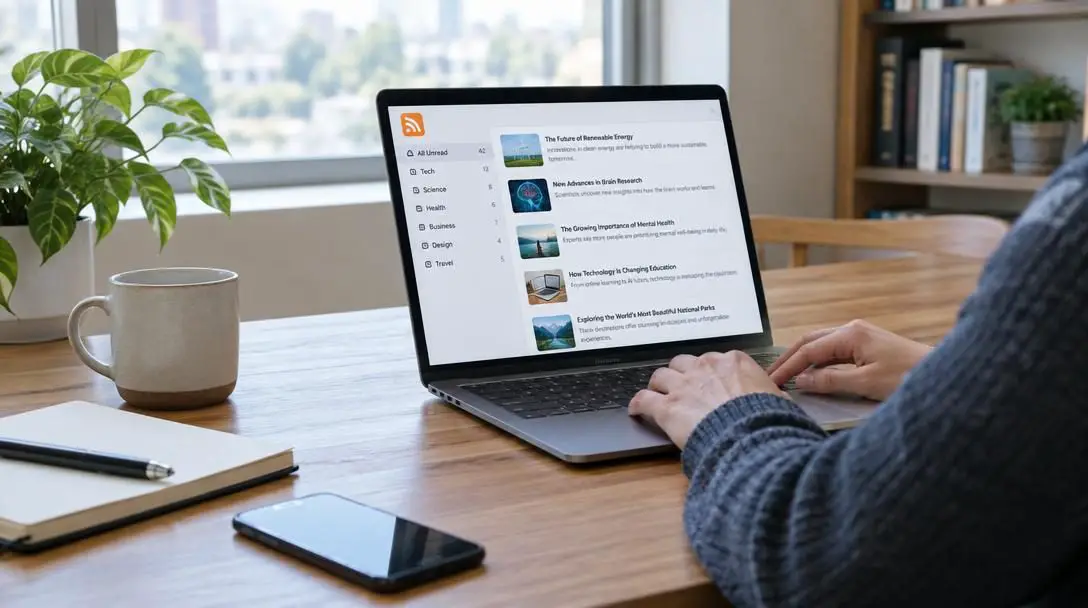
For more than two decades, RSS feeds have provided an open, efficient framework for following content across the internet. Short for Rich Site Summary, the technology was introduced in the late 1990s as a direct antidote to the friction of manually visiting dozens of websites every day. Instead of forcing readers to constantly check individual homepages for fresh writing, RSS creates a universal bridge that automatically sends newly published updates directly to an aggregator application.
Today, the way people discover information has shifted dramatically toward algorithm-driven social media platforms and commercial news aggregators. Yet, despite predictions that modern platforms would render web feeds obsolete, RSS maintains a dedicated audience among digital minimalists, researchers, and everyday readers who value privacy and complete control over their attention. Evaluating whether web feeds belong in your daily routine requires a clear look at how the underlying system functions, how it compares to centralized platforms, and how to build a reading workflow that prevents digital overload.
Key takeaways
- RSS delivers updates directly from publishers in a clean, chronological format without algorithmic filtering.
- Feed readers protect your online privacy by requesting published content anonymously without tracking clicks or reading habits.
- Comparing feeds to social platforms highlights a fundamental difference between user-controlled curation and predictive engagement models.
- Structuring subscriptions into focused folders and setting keyword filters prevents feed reader overwhelm.
The evolution of web content consumption: From bookmarks to algorithms
To understand the role of web feeds today, it helps to examine how digital reading habits have changed over the decades. During the earliest era of the consumer internet, keeping up with multiple online destinations was a manual chore. Readers relied on browser bookmarks, clicking through long lists of addresses one by one. You had to load each site, scan the page, and guess whether anything new had appeared since your last visit. For anyone following dozens of personal blogs, industry publications, and news portals, this routine was inefficient and time-consuming.
The introduction of RSS in the late 1990s flipped this dynamic entirely. Instead of requiring users to continually pull information from disparate corners of the web, RSS established a push mechanism that notified readers the moment new material was published. A single application could aggregate hundreds of independent publications, transforming fragmented browsing into a unified reading dashboard. It created an open reading environment where independent publishers had equal footing with large media houses.
Over the following decades, internet discovery shifted again. Mainstream attention moved toward social media networks and personalized news aggregation apps that rely on complex predictive models. These newer platforms replaced manual curation with automated algorithmic feeds designed to guess what a user wants to see based on past activity. In the process, several mainstream sites stopped displaying obvious feed links, leading some users to assume the technology had disappeared. However, the underlying infrastructure of RSS remains active across the web, continuing to power independent publishing and personal news monitoring.
How RSS technology works behind the scenes
Despite its technical capabilities, the core mechanic of a web feed is remarkably straightforward. It functions as a two-part system: a structured file hosted on a publisher's server and a specialized software client operated by the reader.
Whenever an author publishes an article, blog post, or update, their content management system automatically updates a dedicated document hosted on the site. This document is written in a standardized format that computer software can immediately parse. It contains a machine-readable summary of the site's most recent output, including publication dates, titles, author information, and either full article text or summary excerpts.
On the user side, reading these updates requires an application known as a feed reader or news aggregator. Feed readers are widely available across several environments:

- Web-based readers: Accessible through any internet browser, keeping your reading list and read status synchronized across different workstations without installing dedicated software.
- Desktop applications: Standalone programs tailored for operating systems like macOS, Windows, or Linux, often offering rich keyboard navigation, local caching, and offline reading capabilities.
- Mobile applications: Lightweight, touch-friendly readers designed for smartphones and tablets that allow you to read saved updates during commutes or leisure time.
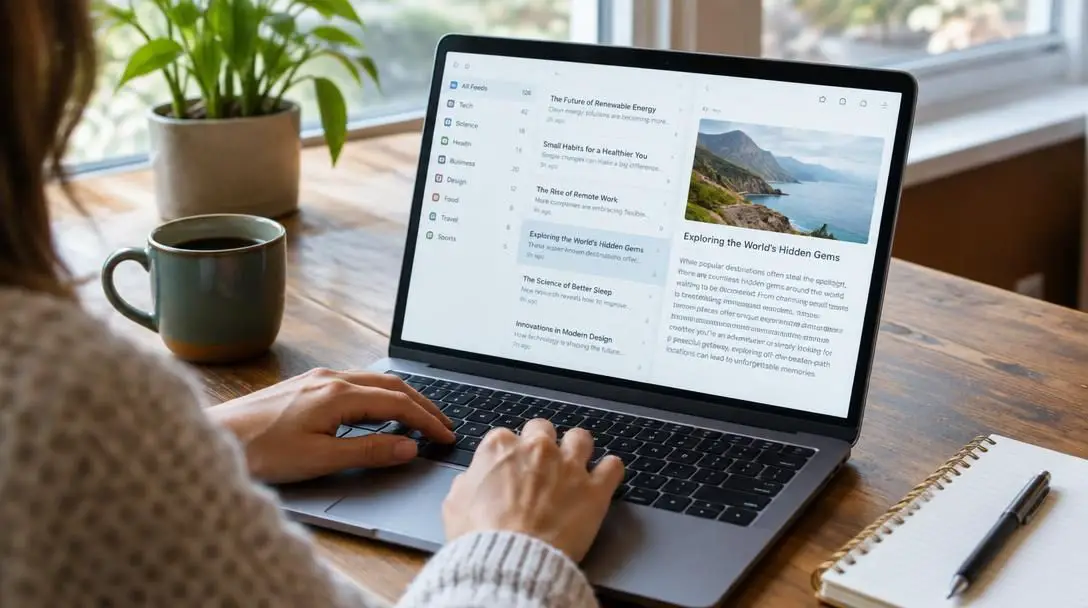
When you subscribe to a feed URL, your aggregator periodically queries that remote address to verify whether new entries have been posted. If new content is detected, the reader downloads the metadata and displays the article neatly in your inbox or magazine view. The reader tracks which stories you have already viewed and which remain unread, ensuring you never encounter duplicates or lose your place.
Four key advantages of subscribing to web feeds
The endurance of RSS feeds stems from the practical benefits they offer over closed, proprietary media ecosystems. While modern web platforms prioritize continuous user engagement, feeds center on utility, speed, and ownership of the information stream.
Staying updated without visiting individual sites
Subscribing to a web feed guarantees that you never miss an installment from an infrequent writer or niche publication. Many excellent independent blogs publish only once a month or several times a year. In a manual browsing routine, it is easy to forget about those sites entirely. With an aggregator, new articles appear in your stream whenever they are posted, without requiring any proactive maintenance or memory on your part.
Saving time through central aggregation
Opening multiple browser tabs every morning to skim daily headlines consumes unnecessary mental energy and valuable time. By bringing all text streams into a single dashboard, an aggregator lets you review dozens of publications in a fraction of the time. You can scan headlines rapidly, read relevant excerpts, and mark entire sections as viewed in seconds, leaving your web browser free from tab sprawl.
Filtering content by focused keywords
Many advanced feed aggregators include built-in filtering tools that allow readers to fine-tune their reading queues. If you are conducting research on a specific subject, such as renewable energy or software development, you can create rules to automatically highlight articles containing those phrases. Conversely, you can establish muting filters to hide topics or recurring news events you prefer not to see, keeping your reading list relevant to your goals.
Preserving personal privacy and data ownership
Unlike contemporary digital platforms, RSS does not analyze your reading speed, track which links you click, or compile demographic dossiers to sell to digital advertising networks. Your subscription list lives inside your chosen reader, completely detached from ad trackers, behavioral cookies, and algorithmic profiling. This creates a calm, private reading environment free from commercial surveillance.
By delivering every post in strict chronological order, web feeds restore personal intention to digital reading instead of surrendering your attention to engagement algorithms.
Comparing content delivery methods
Choosing the right way to follow news and digital media involves weighing the strengths and trade-offs of different delivery channels. The following comparison illustrates how RSS feeds differ from social media streams and algorithmic news apps across key functional areas.
| Platform Type | Content Ordering | Curated By | User Privacy Level | Subscription Completeness |
|---|---|---|---|---|
| RSS Feeds | Strictly chronological | Individual user | High (no tracking or profiles) | Complete (shows 100% of posts) |
| Social Media Networks | Algorithmic engagement | Platform algorithms | Low (monitors clicks and activity) | Partial (hides posts based on models) |
| Personalized News Apps | Predictive ranking | Aggregator algorithms | Low to moderate (tracks interests) | Selective (prioritizes engagement) |
The primary distinction centers on curation authority. Social media platforms and automated news apps observe your behavior to present content they calculate will maximize your time on screen. While this can sometimes introduce you to unexpected stories, it also means platforms frequently suppress posts from accounts you actively follow if an algorithm decides another post will provoke higher emotional interaction. An RSS feed, by contrast, acts as an unedited pipeline: every published post is delivered, leaving the editorial judgment entirely to you.
Step-by-step guide to setting up an RSS workflow
Establishing an RSS routine requires no specialized technical knowledge. Because web feeds are built on open web standards, you are free to pick and choose the software that matches your preferred reading environment.
- Select a feed reader: Decide whether you want a web-based service for multi-device synchronization, a native desktop application with offline support, or a lightweight mobile app.
- Compile your favorite sources: Draft a list of websites, technology columns, independent blogs, industry journals, and regional news sources you read regularly.
- Locate the feed URLs: Look for standard orange feed icons or links marked with feed terminology on your chosen websites. If an icon is missing, copying the site's primary homepage URL directly into your reader's search bar will often automatically detect the underlying feed.
- Add subscriptions to your aggregator: Paste the feed address into the subscription dialog of your reader software to confirm the connection and import recent articles.
- Organize entries into topical folders: Group subscriptions into distinct folders such as daily news, technical reference, hobby interests, or long-form essays to separate urgent headlines from leisurely reading.
- Configure keyword filtering rules: Use your reader's filtering settings to surface vital terms or suppress repetitive coverage on topics you wish to avoid.
Common mistakes when adopting feed readers
While RSS simplifies online reading, newcomers frequently run into obstacles if they bring habits from social media or email management into their feed aggregators. Avoiding these frequent missteps will help maintain an organized, stress-free information stream.
- Subscribing to excessive high-volume news desks: Adding multiple high-output wire services or mainstream news organizations can quickly dump hundreds of articles into your queue every day. This creates an overwhelming reading backlog that defeats the time-saving purpose of the tool.
- Treating the reader as an absolute inbox: Attempting to read every single headline like an unread email creates unnecessary pressure. An RSS aggregator should be treated like a flowing river rather than a strict checklist. If your unread count becomes stressful, marking all entries as read allows you to clear the slate without guilt.
- Leaving subscriptions uncategorized: Dumping all publications into a single master stream causes fast-moving news updates to drown out thoughtful, slow-paced essays. Sorting feeds by publishing frequency or topic ensures you can choose the right folder for the time you have available.
- Abandoning feeds prematurely due to missing buttons: Assuming a site does not provide a feed simply because there is no badge on the homepage is a common error. Many publishing frameworks generate feeds automatically behind the scenes.
- Overlooking keyword filters: Failing to use automated keyword rules forces you to sift manually through repetitive coverage, which diminishes the productivity benefits that aggregators offer.
How to decide if RSS fits your personal reading habits
While web feeds provide an exceptionally clean reading environment, they are not necessarily ideal for everyone. Determining whether adopting a feed reader makes sense depends on what you read and how you prefer to encounter information online.
An RSS workflow is particularly well-suited for readers who follow independent creators, niche technical topics, and focused industry publications. If you find yourself frustrated by missing articles due to unpredictable social algorithms, or if you want to eliminate behavioral tracking and clickbait from your daily routine, an aggregator provides unmatched control and privacy. It puts you in direct command of what enters your visual field.
On the other hand, if your primary goal is effortless passive discovery, algorithmic platforms offer clear convenience. Social feeds and personalized apps require no setup, no directory management, and no curation on your part; they serve up content automatically based on global engagement and past habits. Readers who prefer hands-off entertainment over deliberate information gathering may find managing an aggregator to be an unnecessary administrative chore.
Frequently asked questions
What does RSS stand for?
RSS stands for Rich Site Summary. It is an open, standardized web feed format introduced in the late 1990s to let software applications retrieve updates from online publishers automatically.
Do RSS feeds track my reading activity?
No. When an aggregator fetches new articles, the hosting server only receives a standard request for the public feed file. The site cannot track your reading time, click behavior, or browsing identity.
Why don't some websites display RSS buttons anymore?
Many modern websites removed visible icons as mainstream audiences transitioned toward social platforms. However, many content platforms still generate feeds automatically, which can be found by entering the website address into a feed reader.
How does an RSS reader differ from a social media feed?
An RSS reader displays every post from the sources you select in chronological order without modification. Social media feeds use predictive algorithms that prioritize posts based on anticipated user engagement and advertising targets.
What should I do if my unread feed count becomes overwhelming?
It is best to view a feed reader as a continuous stream rather than a zero-inbox requirement. If the unread queue becomes too large, you can simply use the mark all as read command and start fresh without missing critical future updates.
The bottom line
RSS feeds remain one of the most reliable and privacy-focused methods for consuming information across the web. While the broader internet has embraced algorithmic platforms that curate content to optimize user engagement, web feeds put the reader firmly in control. By aggregating updates into a single chronological view, eliminating third-party tracking, and bypassing predictive filtering, RSS provides an efficient, transparent alternative for following the publications, writers, and topics that matter most to you.