The 5 Items You Need to Liven Up Your Home Office
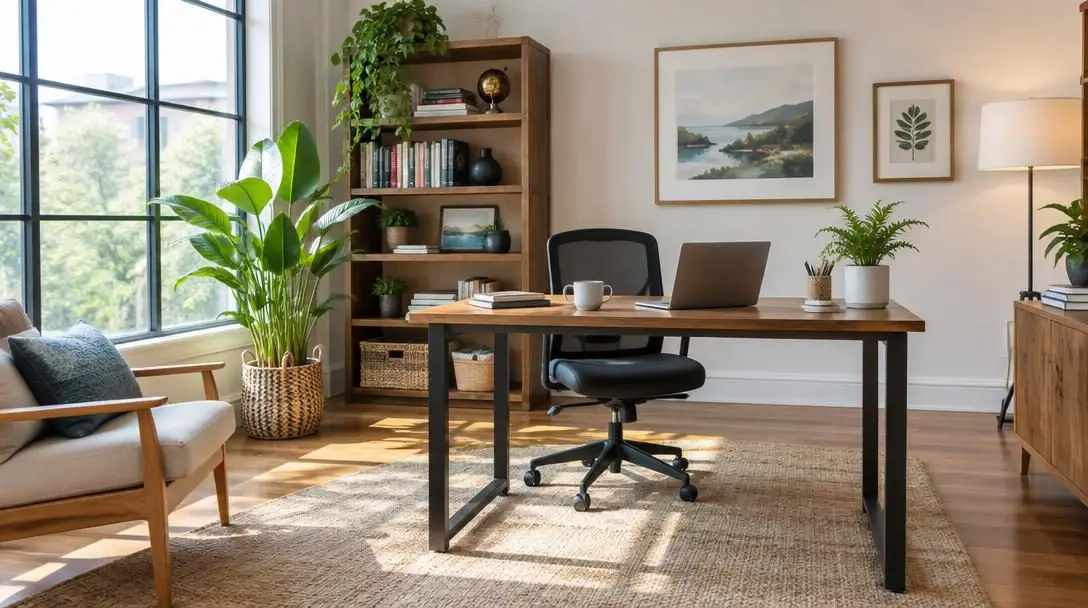
Working remotely or managing daily duties from a dedicated home office requires intentional effort to protect both mental and physical health. Prioritizing wellness within your everyday workspace is essential not only for keeping fatigue at bay, but also for maintaining active engagement and consistently high productivity throughout long workweeks.
When a home setup feels cluttered, uninspired, or physically uncomfortable, motivation can rapidly dwindle. By bringing purposeful tools into your workspace—ranging from flexible furniture that preserves floor space to ergonomic standing accessories and active noise cancellation—you can transform any spare corner into an energizing, high-performance workstation.
Key takeaways
- Space-saving furniture like wall-mounted hideaway desks allows rooms to transition effortlessly between domestic life and focused business hours.
- Combining an adjustable laptop riser with a contoured anti-fatigue mat delivers the posture and circulation benefits of standing without joint strain.
- High-performance wireless noise-canceling headphones eliminate ambient household sounds and street distractions to protect deep cognitive focus.
- Smart temperature-controlled drinkware prevents hot beverages from cooling off during back-to-back meetings and intense task blocks.
The evolution of modern home workstations
For decades, conventional office furniture adhered to a rigid, heavy footprint. Bulky wooden or metal desks anchored rooms permanently, while workers sat locked in static office chairs for eight or more hours at a stretch. The daily commute served as an involuntary boundary separating work commitments from personal relaxation. In modern residences, however, rooms frequently perform double duty: a guest bedroom, living room alcove, or multi-use study must accommodate intense work hours by day and restore domestic calm by evening.
Alongside these spatial challenges, remote professionals are acutely aware of the toll prolonged sedentary habits take on the human body. Static sitting contributes to poor spinal posture, lower back discomfort, and sluggish blood flow. Modern workspace design emphasizes ergonomic flexibility, modular furniture, and tools that keep the body in active, comfortable motion without overcrowding living areas.
When your environment actively supports movement, focus, and physical comfort, your workstation shifts from a source of daily fatigue into an energizing asset.
Essential upgrades for your home office at a glance
Upgrading your remote environment does not require a complete architectural remodel. The five items below address common friction points in modern home workspaces, including floor clutter, posture strain, distracting domestic noise, and cold drinks.
| Product | Primary Provider | Price | Core Benefit |
|---|---|---|---|
| Wall Mounted Folding Laptop Desk Hideaway Storage with Drawer | Wayfair | $123.99 (sale) | Eliminates table legs to preserve floor space and hides clutter |
| Adjustable Laptop Computer Stand | OMOTON (Amazon) | $39.99 | Elevates devices up to 17 inches to eye level for sitting or standing |
| Topo Anti-Fatigue Mat | Fully | $99.00 | Encourages active standing with contoured surfaces and a center massage ball |
| QuietComfort Wireless Bluetooth Headphones | Bose | $299.99 | Blocks background noise and pairs seamlessly across everyday devices |
| Ember Mug2 | Ember | $129.95 | Maintains your chosen hot beverage temperature from first sip to last |
Five practical upgrades to elevate your workspace
Wall Mounted Folding Laptop Desk Hideaway Storage with Drawer
- Retailer: Wayfair
- Price: $123.99 (on sale)
- Mounting style: Wall-mounted floating installation
- Primary utility: Integrated storage, drop-down workspace, and zero floor footprint
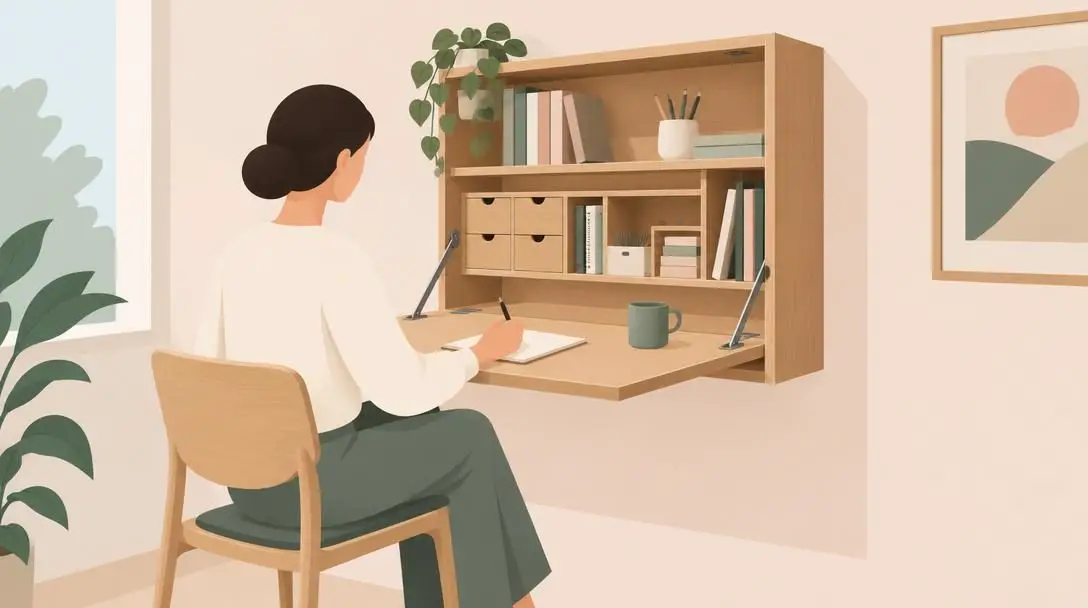
Traditional desks consume valuable real estate, which can make compact bedrooms or multi-purpose living areas feel cramped. This compact wall unit from Wayfair resolves the issue by fastening directly to structural wall studs, completely removing the awkward clutter of desk legs. When open, it presents a sturdy desktop surface alongside dedicated internal compartments and a storage drawer to house notepads, pens, and daily essentials.
At the end of your shift, the surface folds upward, concealing your workstation and establishing a crisp psychological boundary between your job and personal time. The exterior finish serves as a blank canvas to display photos or fun office trinkets. Because you choose the exact mounting height during installation, you can hang the unit to match either your sitting height or your preferred standing position.
OMOTON Adjustable Laptop Computer Stand
- Retailer: Amazon
- Price: $39.99
- Device compatibility: Laptops up to 17 inches wide
- Adjustment: Articulating dual-hinge frame for height and angle
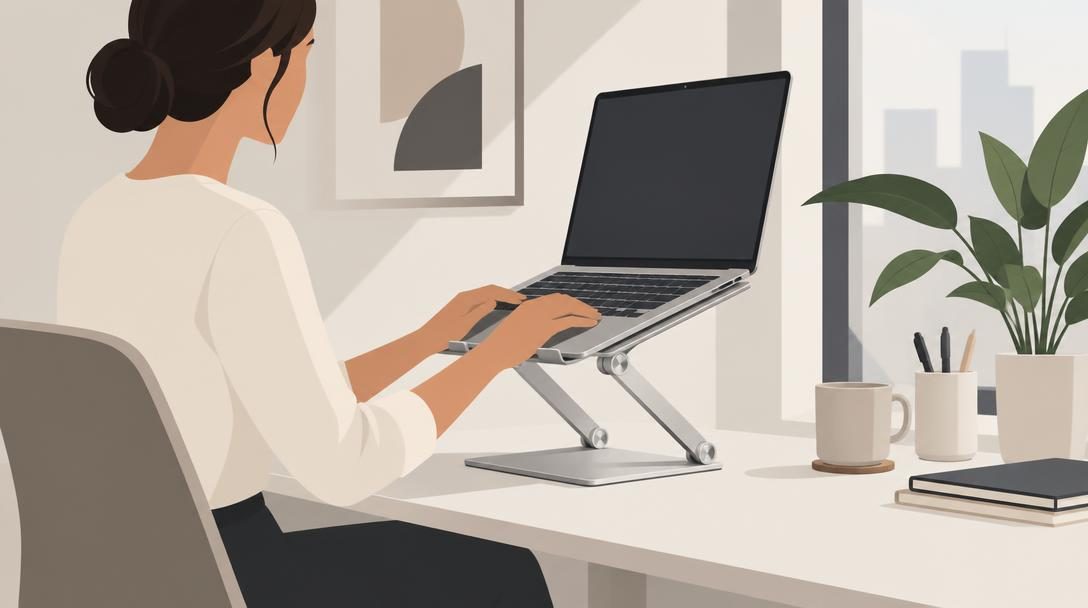
Placing a laptop directly on a flat desktop forces your neck into a downward angle, creating persistent tension in your upper back and shoulders. The OMOTON Adjustable Laptop Computer Stand solves this ergonomic flaw by utilizing an articulated frame that lifts your screen up to direct eye level. It accommodates laptops up to 17 inches wide while keeping the machine firmly balanced during intense typing sessions.
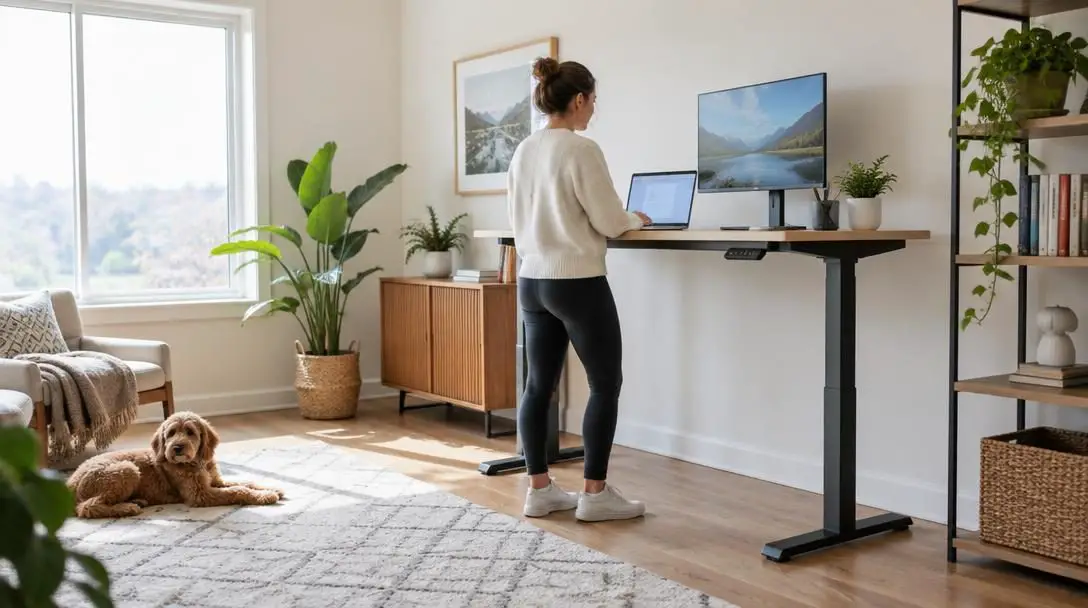
Beyond seated comfort, this stand functions as a portable sit-to-stand converter. By elevating the arms to their highest points on top of a standard desk or counter, you can stand comfortably to work. Research indicates that incorporating standing periods throughout the day improves cardiovascular circulation, protects spinal health, and helps professionals stay alert and mentally focused during mentally demanding projects.
Topo Anti-Fatigue Mat by Fully
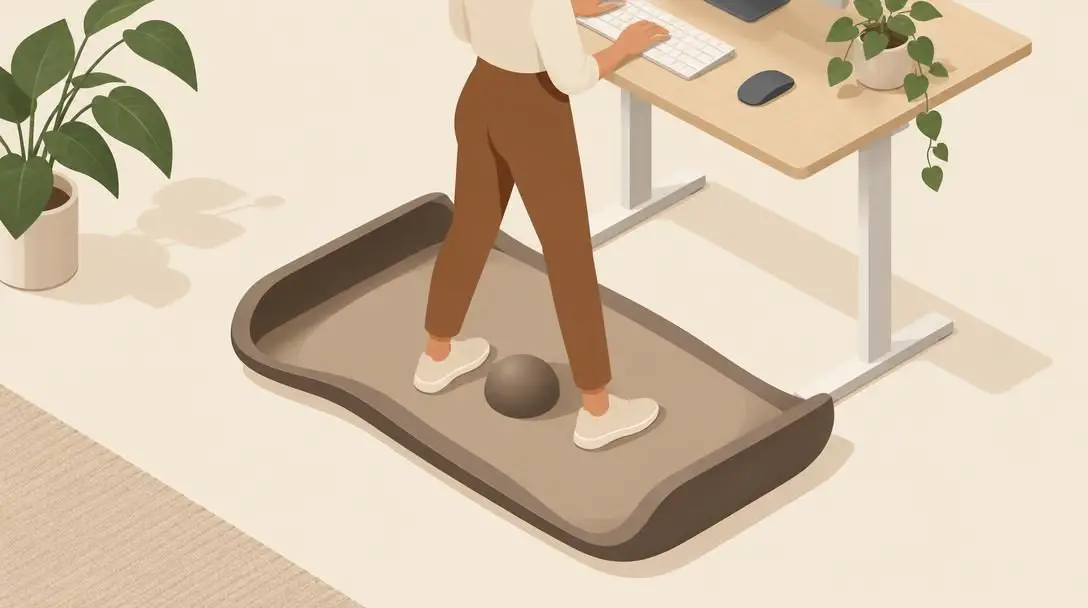
- Brand: Fully
- Price: $99.00
- Design: Engineered contours with integrated center massage ball
- Purpose: Alleviates joint stress during extended standing sessions
While standing desks offer profound health perks, standing motionless on unyielding hardwood, tile, or thin carpet can lead to sore arches, stiff ankles, and lower back fatigue. The Topo Anti-Fatigue Mat by Fully is designed specifically to mitigate that stress. Unlike standard flat kitchen mats, Topo incorporates calculated terrain contours along its perimeter that prompt your feet to explore different elevations and angles while you work.
A raised massage ball sits directly in the center of the mat, allowing you to roll your arches and stretch your calves while reading emails or attending virtual presentations. These dynamic micro-movements distribute body weight evenly, keep leg muscles lightly engaged, and prevent the joint locking that typically cuts standing sessions short.
Bose QuietComfort Wireless Bluetooth Headphones
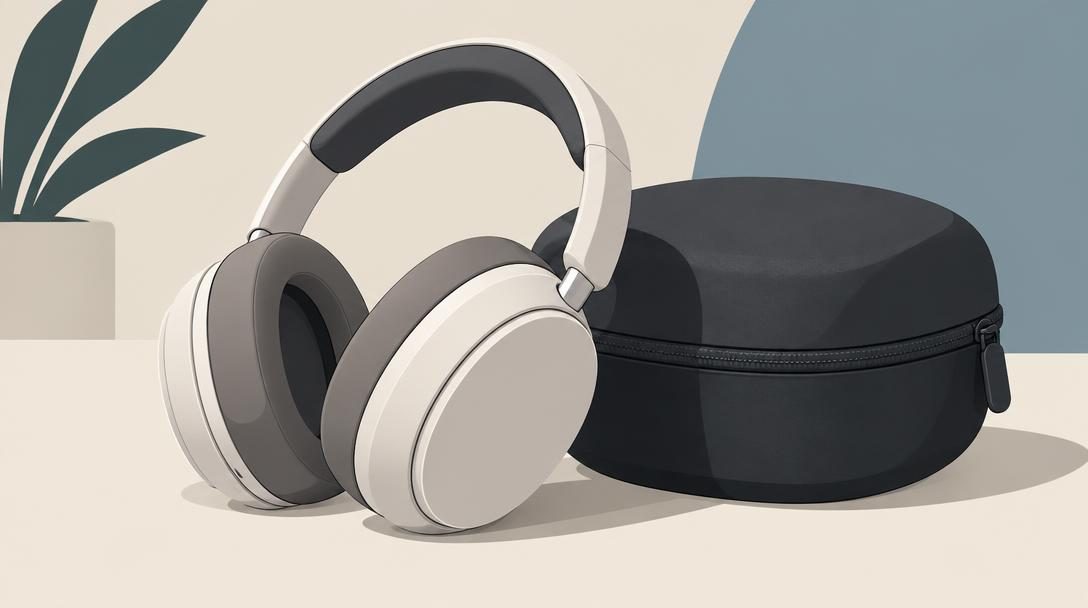
- Brand: Bose
- Price: $299.99
- Connectivity: Wireless Bluetooth
- Included accessory: Protective travel case
Household soundscapes are rarely predictable. Lawn mowers, delivery drivers, noisy kitchen appliances, and family conversations can disrupt your focus and derail complex thought processes. Bose QuietComfort Wireless Bluetooth Headphones offer world-class active noise cancellation that effectively isolates your ears from unpredictable domestic commotion, helping you drop into deep concentration on demand.
Designed with a plush headband and soft earcups, these headphones remain comfortable during marathon working sessions and video conferences. They connect smoothly via Bluetooth to laptops, phones, and tablets, allowing you to transition between personal audio and team calls without wrestling with tangled cords. When the workday concludes, you can pack them away into their dedicated travel case to keep your desk surface clean.
Ember Mug2
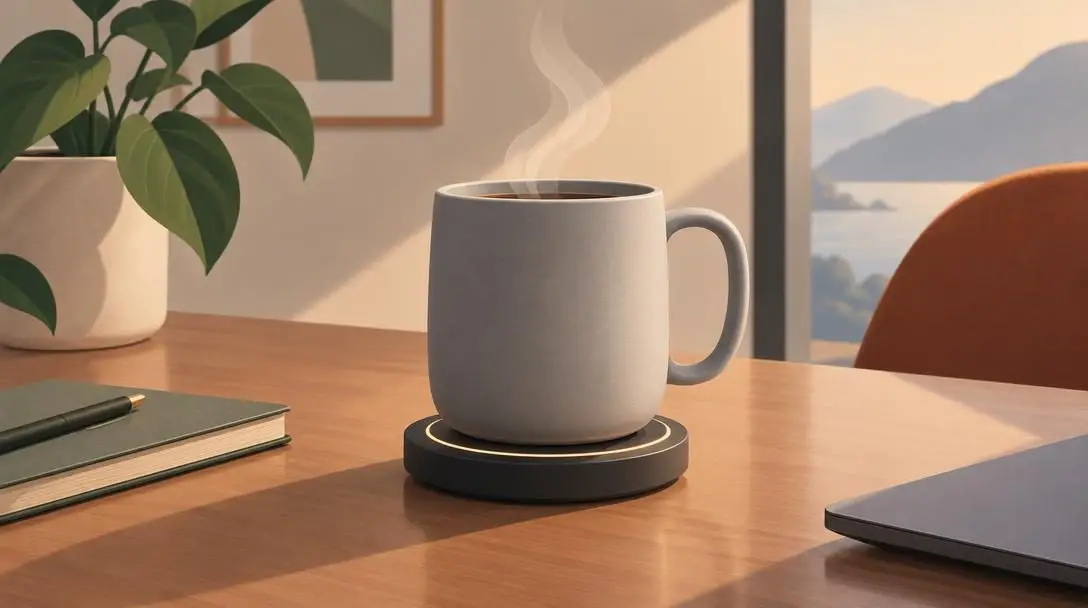
- Brand: Ember
- Price: $129.95
- Maintenance: Hand wash only
- Core feature: Precision internal heating system with charging coaster
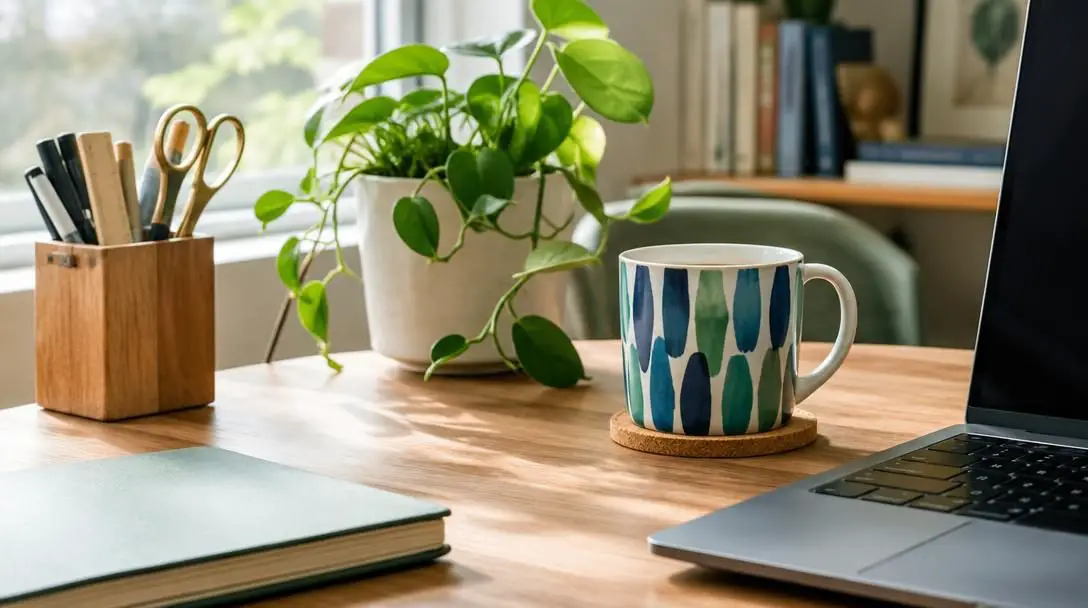
Few workplace frustrations are as universal as preparing a fresh mug of artisan coffee or herbal tea, only to get pulled into unexpected calls and return to a cold, unpalatable liquid. The Ember Mug2 is an intelligent piece of desktop hardware engineered to keep hot drinks at your exact preferred drinking temperature for hours at a time.
Available in a variety of clean finishes to match your aesthetic tastes, the Ember Mug2 rests on an unobtrusive charging coaster that powers its internal heating elements. Because it houses precision temperature sensors and battery hardware, you must clean it strictly by hand rather than placing it in a dishwasher. For dedicated beverage drinkers who pace their caffeine consumption over lengthy mornings, it eliminates repeated trips to the microwave.
Step-by-step setup guide for your workspace
- Map your layout and traffic flow: Inspect your available space to confirm where your workstation will live. Check wall clearance, proximity to power outlets, and ensure the drop-down leaf will not block doors or walkways.
- Mount the wall desk securely: Measure your ideal elbow height for either standing or sitting before drilling. Fasten the Wayfair hideaway desk into solid wall studs or heavy-duty anchors to ensure it safely handles the weight of your tech and storage.
- Position and angle the laptop stand: Place the OMOTON stand on your work surface. Adjust the twin arm hinges until your laptop screen rests at eye level, ensuring your neck remains neutral whether you are seated in an ergonomic chair or standing.
- Place the anti-fatigue mat: Center the Fully Topo mat on the floor directly beneath your keyboard. Step onto the mat without shoes or in supportive footwear, testing how easily you can shift weight between the flat center and the raised edges.
- Establish your audio connection: Charge your Bose QuietComfort headphones, pair them with your primary work computer via Bluetooth, and test the active noise cancellation settings to ensure ambient room hum is eliminated.
- Calibrate the smart mug: Plug the Ember Mug2 charging coaster into an outlet near your workstation. Dial in your preferred beverage temperature and keep the mug on the coaster while working so your beverage stays hot across long projects.
Mistakes to avoid when organizing a home office
- Underestimating wall-mounting demands: Relying on weak drywall anchors for a drop-down desk risks sudden collapse. Always locate wall studs or verify anchor weight ratings before setting up equipment.
- Standing on unpadded flooring: Committing to a standing workstation without an ergonomic surface like the Topo mat frequently causes early foot fatigue, knee stiffness, and lower back soreness.
- Working with flat laptop screens: Setting your computer directly on a desk forces your spine into a forward slouch. An adjustable stand is critical for healthy spinal alignment.
- Ignoring background audio pollution: Working in noisy domestic settings without dedicated noise-canceling headphones forces your brain to filter distractions manually, accelerating mental fatigue.
- Washing smart hardware in dishwashers: Running appliances like the Ember Mug2 through automated dishwashing cycles can destroy delicate heating sensors and rechargeable cells; always wash them by hand.
Ergonomic movement and ongoing workspace care
Investing in thoughtful equipment is only the starting point; how you interact with your physical setup determines your everyday wellness. Dynamic movement is significantly healthier than remaining frozen in one posture all day long. When using your OMOTON stand and Topo mat, shift your weight frequently, stretch your calves along the contoured ramps, and take brief standing breaks away from your screen every hour.
You can also use physical boundaries to reinforce mental balance. Folding your Wayfair desk against the wall and placing your Bose headphones into their protective case serves as an intentional evening ritual. This visible shutdown signals to your mind that professional responsibilities have ended, allowing you to unwind completely inside your home.
Frequently asked questions
Can the Wayfair wall-mounted desk be mounted at standing desk height?
Yes. Because the Wayfair Wall Mounted Folding Laptop Desk Hideaway Storage with Drawer mounts directly to your wall, you can secure it at whichever height best matches your physical proportions, whether you intend to use it from a standard chair, an elevated drafting stool, or while standing.
Is an anti-fatigue mat really necessary if I have carpeted floors?
Standard home carpet and underlying padding are designed for foot traffic rather than sustained, static standing. The Topo mat by Fully provides engineered firmness, varied contours, and a massage ball that actively encourage muscle micro-movements, which standard carpet cannot replicate.
What size laptops fit on the OMOTON adjustable stand?
The OMOTON Adjustable Laptop Computer Stand is engineered to support laptop models measuring up to 17 inches wide, accommodating compact ultrabooks as well as larger mobile workstations.
Can I clean the Ember Mug2 in an automatic dishwasher?
No. The Ember Mug2 contains internal heating mechanisms, microprocessors, and battery components that will be permanently damaged by the high heat and water jets of a dishwasher. It must always be washed gently by hand.
Do the Bose QuietComfort headphones work with non-Bluetooth desktop computers?
The Bose QuietComfort headphones operate primarily over wireless Bluetooth. To use them with a desktop PC that lacks native Bluetooth capability, you will need a basic USB Bluetooth adapter or an audio cable compatible with the headphones.
The bottom line
Transforming your remote work experience does not demand a cavernous dedicated room or an extravagant budget. By combining the space-saving architecture of the Wayfair wall-mounted folding desk, the ergonomic versatility of the OMOTON laptop stand, the supportive contours of Fully's Topo mat, the acoustic tranquility of Bose QuietComfort headphones, and the dependable warmth of the Ember Mug2, you can curate a healthy, functional workspace that protects your posture, boosts your focus, and integrates seamlessly into your home.