5 Fundamentals Of Recording At Home Without A Home Studio
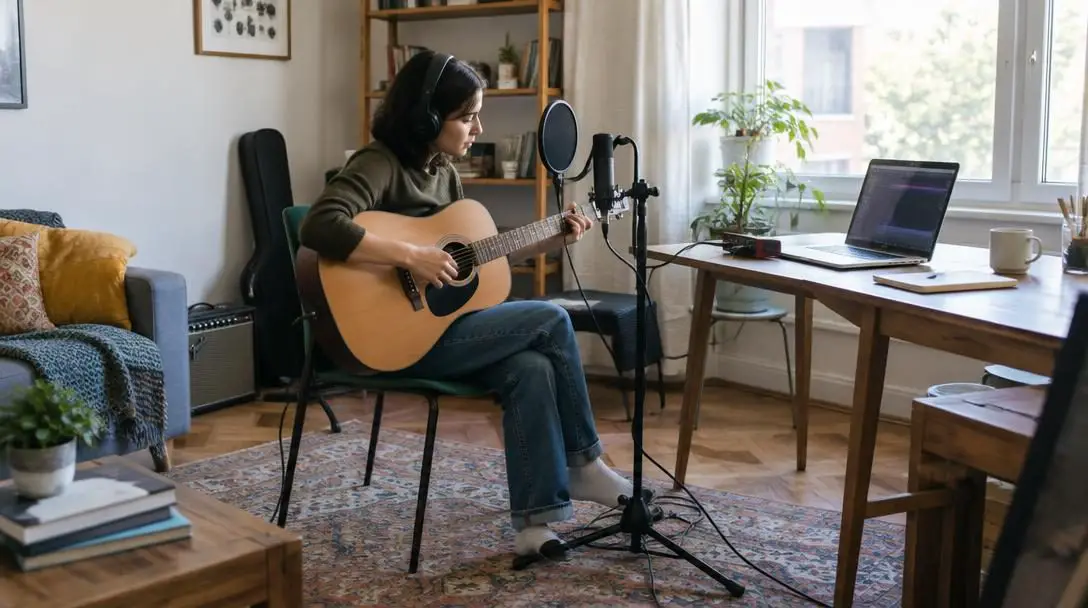
For decades, producing high-fidelity audio required booking expensive sessions in specialized commercial recording facilities. Independent musicians, voiceover artists, and podcasters had to depend on professional acoustic engineers, massive analog mixing desks, and heavily isolated rooms that cost tens of thousands of dollars to design and build. Today, creative inspiration strikes in everyday domestic environments, yet many creators hold back simply because they do not own a custom acoustic facility. Paying ongoing commercial studio rates quickly drains creative budgets, while remodeling a bedroom or closet into a permanent sound booth demands money and carpentry that beginners rarely possess.
The reality of modern audio production is that you can capture pristine, broadcast-ready tracks right at home without a custom-built studio. Digital converters and recording software have advanced so significantly that clean, transparent audio capture requires only foundational gear, resourceful acoustic preparation, and an understanding of physical room dynamics. By mastering input staging, controlling early reflections with household textiles, and following a disciplined session routine, you can produce audio that satisfies discerning listeners without paying commercial facility fees.
Key takeaways
- Domestic sound isolation relies on finding the quietest interior room and building temporary barriers with dense textiles rather than lightweight foam.
- A complete home recording chain requires only a computer or smartphone, a microphone, recording software, and an audio interface priced under $200.
- Setting input gain so peaks register safely between -10 dB and -12 dB prevents irreversible digital clipping beyond 0 dB.
- Running preliminary technical warmup passes saves physical stamina and reveals room ambiance or proximity issues before formal takes begin.
- Gradual equipment upgrades, starting with dependable monitoring headphones, yield better artistic returns than buying expensive gear upfront.
Fundamental 1: Scout and Treat a Domestic Recording Space
True soundproofing demands complete mechanical decoupling and structural mass to prevent outside sound from entering and inside sound from escaping. In standard domestic apartments and houses, achieving absolute isolation is virtually impossible without structural renovations. Fortunately, capturing clean audio does not require an airtight subterranean vault. Your practical goal is simply to locate the quietest zone in your home and take deliberate, measurable steps to suppress external noise infiltration and control harsh room reflections.
The physical geometry and furnishings of your recording space exert an enormous impact on the final recording. When sound waves leave your mouth or instrument, they radiate outward, bounce off hard parallel boundaries like drywall, glass windows, and uncarpeted floors, and bounce back into the microphone capsule. This phenomenon creates flutter echoes and comb filtering, which impart a hollow, boxy tone to recorded vocals that cannot be removed later during mixing. Choosing an interior room without windows eliminates the weakest acoustic barrier in any residential building, as thin window glass offers virtually no defense against traffic rumble, barking dogs, or wind noise.
To control reflections without spending thousands on commercial acoustic treatment panels, use dense household objects to assemble temporary acoustic baffles. Strategic placement matters far more than attempting to blanket every surface:
- Target primary leakage points: Position heavy mattresses, thick quilts, down comforters, and dense pillows around exterior doorways, window frames, and shared common walls where exterior noise breaches the perimeter.
- Furnish the room generously: Never record in an empty, bare room. Integrate soft-surfaced furniture such as overstuffed armchairs, fabric sofas, and heavy rugs to soak up room reflections before they reach the microphone.
- Cover interior vents: Heating, ventilation, and air conditioning ducts act as acoustic pipes carrying kitchen, plumbing, and hallway chatter directly into your tracking area. Shield these openings with thick blankets during active takes.
- Ditch lightweight materials: Inexpensive packaging foam and egg crate toppers lack the physical mass required to absorb lower-mid frequencies or block airborne noise, giving a false sense of acoustic protection while doing almost nothing to isolate the room.
Fundamental 2: Assemble Your Core Audio Hardware and Software
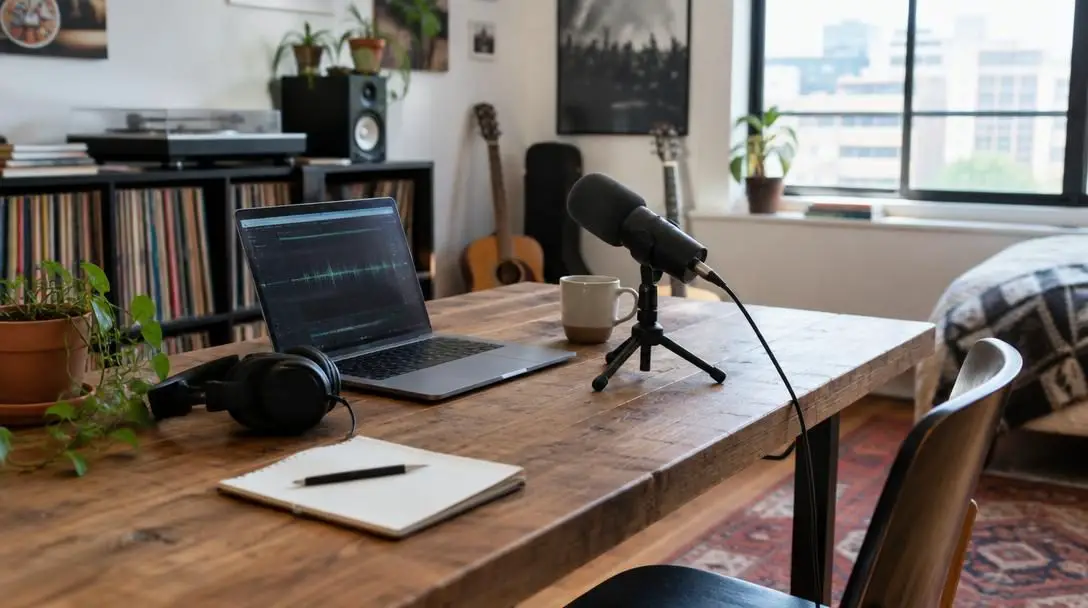
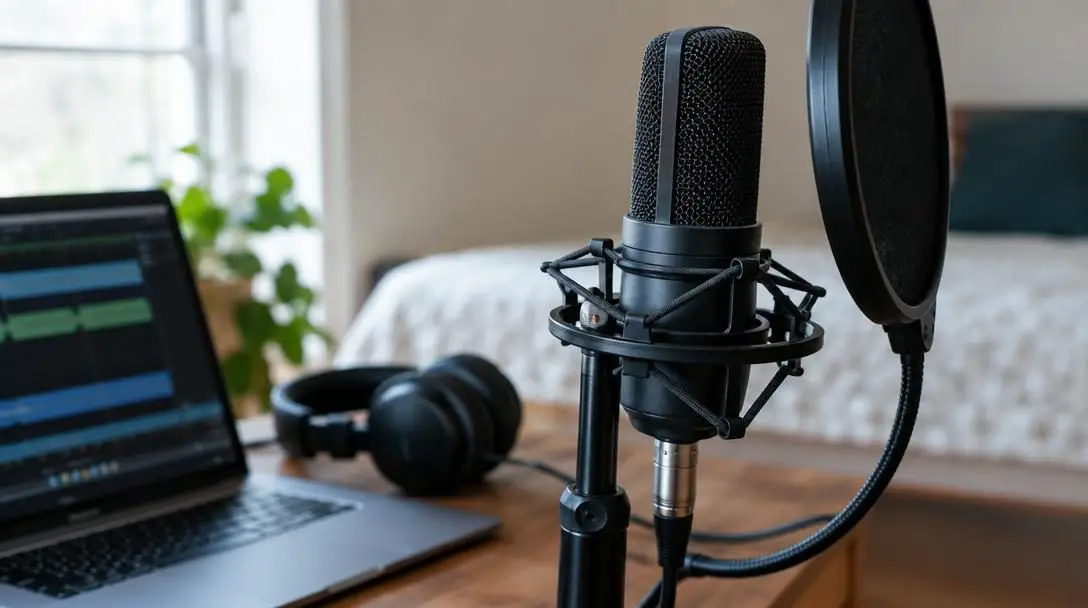
Building a practical home setup does not require maxing out credit cards on boutique preamplifiers or vintage tube gear. A complete digital recording chain consists of four foundational tools: a dependable computer, a quality microphone, a Digital Audio Workstation (DAW), and a dedicated audio interface. If buying this equipment immediately is beyond your budget, modern smartphones feature capable microphones and recording applications that allow you to start developing your skills immediately without equipment friction.
Producing great tracks is no longer about having the most expensive room; it comes down to mastering essential fundamentals and making smart use of the resources already available to you.
The audio interface serves as the physical bridge between your acoustic performance and the computer. It supplies preamplification to elevate low microphone signals up to standard line levels, and then uses internal analog-to-digital converters to turn physical sound waves into digital information. Meanwhile, your DAW acts as the virtual workspace where you record, arrange, edit, balance, and process individual tracks. Beginners should seek accessible digital audio platforms such as GarageBand on Apple operating systems or BandLab for cross-platform, browser-based, and mobile recording without an intimidating technical barrier.
When selecting dedicated interface hardware, beginner creators should establish a strict spending limit: you should not spend more than $200 on an audio interface when starting out. Functional entry-level interfaces begin around $50, while the sub-$200 category contains dependable workhorses that deliver pristine, professional preamplification.
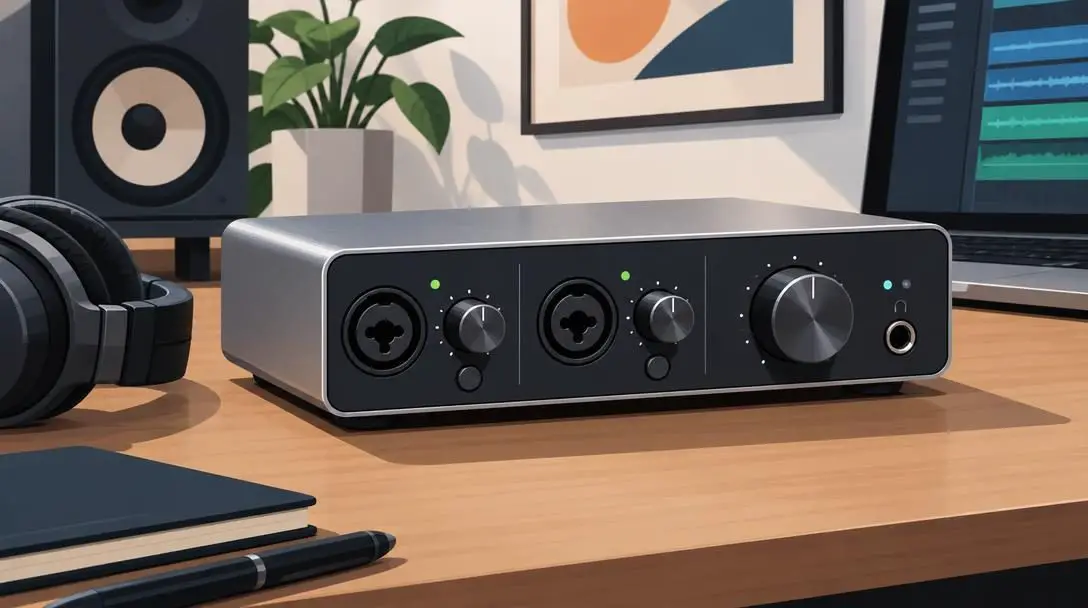
Behringer U-Phoria UMC202HD
- Category: Desktop USB audio interface
- Price tier: Budget-friendly (under $200)
- Target user: Entry-level vocalists, podcasters, and instrumentalists
The Behringer U-Phoria UMC202HD provides a solid, accessible entry into dual-channel recording. Designed with sturdy metal housing and clean preamplification, this unit allows creators to connect up to two microphones or instruments simultaneously. It operates seamlessly with standard digital recording software, making it a reliable choice for tracking multi-source sessions like an acoustic guitar and vocal at the same time without exceeding entry-level spending limits.
Audient iD4 MKII USB-C Audio Interface
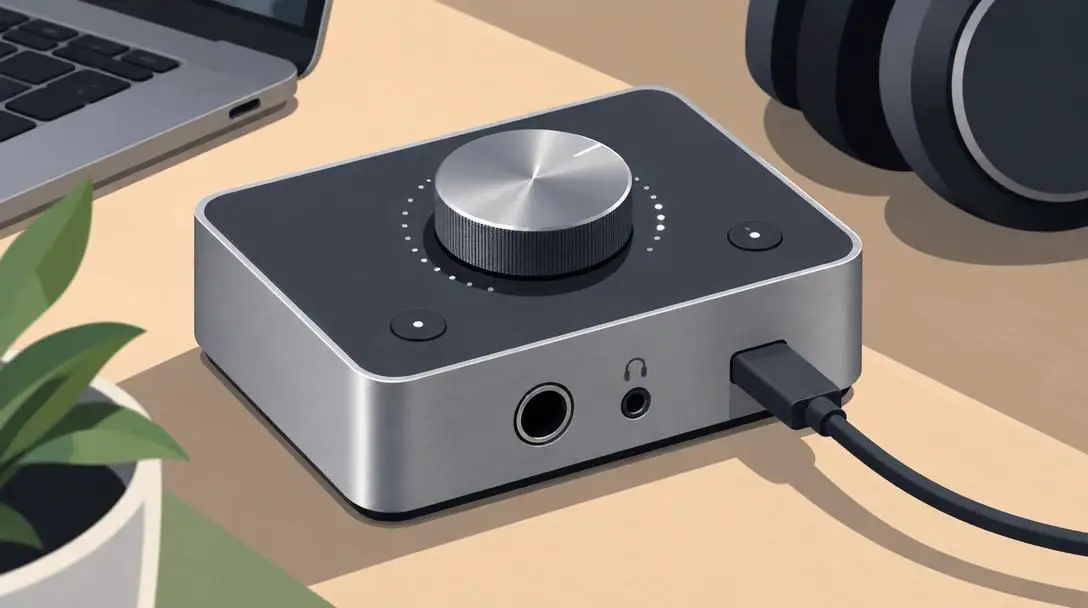
- Category: Compact USB-C audio interface
- Price tier: Premium beginner (under $200)
- Target user: Solo performers requiring high-end conversion
The Audient iD4 MKII USB-C Audio Interface delivers console-grade microphone preamplification in a compact, rugged desktop format. Known for low-noise conversion, transparent acoustic reproduction, and high-speed USB-C connectivity, it offers solo vocalists and voice performers studio-level signal clarity while remaining firmly under the $200 threshold.
M-Audio M-Track Solo
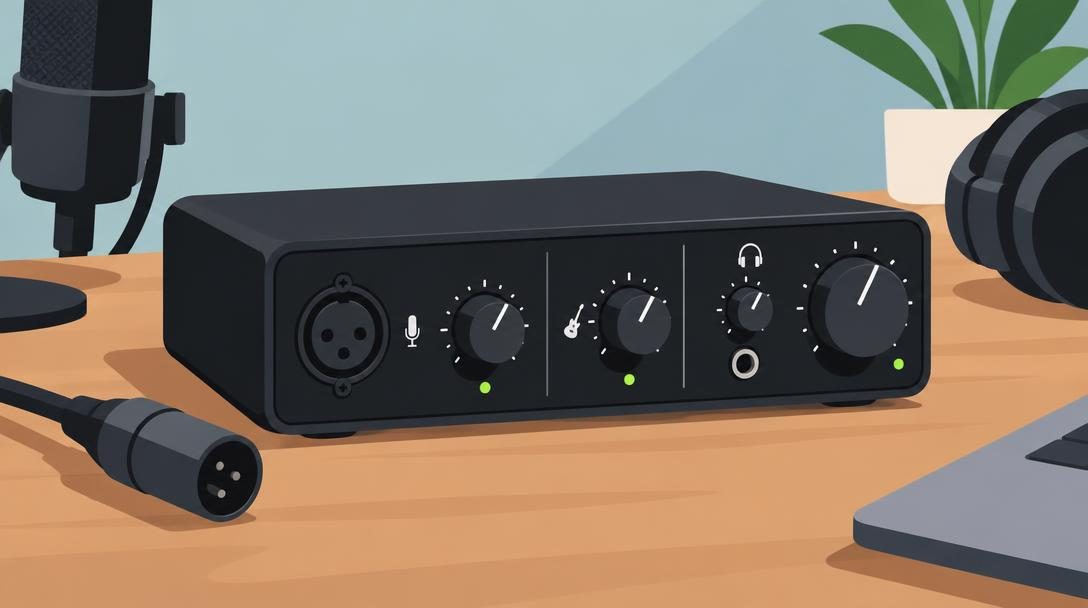
- Category: Ultra-compact desktop interface
- Price tier: Value entry (around $50 to budget tier)
- Target user: Beginners needing straightforward, single-input capture
The M-Audio M-Track Solo is an accessible, stripped-down hardware solution designed for mobile and desktop creators who need reliable basic input without complex routing. Featuring a dedicated combo input, switchable phantom power, and an auxiliary line or instrument input, it provides everything necessary to plug in a studio microphone and start capturing clear takes on an absolute minimum equipment budget.
| Interface Model | Price Bracket | Form Factor | Primary Application |
|---|---|---|---|
| Behringer U-Phoria UMC202HD | Under $200 | Desktop USB | Dual-input tracking for voice and instruments |
| Audient iD4 MKII | Under $200 | Desktop USB-C | High-fidelity single-mic vocal and solo performance |
| M-Audio M-Track Solo | Around $50 | Ultra-compact USB | Minimalist tracking for budget-conscious creators |
Fundamental 3: Calibrate Input Gain and Monitor Metering
Even the finest hardware will yield unusable audio if you do not calibrate your input levels properly before hitting record. In the analog era of magnetic tape, pushing levels slightly into the red produced a pleasing, warm saturation that many engineers used deliberately. In modern digital audio systems, however, signal behavior is unforgiving. Once an incoming signal crosses the absolute ceiling of zero decibels (0 dB), the digital converters run out of numeric bits to represent the waveform. This produces digital clipping—a harsh, abrasive, and unfixable distortion that ruins takes.
To preserve clean audio, you must establish adequate digital headroom. Set your interface input gain knob so that your loudest vocal peaks or instrumental passages hover consistently around -10 dB to -12 dB on your DAW's channel meters. This leaves an ample 10-decibel safety buffer to absorb unexpected bursts of emotion, sudden increases in vocal projection, or explosive consonant plosives without threatening the 0 dB ceiling.
After finding your baseline gain setting, put on a pair of headphones, record a thirty-second sample run, and play it back immediately. Listen closely for low-frequency hum, subtle background air currents, or digital distortion. Adjust your gain incrementally until you achieve a healthy signal-to-noise ratio that stays far below digital clipping.
Fundamental 4: Conduct Technical Warmups and Initial Test Takes
A frequent error among beginner performers is launching directly into an emotionally demanding, high-energy take the moment the recording equipment is turned on. Vocal chords require gradual warmup, finger muscles need time to loosen, and your mental focus must settle into the tempo of the session. More importantly, attempting a master performance before testing your mechanical setup often results in wasted creative energy if technical snags appear.
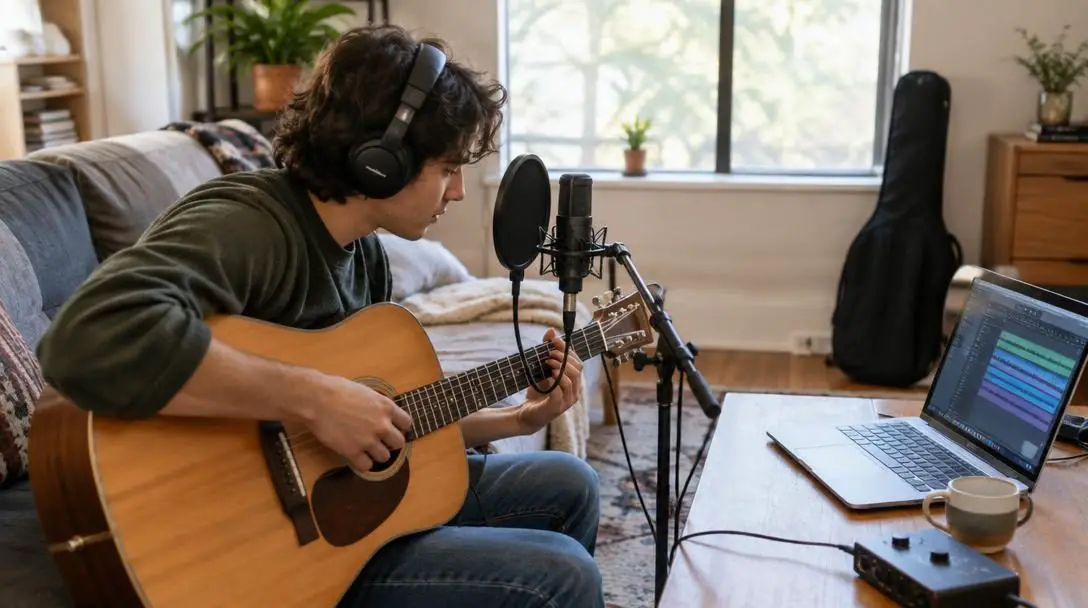
Treat your opening passes purely as technical dry runs. Use these initial takes to observe how your voice or instrument interacts with the room's physical acoustics and how the microphone responds to your movements. Pay deliberate attention to your physical stance and proximity to the microphone grille:
- Maintain consistent distance: Shifting your body even two or three inches forward or backward drastically alters the proximity effect, causing sudden shifts in bass response and perceived room volume across the performance.
- Monitor vocal pitch and inflection: Ensure you can clearly hear your pitch against backing guide tracks inside your monitoring headphones without straining your voice.
- Check for plosive bursts: Listen for explosive gusts of air hitting the microphone diaphragm on hard "P," "B," and "T" consonants, angling the capsule slightly off-axis if plosives slip through.
- Preserve physical stamina: Delivering an intense, full-volume performance only to discover that your gain was set too hot or an air conditioning unit was humming in the background leads to vocal fatigue and frustration.
Fundamental 5: Plan an Incremental Gear and Workflow Upgrade Path
Launching a home recording journey with minimal financial overhead protects your creative momentum. By keeping expenses modest during the early stages, you preserve capital and avoid investing heavily in equipment you may not yet know how to operate effectively. As your listening skills sharpen and your workflow develops, you will start recognizing the exact technical bottlenecks in your signal chain.
When you are ready to expand your setup, approach upgrades methodically rather than buying new gear at random. The most impactful early investment after your initial microphone and interface is a quality pair of closed-back studio monitoring headphones. Unlike consumer earbuds or open-back audiophile headphones, closed-back monitoring headphones provide strong acoustic isolation that prevents track audio from leaking into the microphone, while presenting a balanced, uncolored frequency response that lets you hear subtle editing errors, background rumble, and room reflections clearly.
A Ten-Step Checklist for Recording at Home
Achieving clean, reliable audio outside of a commercial environment requires a repeatable, structured routine. Working through this ten-step process ensures consistent capture quality across every recording session:
- Identify the quietest interior room in your home, staying far away from street-facing windows, noisy plumbing lines, and humming kitchen appliances.
- Erect temporary acoustic damping barriers by arranging dense mattresses, heavy quilts, or thick pillows across doors, windows, and bare drywall boundaries.
- Set up your physical hardware securely, connecting your microphone to your interface using an undamaged, balanced XLR cable, and link the interface to your computer.
- Launch your recording platform—such as GarageBand, BandLab, or your preferred desktop DAW—and create an organized project session.
- Put on closed-back monitoring headphones and position your microphone capsule directly toward the audio source at a comfortable, repeatable distance.
- Perform a loud rehearsal pass while monitoring your digital meters, adjusting the interface gain knob until peaks consistently register between -10 dB and -12 dB.
- Record a short preliminary test take, stop the transport, and audition the audio through your headphones to inspect for background hum or room reflections.
- Apply subtle adjustments to your input gain, body posture, or acoustic damping barriers based on what you hear during test playback.
- Perform your complete takes deliberately, taking brief vocal or physical pauses between passes to preserve physical energy and critical focus.
- Save your project files and export immediate duplicate backup copies to an external drive or cloud storage before closing your workstation.
Critical Pitfalls to Avoid in Untreated Spaces
Working in domestic living environments presents unique technical obstacles. Steering clear of these widespread mistakes will keep your project sounding professional:
- Relying on lightweight packaging foam: Thin egg crate materials lack the physical density required to trap bass energy or block ambient noise, doing little more than dampening ultra-high frequencies.
- Tracking inside empty rooms: Bare walls and hard floors create flutter echoes that introduce boxy room coloration into your tracks. Always choose furnished rooms with soft furniture.
- Pushing input gain near the redline: Leaving zero digital headroom creates severe, uncorrectable digital clipping whenever a performance gets dynamic. Keep your peaks around -10 dB to -12 dB.
- Skipping the initial test recording: Jumping directly into an impassioned master take without auditing a 30-second test take often wastes valuable physical stamina on technically flawed recordings.
- Inconsistent performer positioning: Swaying toward and away from the microphone capsule causes distracting changes in volume and low-end frequency response throughout the track.
- Monitoring through live desk speakers: Tracking with open computer speakers feeds the backing track back into the live microphone capsule, resulting in ruined, un-mixable tracks.
- Overspending before mastering the basics: Purchasing hardware interfaces costing well over $200 before understanding gain staging and room placement ties up financial resources without improving audio quality.
Frequently asked questions
Can I record high-quality vocals without a dedicated sound booth?
Yes. You can capture clean, professional audio in a standard home environment by selecting an interior room without windows, hanging dense household textiles like heavy comforters and mattresses to kill flutter echoes, and setting proper input gain.
What decibel level should I aim for when setting input gain?
You should adjust your audio interface gain so your loudest performance peaks register between -10 dB and -12 dB on your DAW meters. This provides a safe buffer that prevents the signal from clipping past the 0 dB digital distortion threshold.
How much should a beginner spend on an audio interface?
Beginners should not spend more than $200 on an audio interface. Highly functional, reliable interfaces are available starting around $50, with capable options like the Behringer U-Phoria UMC202HD, Audient iD4 MKII, and M-Audio M-Track Solo offering pristine preamplification well under $200.
Why shouldn't I use egg crate foam to soundproof my room?
Egg crate foam lacks the physical mass and density necessary to isolate a room or absorb low-to-mid acoustic frequencies. Heavy household items like mattresses, thick duvets, and upholstered sofas are far more effective at controlling room reflections and blocking noise.
Is it possible to record music or voice work using a smartphone?
Yes. Modern smartphones have capable built-in microphones and support accessible recording applications like BandLab. Using a phone allows beginners to learn session fundamentals, practice microphone technique, and capture clean ideas without upfront hardware costs.
The bottom line
Creating high-quality recordings at home is no longer the exclusive domain of commercial studios with six-figure budgets. Pristine audio capture comes down to disciplined technique rather than luxury gear. By choosing an interior space, dampening reflections with dense household fabrics, calibrating your levels between -10 dB and -12 dB, and pacing your session with deliberate test takes, you can achieve clean, release-ready results in any home setting. Master these foundational principles first, keep your initial spending modest, and let your growing skills guide your equipment choices as your creative work expands.